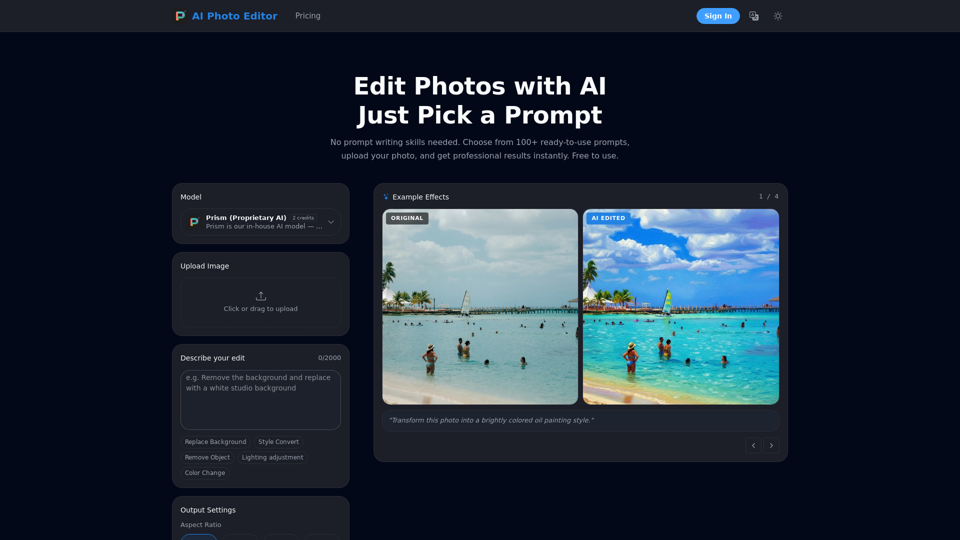
AI Photo Editor Features
Overview
The AI Photo Editor is an advanced online image editing tool powered by artificial intelligence. It transforms photos using simple text commands or pre-defined prompts, leveraging a proprietary AI model called "Prism" for fast, lightweight, and optimized everyday photo edits. It delivers professional-quality results without requiring design skills.
Target User Groups
- E-Commerce Sellers: For professional product photography at scale, including background removal and lighting correction.
- Content Creators: For enhancing visuals for social media and other platforms.
- Professional Photographers: To speed up retouching workflows.
- Marketing Teams: To create compelling campaign visuals efficiently.
- General Users: For easily enhancing personal photos, creating headshots, restoring old photos, or applying creative styles.
Function Details and Operations
Core Functionality
- Prompt-Based Editing: Users describe desired edits in plain language or choose from over 100 ready-to-use prompts.
- Proprietary AI Model (Prism): Ensures fast, lightweight, and optimized performance for various editing tasks.
Specific Editing Capabilities
- Background Remover AI: Replace or remove backgrounds with precision edge detection.
- Style Convert: Transform photos into various artistic styles (e.g., oil painting, cinematic, vintage film, anime).
- Object Removal: Seamlessly remove unwanted objects or people.
- Lighting Adjustment: Change photo lighting to different modes (e.g., night mode).
- Color Change: Modify colors within the image.
- E-Commerce & Product Photography: Create professional product photos by removing backgrounds, correcting lighting, and preparing images for marketplaces.
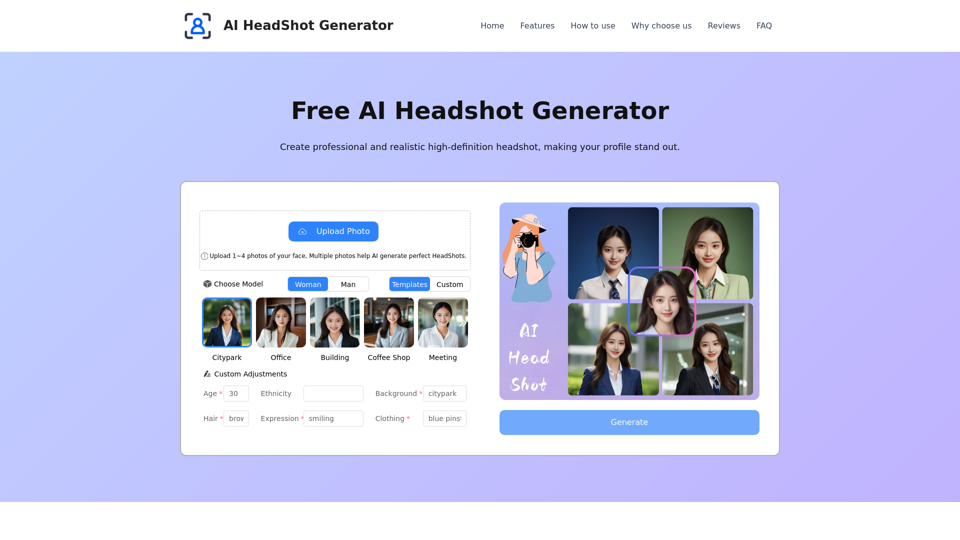
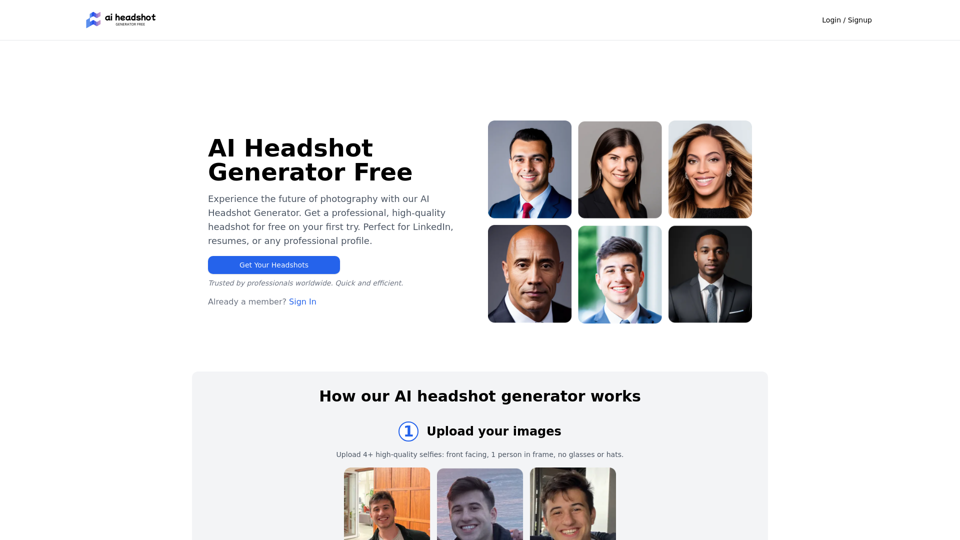
- Business & Professional Headshots: Generate studio-quality headshots.
- Travel Photography Enhancement: Remove crowds, clean up backgrounds, and restore scenes.
- AI Age Transformation: Realistically adjust facial features to show older or younger versions.
- Old Photo Restoration & Colorization: Repair damaged, faded, and scratched old photos, enhance details, and colorize black-and-white images.
Operation Steps
- Upload Your Photo: Drag and drop or click to upload JPG, PNG, or WebP images up to 25MB.
- Describe Your Edit: Type what you want in plain language.
- Download the Result: Get the edited image in high resolution within seconds.
Output Settings
- Aspect Ratio: Auto, 1:1, 3:4, 4:3, 16:9, 9:16.
- Output Format: Auto, JPG, PNG.
User Benefits
- No Design Skills Required: Edit photos like a professional by simply describing changes.
- Professional-Quality Results: Achieve high-quality outcomes for personal, commercial, or client work.
- Speed and Efficiency: Edits are completed within seconds.
- Cost-Effective: Offers daily free credits and a pay-as-you-go model for additional credits, avoiding subscriptions.
- Versatility: A wide range of editing tools caters to diverse needs.
- High Accuracy: Features precision edge detection for complex elements.
- Privacy-Focused: Uploaded images and edited results are not permanently stored on servers.
- Commercial Use Rights: All edited images are fully owned by the user for any purpose.
- Batch Processing: (Available via API for Enterprise users) Edit multiple images quickly with consistent results.
Compatibility and Integration
- Supported Image Formats: JPG, PNG, and WebP for uploads.
- Maximum Upload Size: 25MB per image.
- API Access: Available for developers and businesses requiring high-volume processing, custom integrations, and batch editing capabilities (Enterprise Plan).
Access and Activation Method
- Online Access: Accessible directly through its website.
- Free Plan: Includes 5 daily credits, access to all editing tools, standard quality output, and basic support.
- One-Time Credit Packs: Purchase credit packs (e.g., 70, 300, 700 credits) via a one-time payment; credits never expire.
- Enterprise Plan: Custom solutions for teams and businesses with high-volume needs, offering custom credit packages, priority processing, dedicated account manager, API access, custom integrations, and an SLA guarantee.
- Account Creation: Users can sign in or sign up to start editing.