Overview
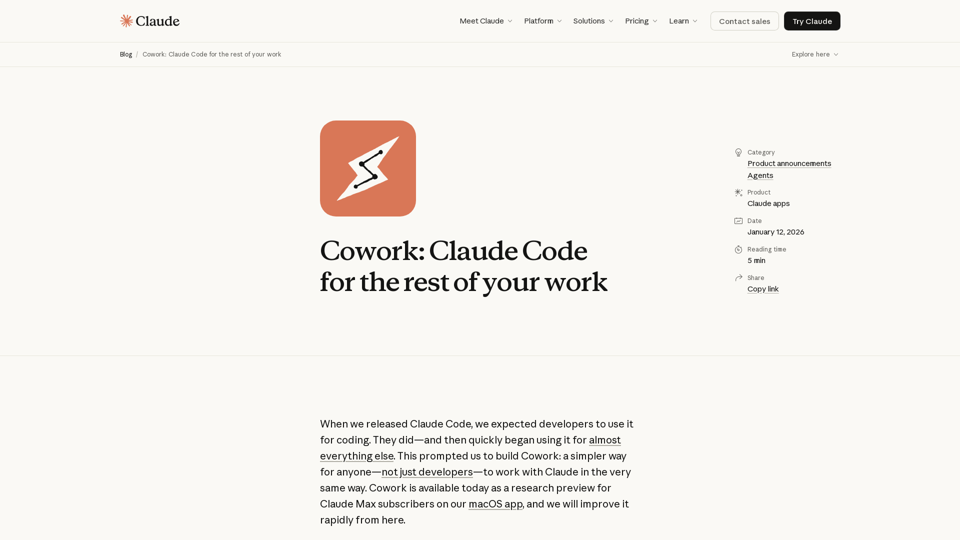
Claude Cowork is an advanced AI collaboration tool designed to empower users, beyond just developers, to work seamlessly with Claude. Built on the same foundational technology as Claude Code, Cowork allows Claude to interact directly with a user's local files and folders, providing a more integrated and autonomous AI assistant experience. It aims to simplify complex tasks by enabling Claude to read, edit, and create files, making it feel less like a conversational AI and more like a proactive coworker.
Main Purpose and Target User Group
To provide a simpler, more integrated, and autonomous way for non-developers to leverage Claude's capabilities for a wide range of work tasks, moving beyond simple conversations to direct file manipulation and project execution. It aims to enhance team productivity by streamlining workflows and automating routine or complex file-based operations.
Primarily Claude Max subscribers using the macOS app. The tool is designed for anyone who needs assistance with file organization, data processing (e.g., from screenshots to spreadsheets), document creation (e.g., report drafting from notes), and other non-coding tasks that involve interacting with local files.
Function Details and Operations
Users grant Claude access to a specific folder on their computer. Claude can then read, edit, and create files within that designated folder.
Once a task is set, Claude develops a plan and executes it, providing updates on its progress. This offers a higher degree of agency compared to standard conversational AI interactions.
Examples of Tasks:
- Reorganizing downloads by sorting and renaming files.
- Creating spreadsheets from unstructured data like expense screenshots.
- Drafting reports from scattered notes or research materials.
Cowork can utilize existing Claude connectors to access external information, expanding its capabilities.
Includes an initial set of skills specifically designed to improve Claude's ability to create documents, presentations, and other file types.
When paired with Claude in Chrome, Cowork can perform tasks that require web browsing capabilities.
Eliminates the need for constant manual context provision or output formatting, allowing for a more continuous workflow.
Users can queue up multiple tasks, and Claude can work through them in parallel, enhancing efficiency.
User Control and Safety Features:
- Explicit Access Control: Users explicitly choose which folders and connectors Claude can access, ensuring privacy and data security.
- Action Confirmation: Claude asks for confirmation before taking significant actions, allowing users to steer or correct its course.
- Prompt Injection Defenses: Built-in sophisticated defenses against attempts to alter Claude's plans through external content.
- User Guidance: Emphasizes the importance of clear instructions, especially for potentially destructive actions like file deletion.
User Benefits
- Increased Productivity: Automates tedious and time-consuming file management and content creation tasks.
- Simplified Workflows: Reduces manual effort in providing context and formatting outputs.
- Enhanced Efficiency: Allows for parallel task processing and more autonomous project completion.
- Greater Control: Users maintain explicit control over Claude's access and actions.
- Versatility: Extends Claude's capabilities beyond coding to a wide array of non-coding, file-based tasks.
- Collaborative Feel: Designed to mimic the experience of working with a human coworker, with less back-and-forth.
Compatibility and Integration
Currently available as a research preview on the macOS app. Future plans include cross-device sync and Windows compatibility.
Requires a Claude Max subscription for access to the research preview.
Built on the same foundations as Claude Code; integrates with existing Claude connectors and can be paired with Claude in Chrome for browser-based tasks.
Customer Feedback and Case Studies
Currently in a research preview phase, actively seeking user feedback to learn how people use it and identify areas for improvement.
Expected to be used for tasks like file organization, data extraction from images, and drafting various types of documents.
Access and Activation Method
Currently available as a research preview.
Claude Max subscribers can access Cowork by downloading the macOS app and selecting "Cowork" in the sidebar.
Users on other plans can join a waitlist for future access.