What is Docswrite?
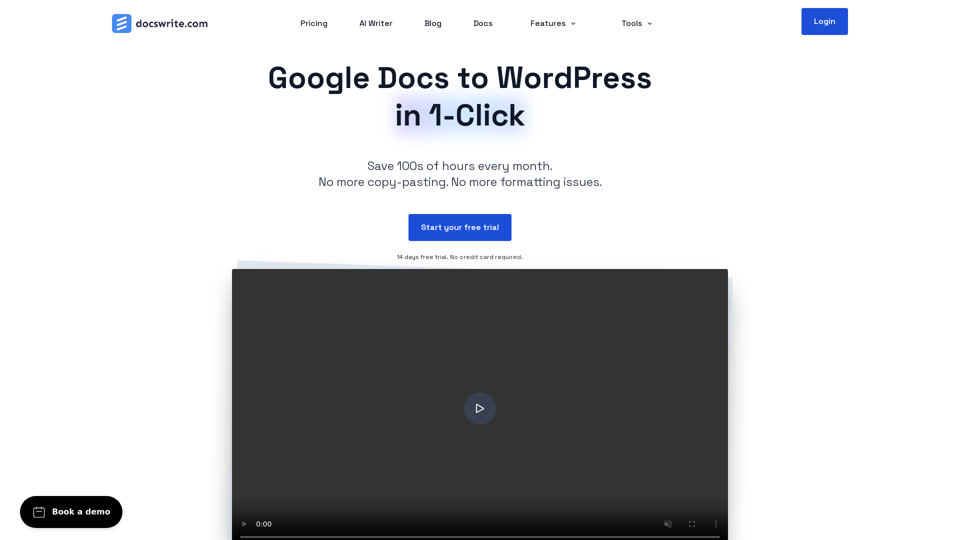
Docswrite is a productivity tool designed to help users seamlessly export content from Google Docs to WordPress with just one click, saving significant time and effort in the content creation and publishing process.
How to Use Docswrite?
Users can write their content in Google Docs, including essential details like title, slug, tags, categories, featured image, and SEO settings. Docswrite then facilitates instant one-click publishing to WordPress, streamlining the content creation and publishing workflow.
Features of Docswrite:
-
Efficient Google Docs to WordPress Export: Save hours of manual work by exporting content directly from Google Docs to WordPress effortlessly.
-
Streamlined Automation: Automate the publishing process and eliminate the need for manual copy-pasting.
-
SEO-Optimized Content: Ensure that your exported content is SEO-ready, with the ability to apply custom styles and support for shortcodes.
-
No Plugin Dependency: Connect directly to your WordPress site without the need for additional plugins, ensuring a seamless integration.
-
Blazing Fast Performance: Experience lightning-fast performance, even with large documents, for efficient content deployment.
Pricing:
-
Startup Plan: $25/month
- 75 Google Docs/month
- Connect 3 WordPress Sites
- Unlimited Programmatic SEO Publishing
- 3 team members
- Email Support & Slack Chat Support
-
Business Plan: $85/month
- Unlimited Google Docs/month
- Connect 10 WordPress Sites
- Support for Yoast SEO, RankMath, and Newspack
- Content Automation with Zapier
- REST API Access
- Google Team Drive
-
Enterprise Plan: $158/month
- Unlimited Google Docs/month
- Unlimited WordPress Sites
- 99.99% Uptime
- Priority Support
- Free Automation Setup
Testimonials:
- "Docswrite saves me more than 2~3 hours daily as I publish content to multiple websites." - Subhashree Chakraborty
- "Docswrite has quickly become an invaluable tool for our WordPress content management team." - Lance Baily
- "Docswrite is a game changer for publishers that want to automate getting their content from Google Docs to WordPress." - Ross Furukawa
Conclusion:
Docswrite offers a comprehensive solution for efficient content creation and publishing, empowering users to streamline their workflow and enhance productivity. With its user-friendly interface and powerful features, Docswrite is a valuable tool for individuals and teams looking to optimize their content management process.