Img Editor AI
Overview
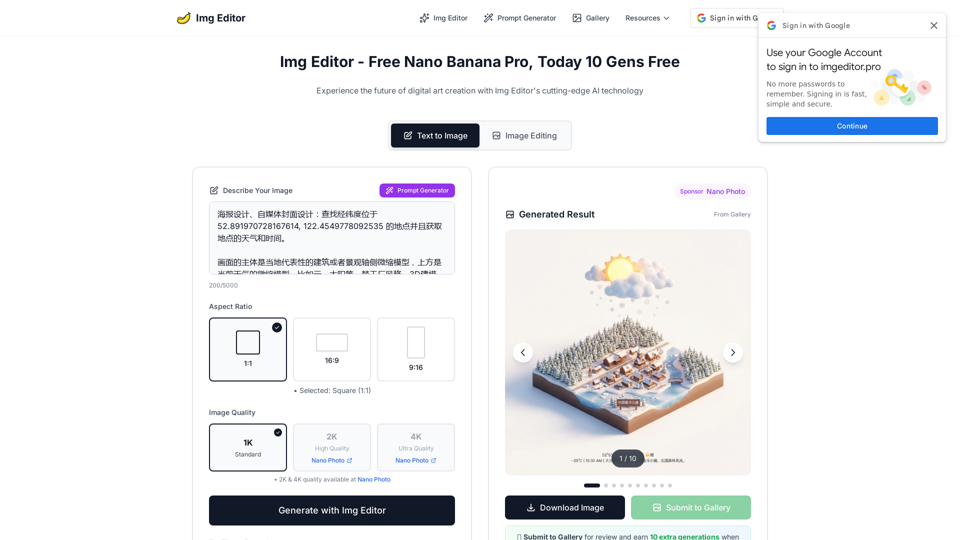
Img Editor AI is a free online AI image editor that uses AI technology to convert text prompts into high-quality images. It provides a fast, intuitive, and powerful platform for digital art generation and editing.
Main Purpose and Target User Group
The main purpose of Img Editor AI is to enable users to create professional-grade AI-generated images quickly and easily from text descriptions. It targets graphic designers, digital artists, content creators, marketing experts, UX designers, web developers, and anyone interested in generating high-quality visuals.
Function Details and Operations
- Text to Image Generation: Users input text prompts, and the AI generates corresponding images.
- Image Editing Mode: Provides tools for further refinement and manipulation of images.
- AI Prompt Generator: Assists users in crafting effective and detailed prompts for optimal image generation.
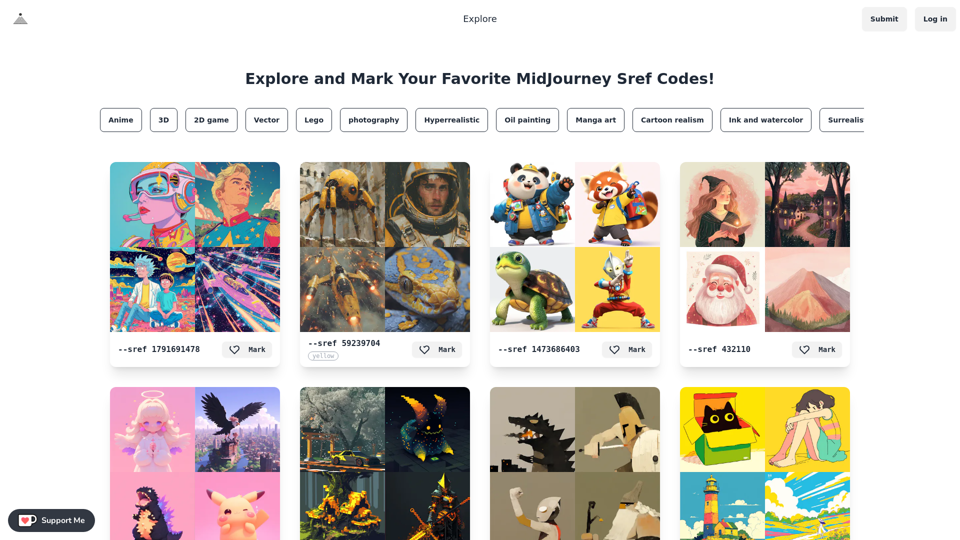
- Gallery: A community showcase where users can view popular prompts and generated results, and submit their own creations for review and bonus generations.
- Aspect Ratio Selection: Offers various aspect ratios (1:1, 16:9, 9:16).
- Image Quality Options: Users can choose from 1K (Standard), 2K (High Quality), and 4K (Ultra Quality) resolutions.
- Lightning Fast Generation: Utilizes optimized AI algorithms for quick image creation (2-5 seconds).
- Ultra-High Quality Output: Delivers professional-grade images with exceptional detail and resolution.
- Advanced Style Customization: Provides hundreds of artistic styles and allows for custom aesthetic creation.
- Intelligent Batch Processing: Enables generation of multiple image variations simultaneously.
- Multi-Image Fusion (Pro): Allows combining 2-8 reference images for advanced composite creations.
- Excellent Text Rendering (Pro): Supports high-quality text rendering with multilingual capabilities.
- Character Consistency (Pro): Maintains high consistency of characters across different edits.
- Global Language Support (Pro): Enhanced support for international languages.
User Benefits
- Accessibility: Free to use with no hidden fees or subscriptions.
- Efficiency: Rapid image generation saves time for creators.
- High Quality: Produces professional-grade, detailed, and realistic images.
- Ease of Use: Intuitive interface makes it accessible for users of all skill levels.
- Creative Freedom: Empowers users to turn imagination into reality with diverse styles and customization options.
- Commercial Use: Images can be used for personal projects, with commercial use subject to terms of service.
- Community Engagement: Opportunities to share creations and gain bonus generations.
- No Watermarks: Generated images are clean and free from branding.
Compatibility and Integration
Img Editor AI is an online platform, accessible via web browsers, making it compatible across various operating systems and devices without requiring software installation.
Customer Feedback and Case Studies
Testimonials highlight the platform's ease of use, speed, quality, and transformative impact on creative workflows. Users praise its ability to generate stunning, detailed images and its intuitive interface.
Access and Activation Method
Img Editor AI is accessed directly through its website (imgeditor.pro). It offers a "Free Forever Plan" which includes unlimited generations, all aspect ratios, high-quality output, fast generation, commercial use, no watermarks, community support, and regular updates. No credit card or sign-up is required to start creating.