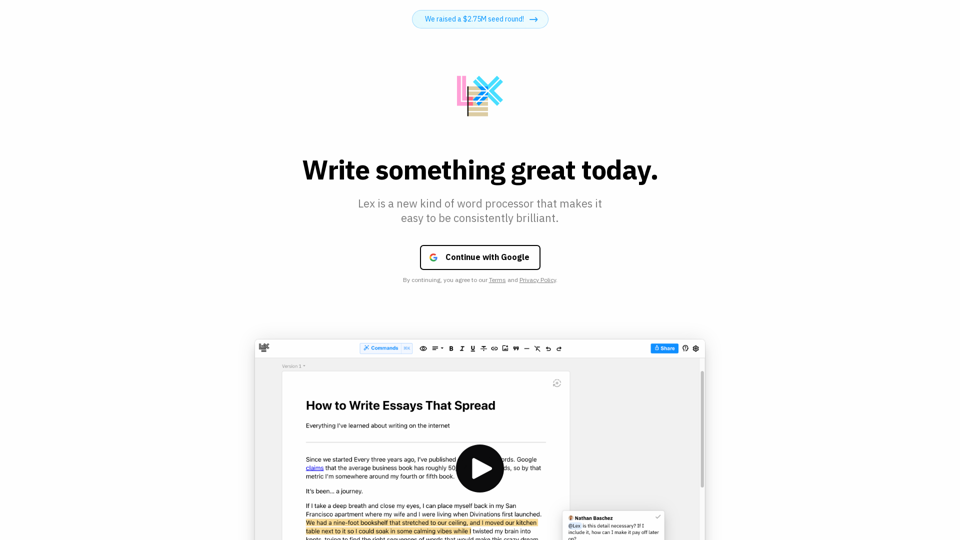
What is Lex?
Lex is a new type of word processor designed to help users consistently produce high-quality work. It offers a top-notch writing environment suitable for anything from quick notes to complex documents, with a focus on attention to detail.
How can I use Lex?
Lex provides a range of features to improve your writing experience. You can request feedback from an AI on your draft, brainstorm ideas, or rewrite content. It also enables real-time collaboration with others, change tracking, and the ability to publish your work.
Features of Lex
AI Feedback
Receive feedback on your draft, brainstorm ideas, or rewrite content with AI assistance.
Comments
Easily navigate using keyboard shortcuts and enjoy a refined commenting experience.
Versions
Experiment with different ways of expressing your ideas without losing your original content.
Mobile Web
Share a link for collaboration without requiring others to download an app.
Live Collaboration
Share a link, log in with a single click, and instantly see each other's input.
Publishing
Share a "read-only" link for others to view your work.
Commands
Utilize convenient AI shortcuts to find the best word, generate idea lists, and more.
Title Ideas
Obtain a list of potential titles with a single click from the AI.
Track Changes
Upcoming feature that allows you to track changes similar to Google Docs, with some unique functionalities.
Price
Lex provides a premium writing experience at an affordable price.