


Productivity-AI Documents Assistant

ChatGPT: Song Finder - OpenAI Platform And 70 other AI Tools For AI Documents Assistant

ChatGPT: Song Finder - OpenAI Platform

Identify songs from clips on Instagram, TikTok, and more with ChatGPT on the OpenAI platform. Get ChatGPT for free on the Apple App and experience its stability. Visit the OpenAI Help Center for more information.

260.2 M
ChatGPT - GPTChart: The Ultimate ChatGPT Platform

Chat.openai.com: Visualize charts and graphs from data input to facilitate detailed analysis with ChatGPT on OpenAI's platform. Explore ChatGPT as a free alternative for scripting and domain-specific searches.

260.2 M
Chat.openai.com:AI Powered Chatbot Platform FlowGPT by ChatGPT

Propagation Analysis over Graphs is a cutting-edge technique used to examine the spread of information, influence, or behaviors across complex network structures, enabling researchers and data scientists to uncover hidden patterns, predict outcomes, and make informed decisions in various domains such as social networks, epidemiology, and recommender systems.

260.2 M
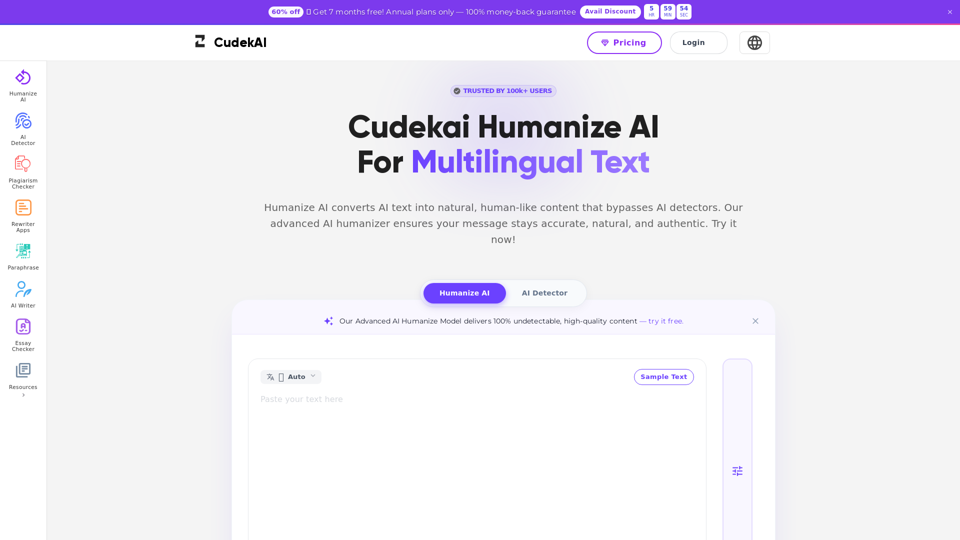
Belin Doc

Belin Doc - Free AI Document Translator: PDF, DOCX, EPUB Support for Business Efficiency

--
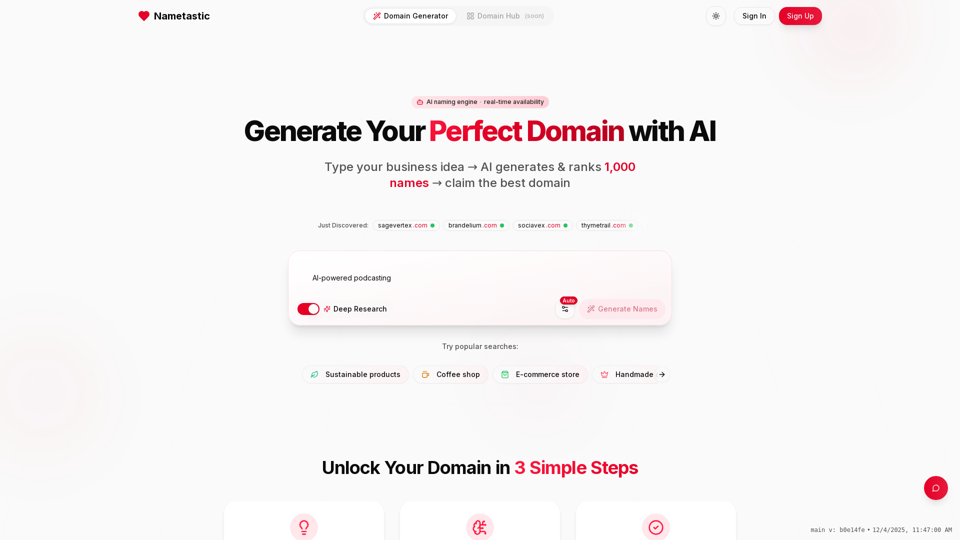
Nametastic

Nametastic - AI Domain Name Generator: Brand & Business Name Ideas

--
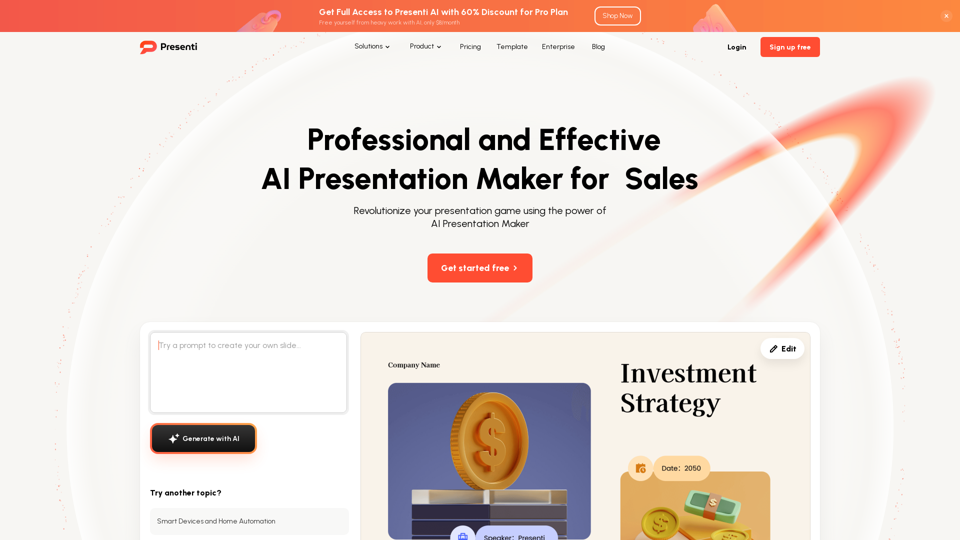
Presenti AI

Presenti AI - AI Presentation Maker: Instant Stunning Slides with AI Presentation Generator

--
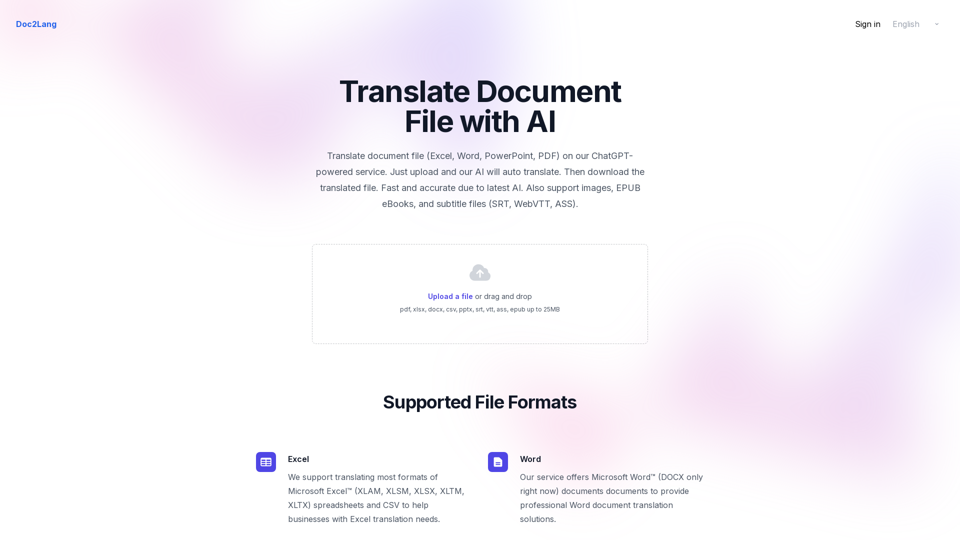
Doc to Lang AI

Doc to Lang AI - AI Document Translation & Language Converter

--
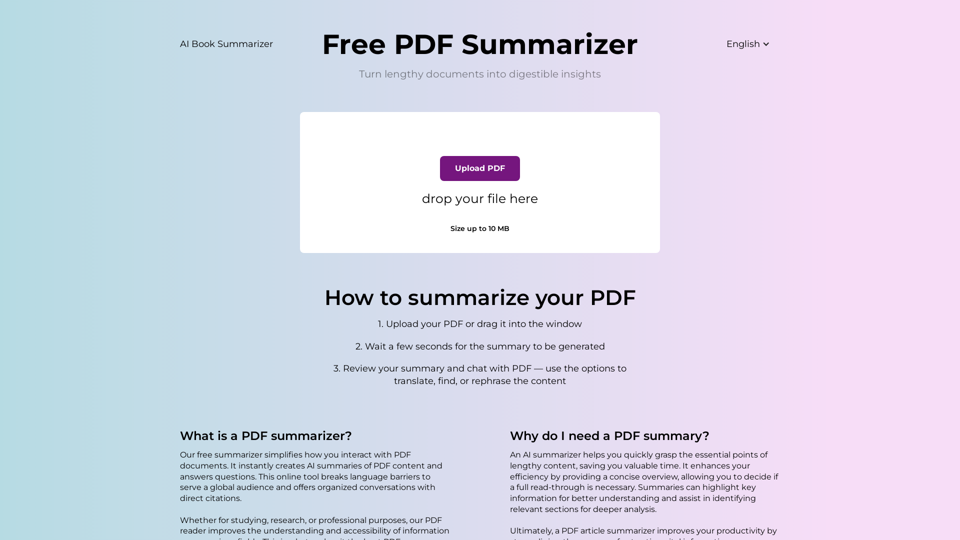
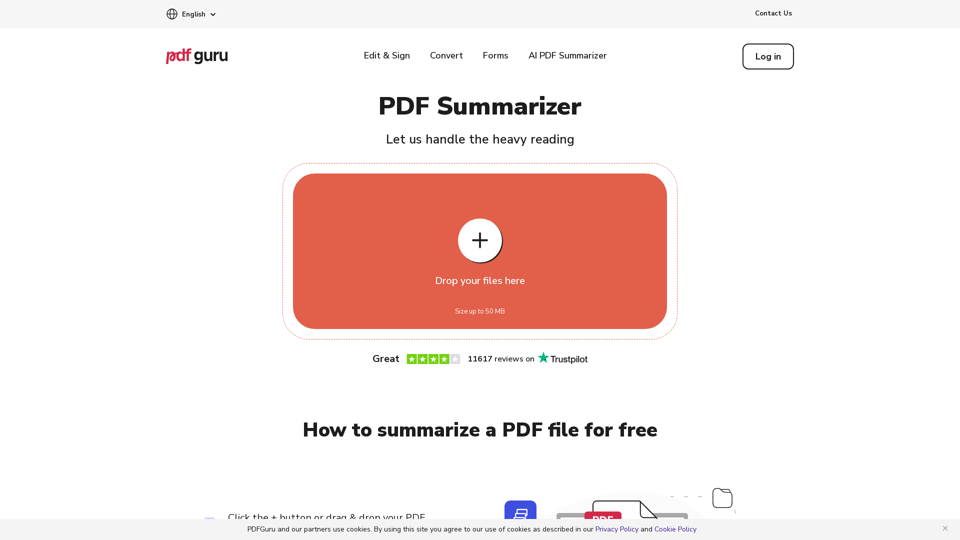
AI PDF Summarizer by PDF Guru

AI PDF Summarizer by PDF Guru - Summarize Any PDF Text in Seconds

--
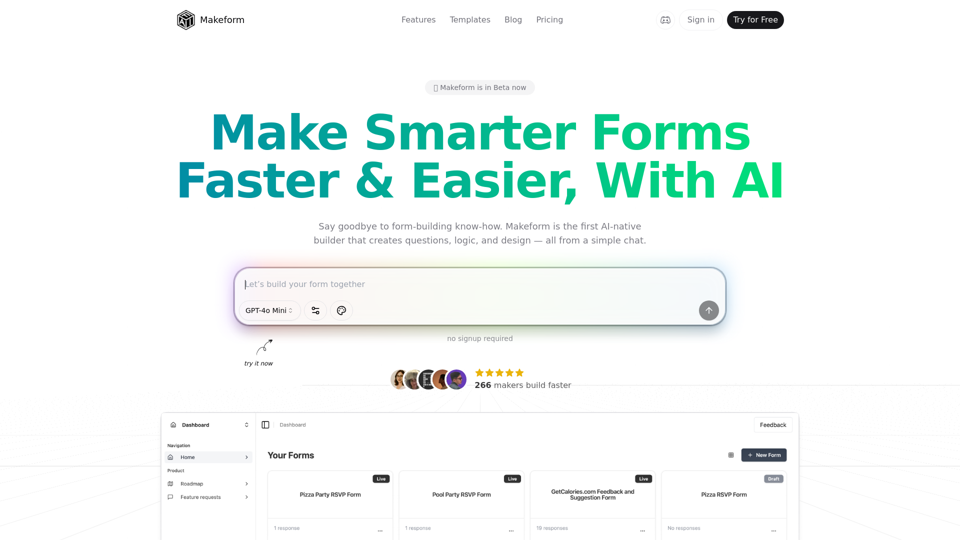
MakeForm AI

MakeForm AI - Free AI-Powered Form Builder for Easy Online Form Automation

--
TurboPush AI

TurboPush AI - Revolutionize Marketing with AI-Driven Push Notifications & Digital Loyalty Cards

--
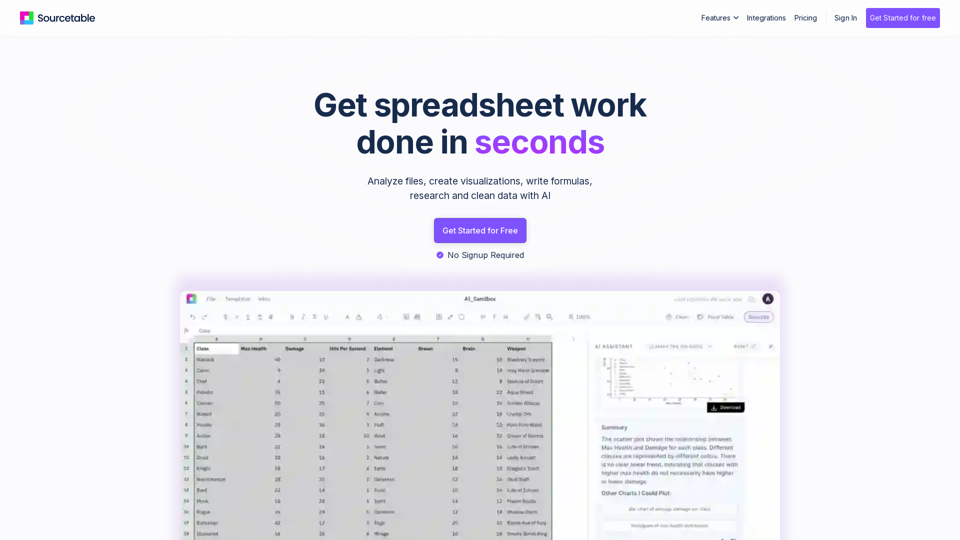
Sourcetable AI

Sourcetable AI - Advanced Spreadsheet Software for Data Analysis and Business Intelligence

--
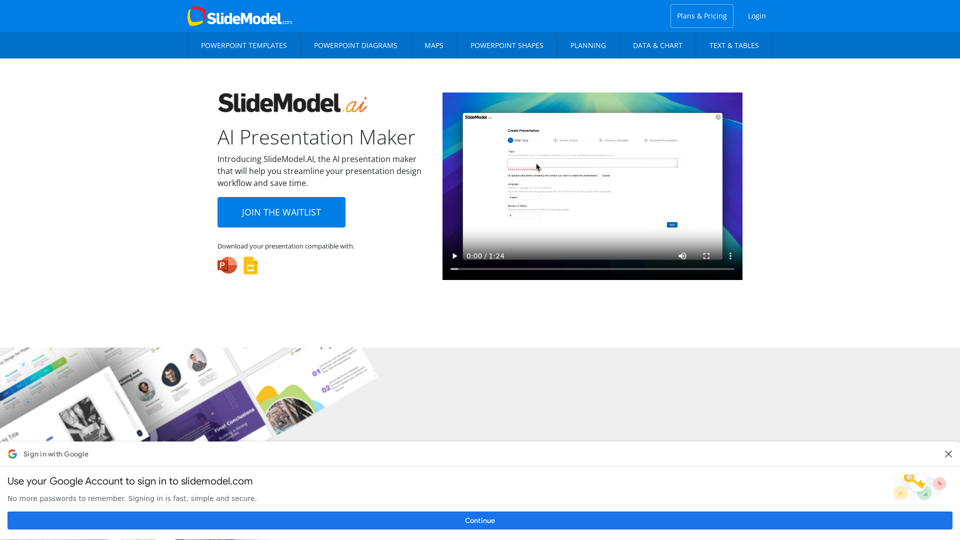
SlideModel AI

SlideModel AI - Professional AI Presentation Maker with PowerPoint Templates & Plans

--
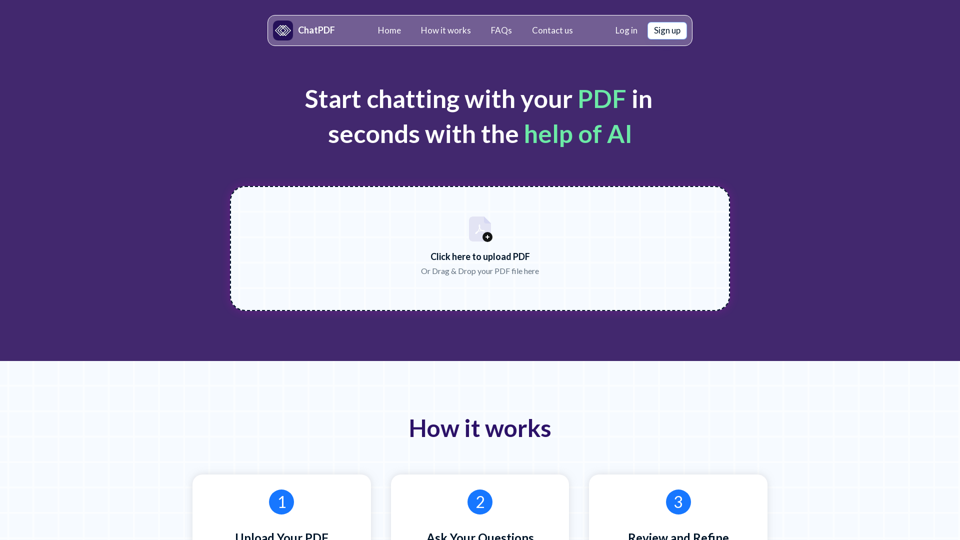
Chat PDF AI

Chat PDF AI - Free PDF Interaction and AI Document Chat Assistant

--
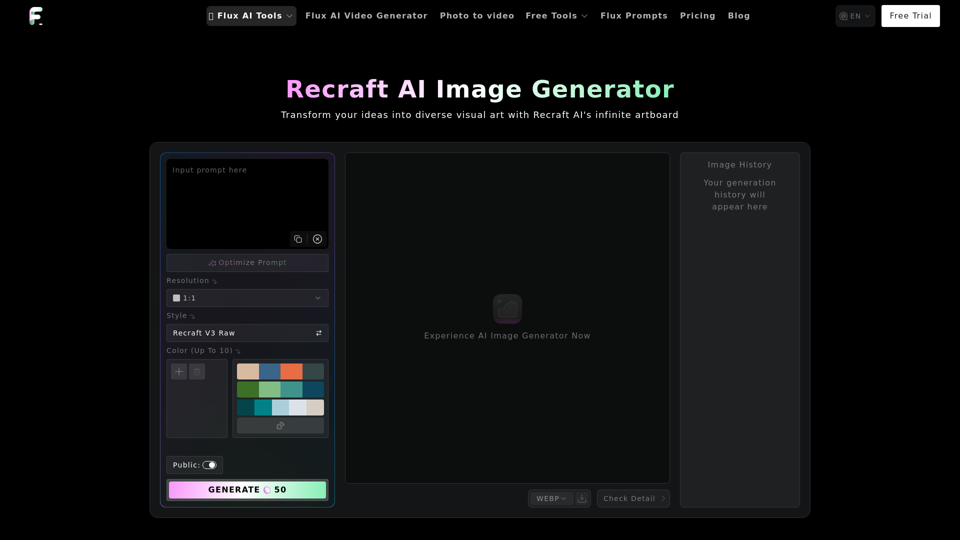
Recraft AI Image Generator

Recraft AI Image Generator - AI-Powered Design and Image Creation Tool by Flux-ai

--
Bharat Diffusion AI

Bharat Diffusion AI - Create Traditional Indian AI Images and Visuals Culture

--
Fal AI

Fal AI - Generative Media Platform for Developers | Model Gallery & Flux Image Generation API with Stable Diffusion XL

--
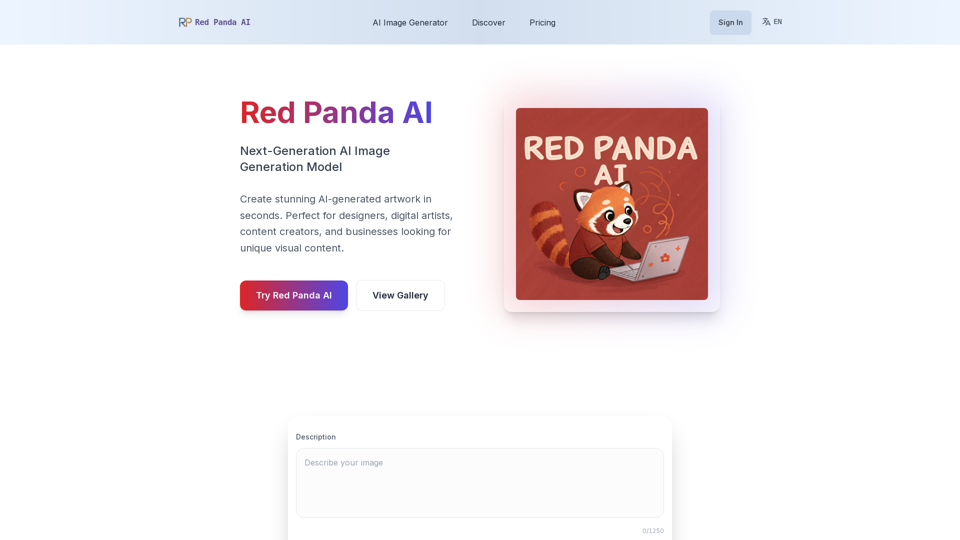
Red Panda AI

Red Panda AI - Transforming AI Image Generation with Red Panda Image Generator and Pricing Insights

--
Image Splitter

Image Splitter - Free Online Image Grid Maker and Split Tool

--
Spotify Bedroom

Spotify Bedroom - Transform Your Space with Music-Inspired Decor and Online Playlists

--
Chatpdffree.com

Chatpdffree.com - AI Tool for PDF Chat Interface and Interaction with AI-Powered Assistant

--

Related Tags about Productivity-AI Documents Assistant

What's Acrobat AI Assistant?

The Acrobat AI Assistant is a generative AI-powered tool integrated into Adobe Acrobat and Reader. It enhances document interaction by providing instant summaries, answering questions, and formatting information for easy sharing in emails, reports, and presentations. This tool leverages advanced AI and machine learning models to understand PDF structures, ensuring reliable and high-quality outputs.

Benefits of Acrobat AI Assistant

Enhanced Productivity

  • Quick Summaries: Automatically generate concise summaries of lengthy documents, saving time and effort.
  • Intelligent Navigation: Use clickable links to efficiently navigate through extensive documents.
  • Voice Chat: Available on mobile, allowing users to interact with documents using voice prompts.

Content Creation

  • Generative Summary: Provides easy-to-read outlines with key points, aiding in focused content consumption.
  • Formatted Outputs: Consolidate and format information for various uses, such as emails and presentations.
  • Customizable Prompts: Offers prompts for various tasks like summarizing, analyzing, and brainstorming.

Data Security

  • Privacy Assurance: Ensures that documents are not used to train AI models, maintaining data privacy and security.
  • Secure Document Handling: Adheres to strict protocols to protect user data and document content.

How to Use Acrobat AI Assistant

Getting Started

  1. Access: Available for Acrobat Individual, Pro, and Teams customers. Features are accessible on desktop, web, and mobile platforms.
  2. Interface: Use the intuitive conversational interface to interact with documents and obtain insights.

Key Features

  • Question and Answer: Ask questions about document content and get precise answers with citations.
  • Generative Summary: Gain a quick understanding of document content through generated summaries.
  • Voice Chat: Enhance productivity with voice prompts in Acrobat Reader mobile apps.

Availability

  • Subscription Plans: Available as an add-on for existing Acrobat plans, priced at $4.99/month.
  • Supported Languages: Currently supports English, French, German, Italian, Spanish, and Portuguese.

Limitations

  • File Restrictions: Does not support files exceeding 1000MB or 600 pages, password-protected files, or scanned PDFs.
  • Language Limitations: Primarily supports documents in English, German, and French, with more languages to follow.

The Acrobat AI Assistant is poised to revolutionize document interaction by providing intelligent, efficient, and secure ways to handle and understand digital documents.