


Productivity-AI Files Assistant

AI Course Creator | AI Assistant for Mini Course Generator And 66 other AI Tools For AI Files Assistant

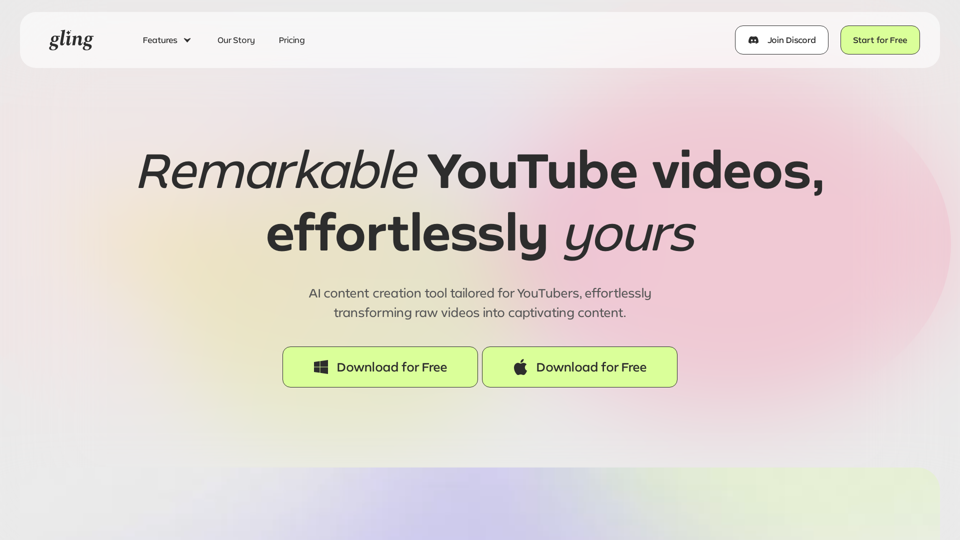
AI Course Creator | AI Assistant for Mini Course Generator

Minicoursegenerator.com: Create personalized mini-courses with the top AI Course Creator, allowing you to tailor comprehensive content to your specifications and add revisions for a unique touch.

--
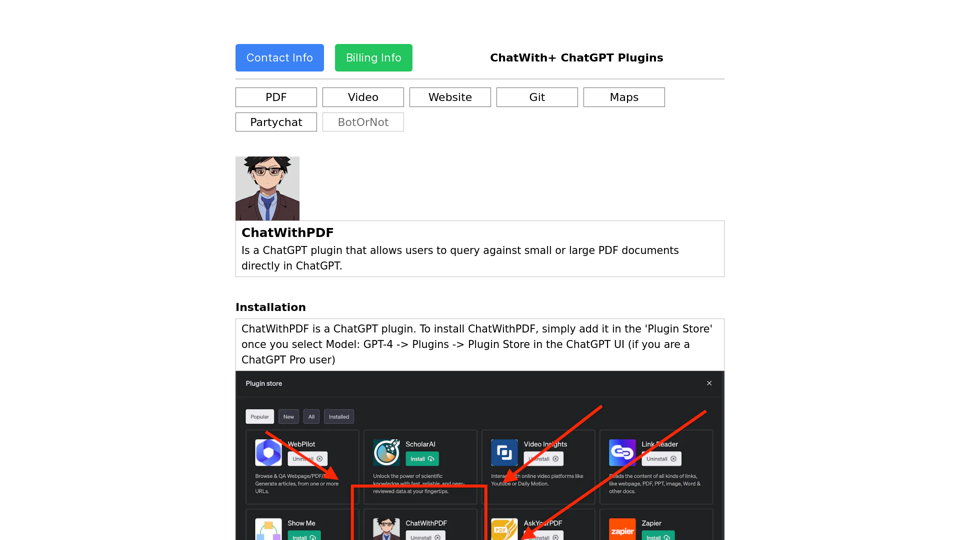
ChatWith+ - Online PDF Chat Tool

ChatWith+ is a suite of popular plugins utilized worldwide, powered by Wordflow.

--
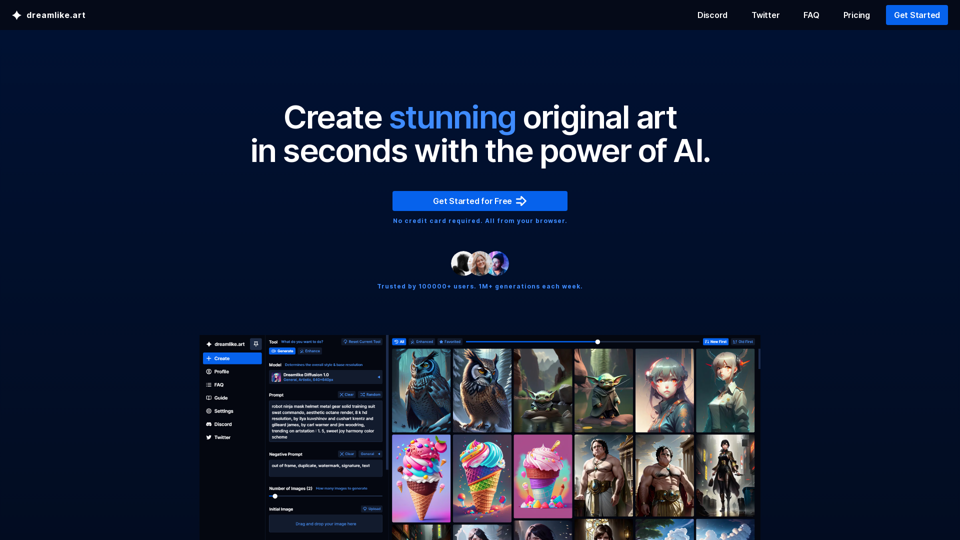
AI Art Generator: Create Free AI Art | Stable Diffusion Online

Dreamlike.art: Create stunning AI Art in seconds with Stable Diffusion. Upscale your images, generate variations, enhance faces, and share your art effortlessly on Dreamlike Art.

--
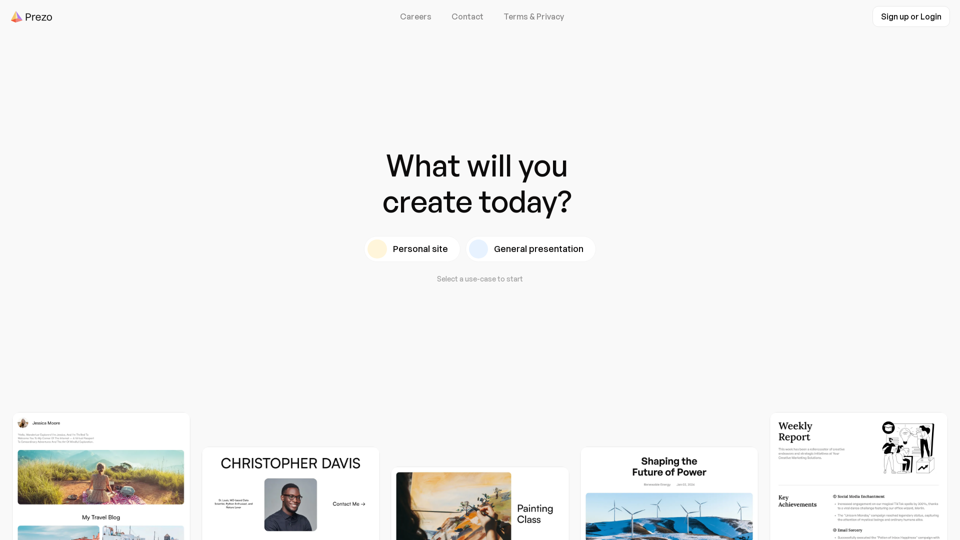
Create Presentations, Documents, and Websites with AI - Prezo

Prezo.ai: Create stunning presentations, documents, and websites effortlessly with Prezo.ai. This AI-powered platform offers a wide range of interactive blocks to enhance your content. Share your creations with a single click and captivate your audience.

--
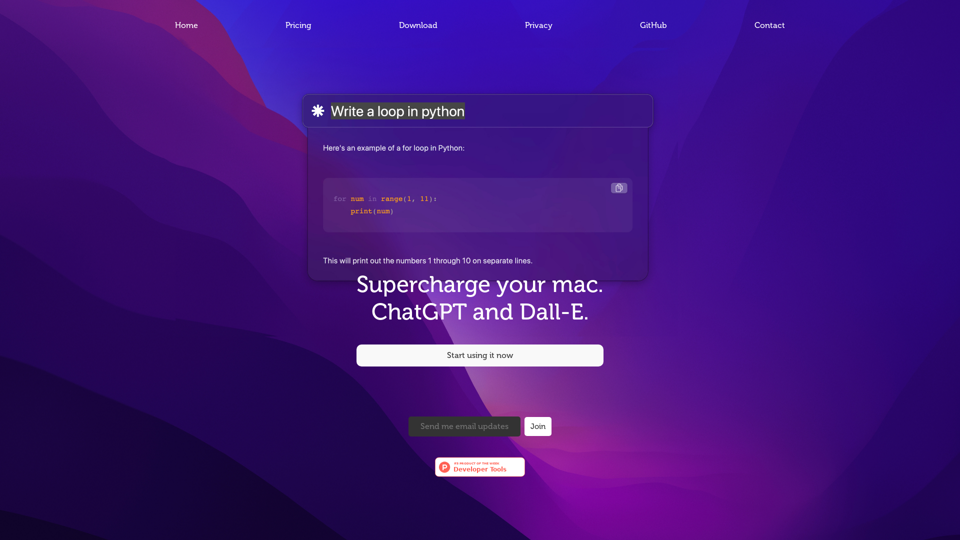
AI Powered Chatbot Development and Conversational AI Solutions

Revolutionize your Mac experience with Chaibar, a cutting-edge AI assistant that seamlessly integrates the power of ChatGPT and Dall-E, empowering you to unlock unprecedented creativity and productivity.

--
Gptforslides.app:AI Powered Presentation Maker: Create Slides with GPT in Seconds

Gptforslides.app:GPT for Slides is an innovative Google Slides add-on that leverages AI technology to convert any text into engaging presentation slides, providing a seamless text-to-presentation experience.

--
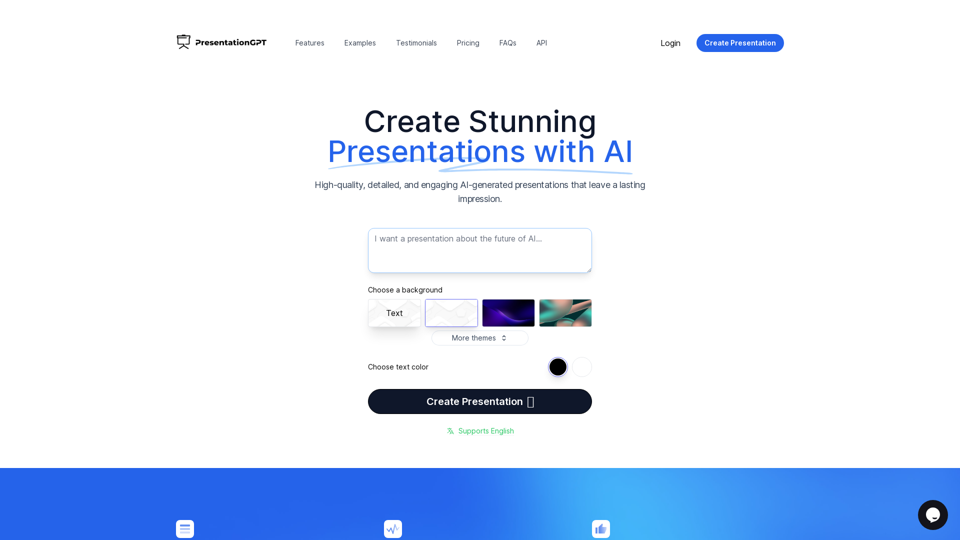
Presentationgpt.com:AI Powered Presentation Software and Online Generator Tool

PresentationGPT is a cutting-edge AI-powered presentation generator that rapidly crafts professional, visually stunning PowerPoint presentations in mere seconds, revolutionizing the way you create engaging slideshows.

--
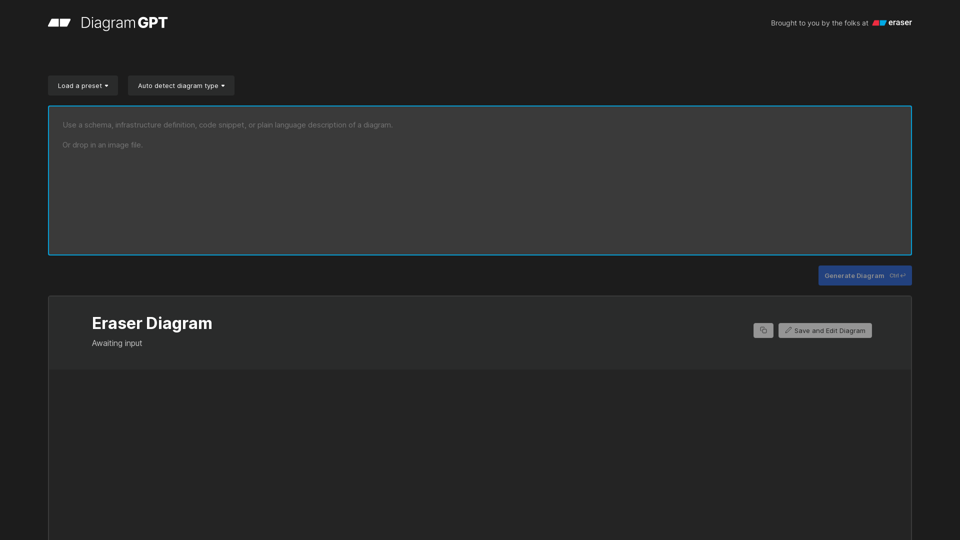
Eraser.io: AI Powered Diagram Generator Tool for Automated Diagramming

Eraser.io: Generate technical diagrams instantly with DiagramGPT, a revolutionary AI-powered tool that converts plain English or code snippets into visual representations, including sequence diagrams, flowcharts, entity relationship diagrams, cloud architecture diagrams, data flow diagrams, network diagrams, and more, in mere seconds.

--
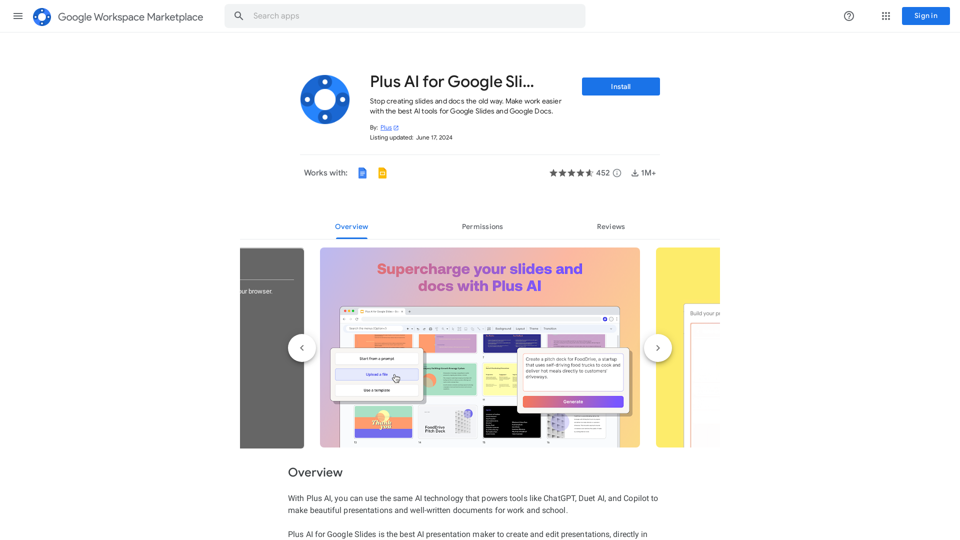
Plus AI for Google Slides™ and Docs™ - Google Workspace Marketplace

Stop creating slides and docs the old way. Make work easier with the best AI tools for Google Slides and Google Docs.

--
AiHub

Get access to neural networks for free!

--
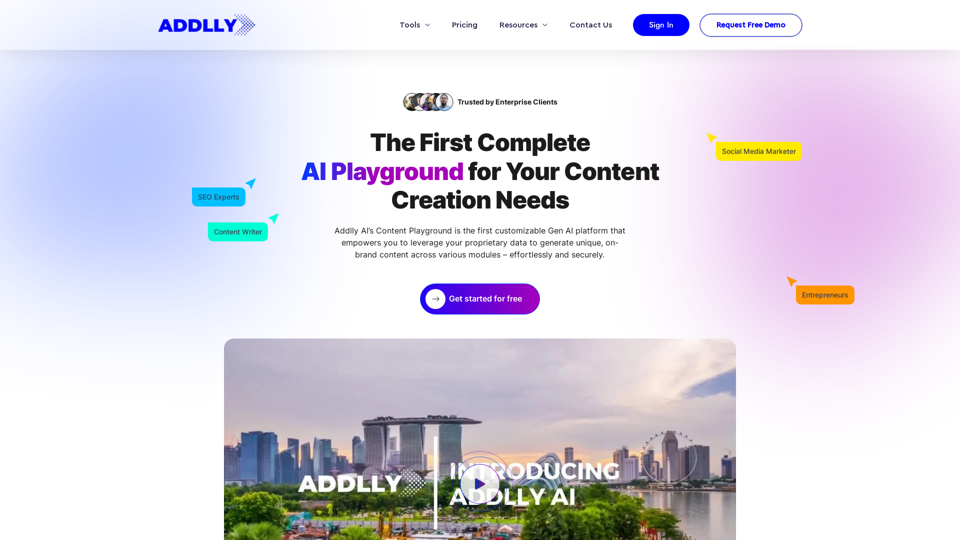
Addlly AI: 1st Complete AI Playground for Content Creation

The best all-in-one, no-prompt Gen AI Playground for enterprises. Generate SEO blogs, social media posts, ad copy, press releases, newsletters & more.

--
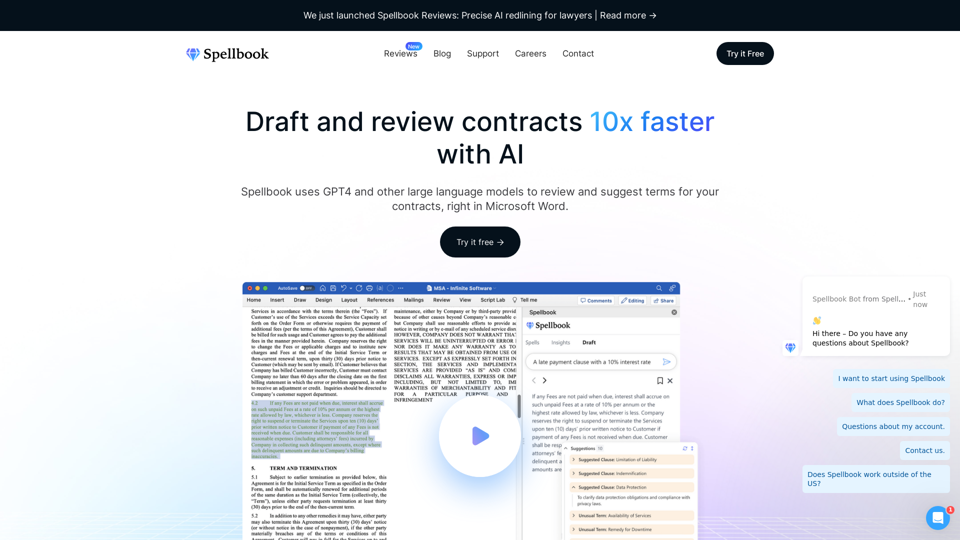
Spellbook - AI Contract Drafting & Review

Spellbook uses GPT-4 and other large language models to review and suggest language for your contracts, right in Microsoft Word.

--
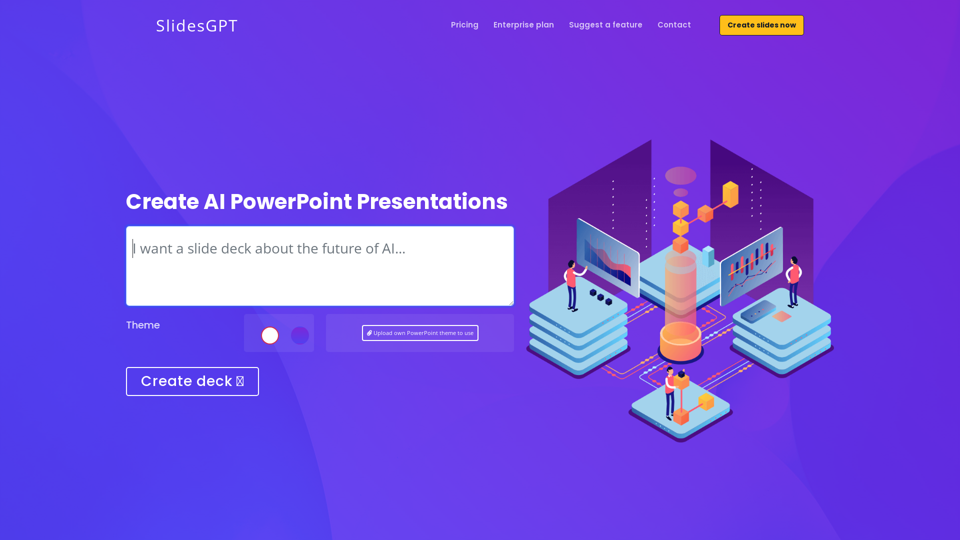
SlidesGPT AI PowerPoint Generator Powered by ChatGPT API

SlidesGPT - AI PowerPoint generator powered by ChatGPT API. Include your own ppt master and brand theme. Become 10x more productive in PowerPoint.

--
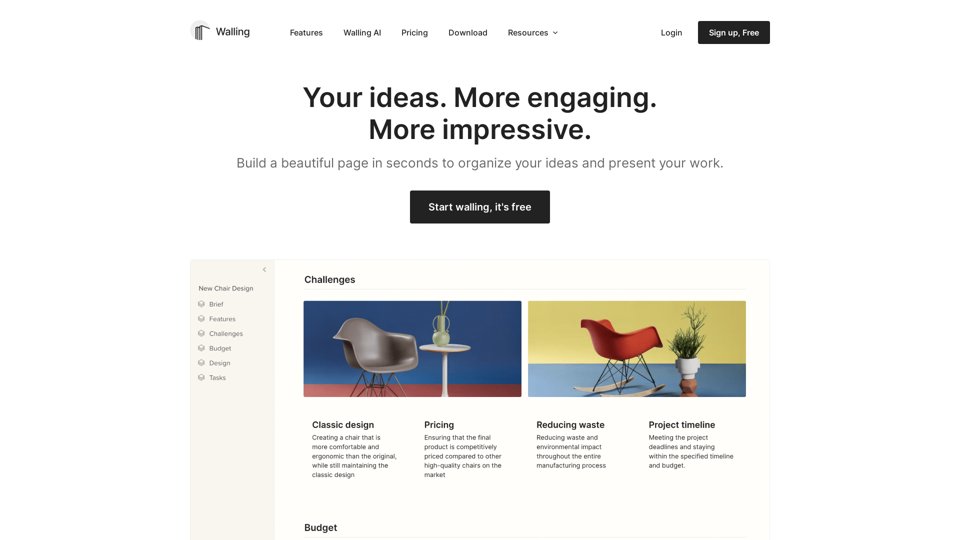
Walling - Organize & Present Your Ideas

Walling is the new medium for organizing work & presenting ideas

--
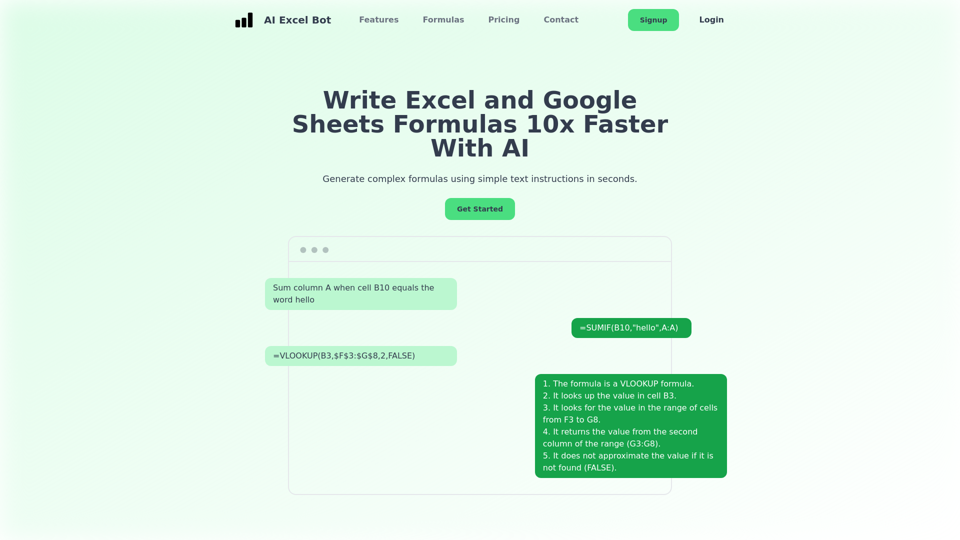
AI Excel Bot | Use AI To Generate Excel Formulas In Seconds

AI Excel Bot helps you create complex Excel formulas in seconds. Use simple English prompts to generate formulas. AI Excel Bot's formula generator uses state of the art GPT-3 AI model to give you the best results.

--
Gooey.AI - The best of private & open source AI

Gooey.AI showcases the best of private & open source AI with one billing account and discoverable workflows.

--
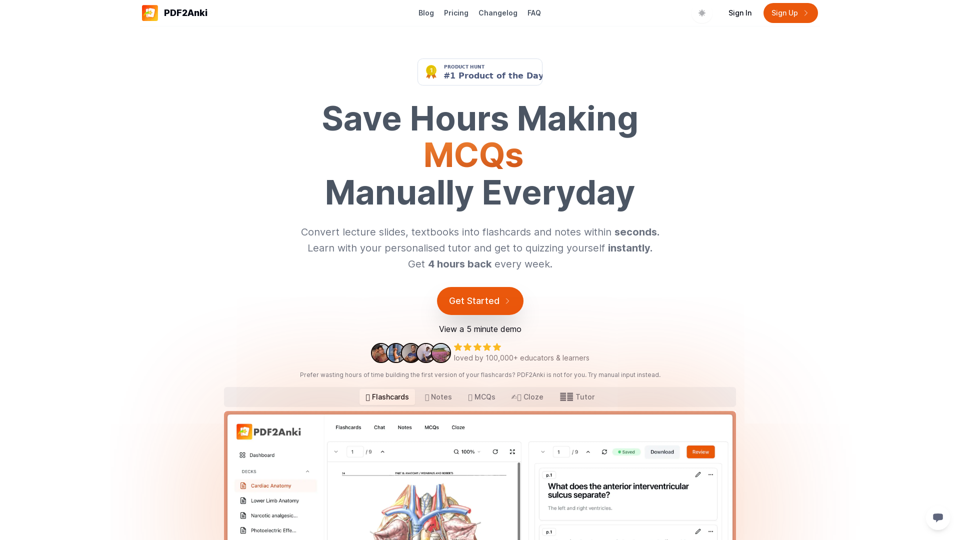
PDF2Anki | Save Hours Making Flashcards Manually Everyday

Convert lecture slides, notes & PowerPoints into flashcards in seconds and chat with them.

--
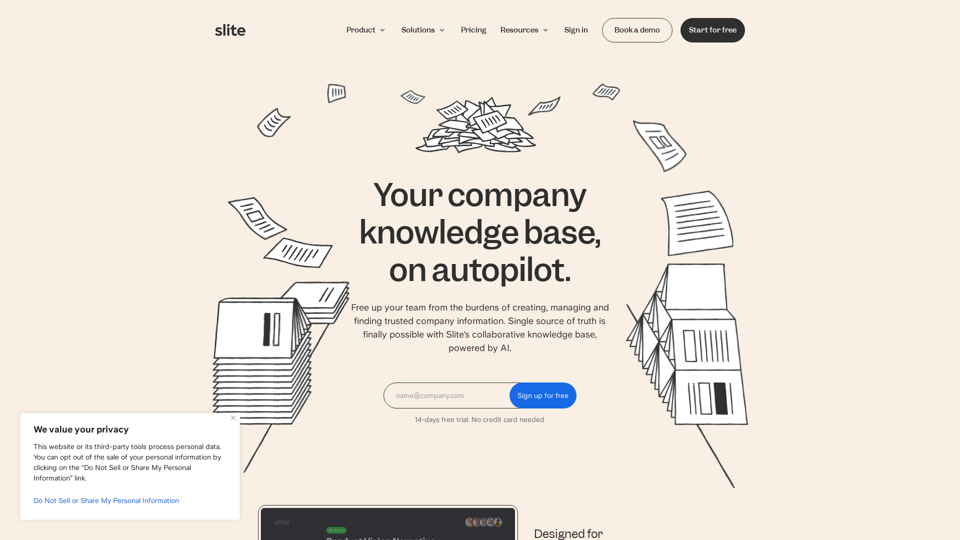
Slite - AI-powered knowledge base

Discover Slite's AI powered knowledge base for quick access to trusted company info. Simply ask Slite and get the answers you need. Start for free.

--
Create Courses Online | #1 E-learning Software

Easygenerator simplifies and speeds up course creation 12x. Try the #1 best e-learning authoring tool for free and start creating today.

--
Manage, Monetize & Amplify Your Content | Searchie

Searchie is the most flexible, easy-to-use solution to create, manage and sell your content. Unlock your content's potential and get more done with less.

--

Related Tags about Productivity-AI Files Assistant

What's an AI File?

AI files are the proprietary file format for Adobe Illustrator, used primarily for vector images. Unlike raster images, vector images maintain their resolution regardless of scaling due to their mathematical composition. AI files are commonly used for creating detailed illustrations, logos, and artwork due to their scalability and small file sizes.

Benefits of AI Files

Advantages of AI Files

  • Scalability: AI files can be resized infinitely without losing quality, making them ideal for both small and large-scale designs.
  • File Size: Typically smaller than raster files, AI files are easy to store and share.
  • Versatility: Supports layering, transparency, and precise typography, which is perfect for graphics, logos, and icons.
  • Integration: AI files are optimized for use with Adobe Illustrator, ensuring seamless design processes.

Other Considerations

  • Compatibility: Full editing capabilities are exclusive to Adobe Illustrator, though some third-party applications can view AI files.
  • Image Type: Best suited for vector-based images; not ideal for pixel-based editing.

How to Use AI Files

Logos

AI files provide clarity and scalability for logos, ensuring they remain crisp from business cards to billboards. They also excel in maintaining typography quality.

Print

For digital prints, AI files retain detail and clarity at various sizes, unlike raster images which can become pixelated when enlarged.

Transparent Graphics and Designs

AI files support transparency, making them suitable for web graphics that require layering over different backgrounds.

How to Open an AI File

To open an AI file in Adobe Illustrator:

  1. Choose File > Open.
  2. Select the .AI file from your computer.

While AI files can be opened in other applications, this may convert the image from vector to raster, affecting quality.

How to Create and Edit an AI File

Creating an AI File

  1. Launch Adobe Illustrator and select File > New.
  2. Choose a document type (e.g., Mobile, Web, Print).
  3. Select a document preset size.
  4. Click Create to open a new document.
  5. Save your design as a .AI file.

Editing an AI File

  1. Open your .AI design in Illustrator.
  2. Use the toolbar for editing.
  3. Save your changes as a .AI file.

Frequently Asked Questions

Can I View AI Files on Applications Other Than Illustrator?

Yes, AI files can be viewed on several third-party apps. Saving an AI file as a PDF allows for easier sharing and viewing in software like Adobe Acrobat.

What's the Difference Between a Raster and Vector File?

Vector files, like AI, don't lose resolution when scaled, unlike raster files which can become pixelated when enlarged beyond their original size.

Can I Edit an AI File Without Illustrator?

While basic edits can be made with third-party applications, full compatibility and editing capabilities are exclusive to Adobe Illustrator.

How Do I Convert an AI File to a PDF?

Convert an AI file to a PDF by selecting File > Save As and choosing PDF. Adjust settings in the Save Adobe PDF dialog box as needed.

How Do I Send an AI File via Email?

Package your files, fonts, and images by selecting File > Package. Attach the resulting folder to your email, or save the file as a PDF for easier emailing.