Image-AI Icon Generator

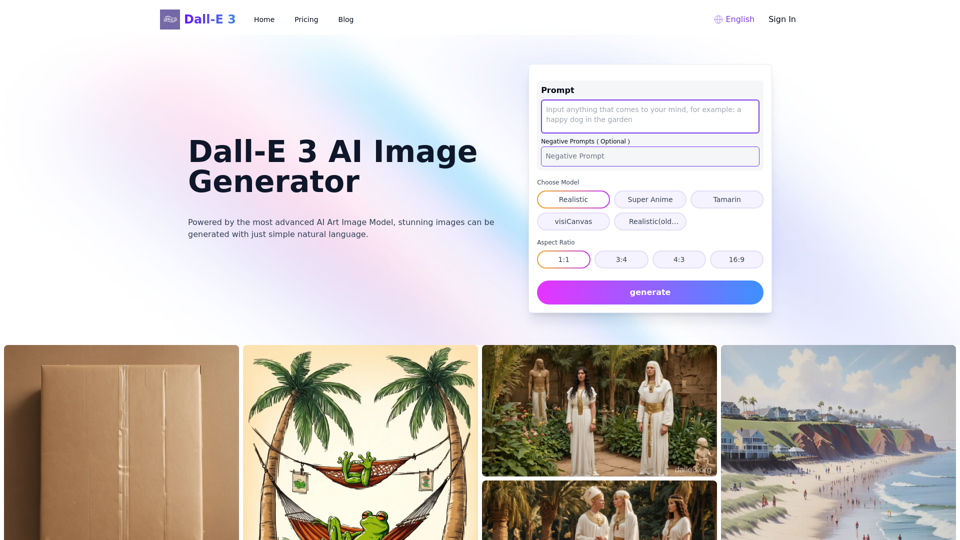
Try Dalle 3 Free Online-Dall-E 3 AI Image And 53 other AI Tools For AI Icon Generator

Try Dalle 3 Free Online-Dall-E 3 AI Image

Announced by OpenAI, DALL-E 3 represents the latest iteration of its groundbreaking AI image generator, demonstrating remarkable improvements in accurately translating text prompts into highly realistic and detailed visuals. Releasing first to ChatGPT Plus and Enterprise users in October 2023, DALL-E 3 tight integration with ChatGPT streamlines creating prompts and maintaining image context. Incorporating safety measures against harmful content and giving artists control over art usage, DALL-E 3 promises to revolutionize turning ideas into precise images.

--
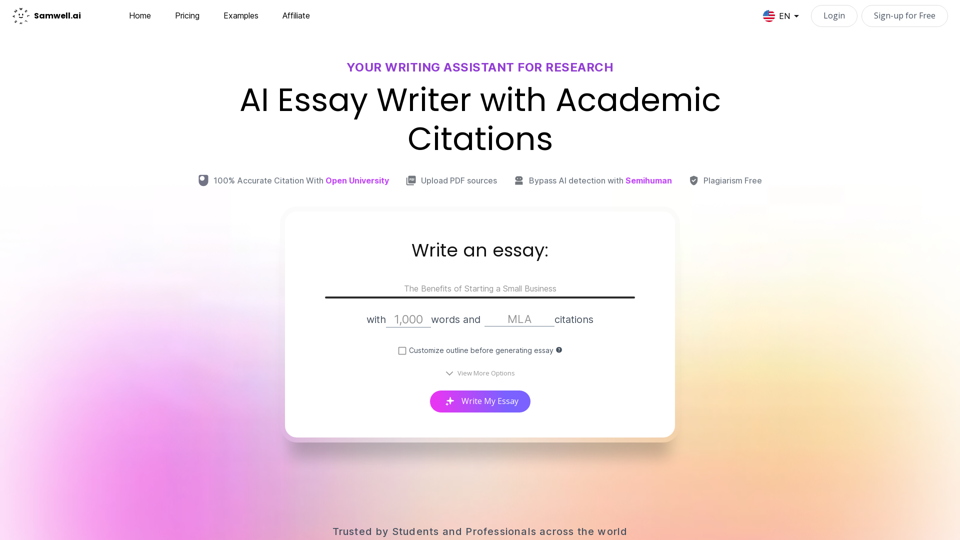
AI Writing: AI Essay Writer with Academic Citations | Samwell AI

AI Essay Writer by SamWell is a free essay generator that helps you write all types of academic essays in seconds without any plagiarism issues.

--
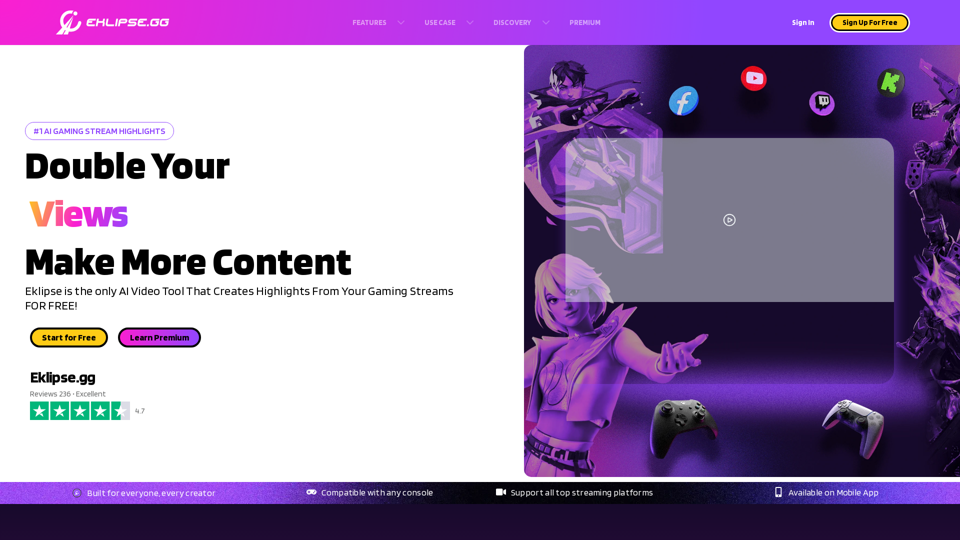
Eklipse - Convert Twitch Clip To TikTok, Reels, & Shorts For Free

Eklipse is an AI gaming highlights clipper. Convert, edit, & share the best of your Twitch stream clip to TikTok, Reels, & YouTube Short with ease & free.

--
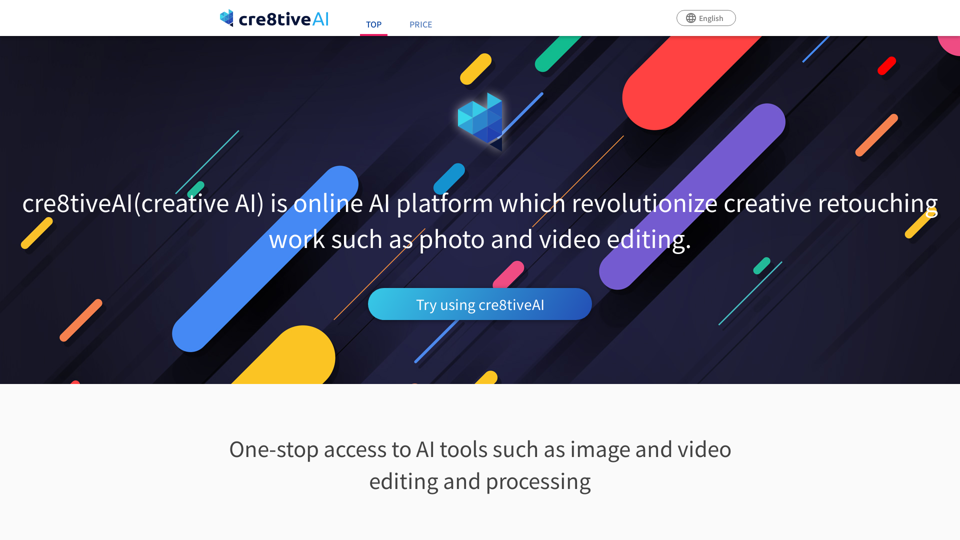
Photo, illustration and video editor AI tool: cre8tiveAI

An AI-based SaaS that solves a variety of photo and illustration editing tasks in under 10 seconds, such as automatic painting and increasing the resolution of images and videos, as well as clipping, layering, and color correction.

--
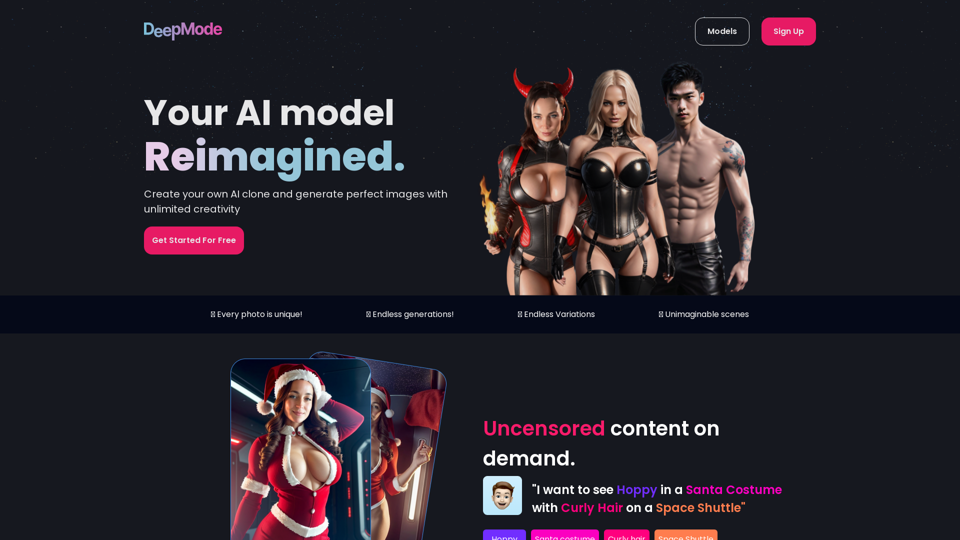
DeepMode.ai - Create your own AI clone model

Utilizing artificial intelligence, Generate AI photos of your clone model

--
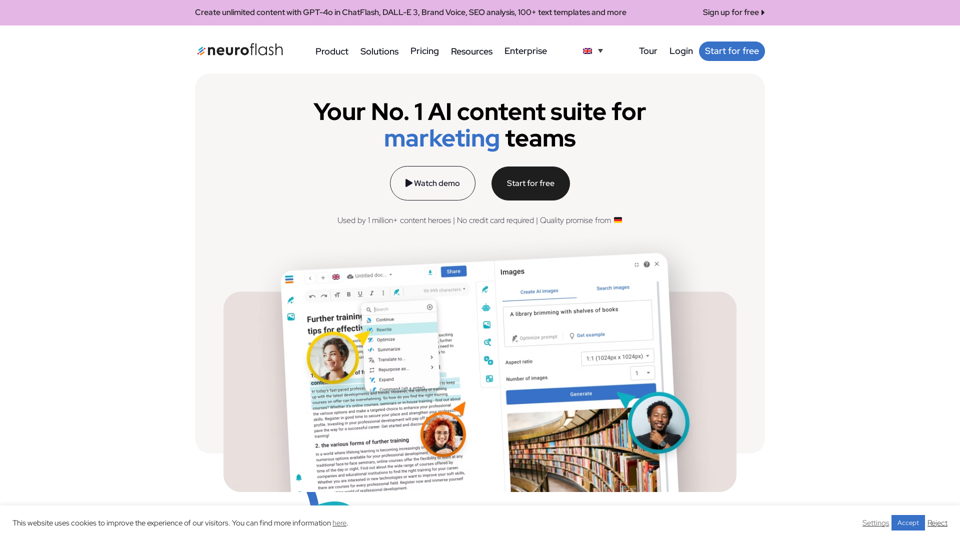
Europe's No.1 AI text & image generator | neuroflash

Use our AI text and image generator to generate the highest content quality in 7 different languages. Content creation has never been easier!

--
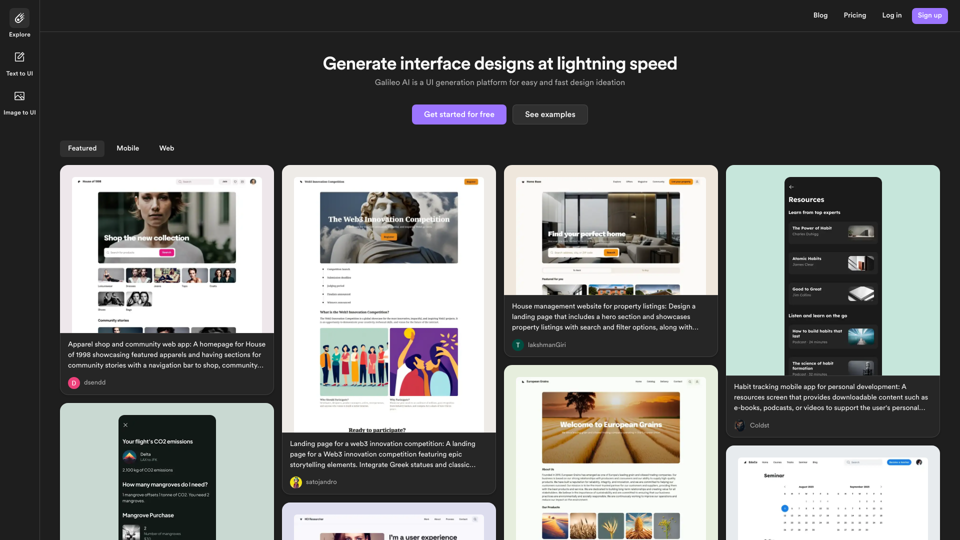
Galileo AI

Galileo AI is a UI generation platform for easy and fast design ideation

--
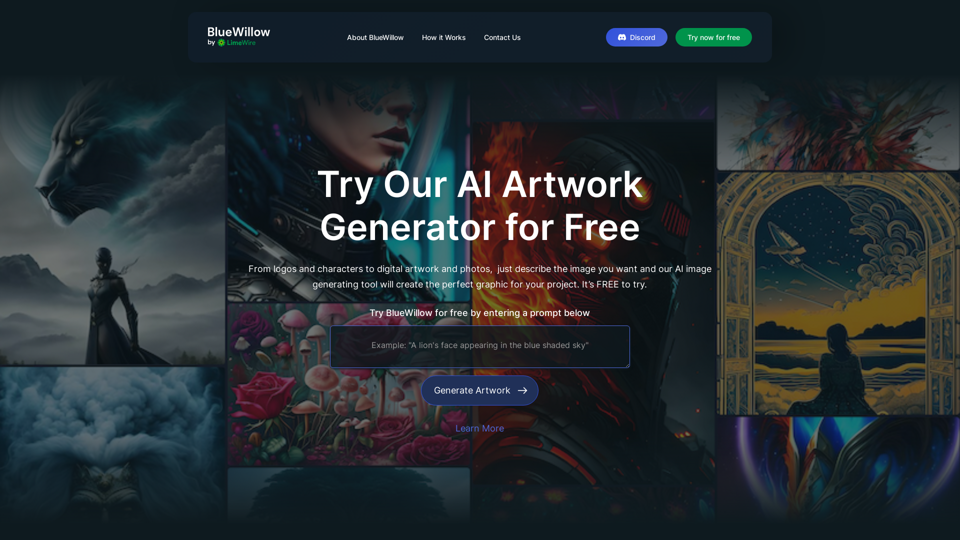
BlueWillow | Free AI Art Generator

BlueWillow is a free AI artwork generator that creates stunning AI-generated images. Beautiful, unique and inspiring AI pics, photos and art are at your fingertips. Free AI paint alternative to Midjourney.

--
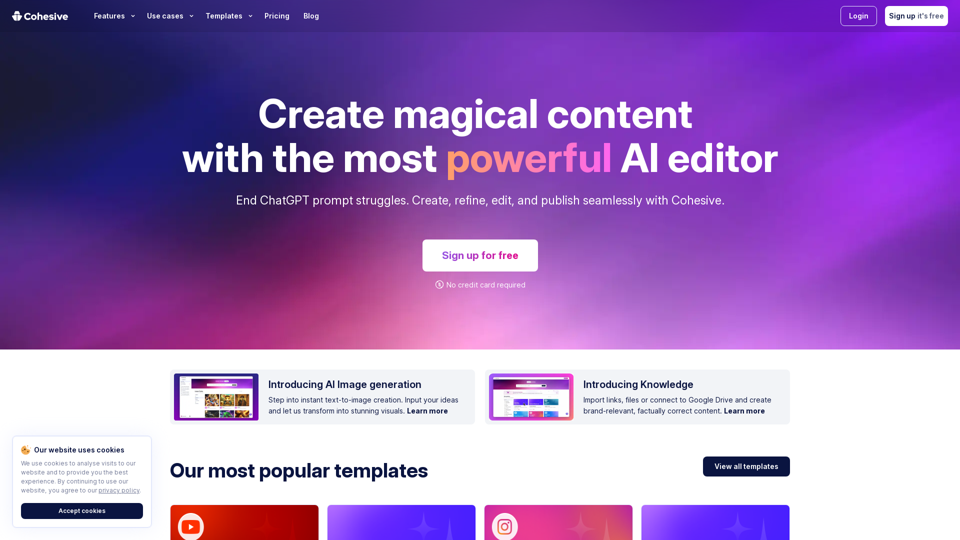
Cohesive

Experience productivity boost with Cohesive, where the power of human creativity meets the brilliance of AI. Seamlessly create, refine, edit, and publish your work with ease.

--
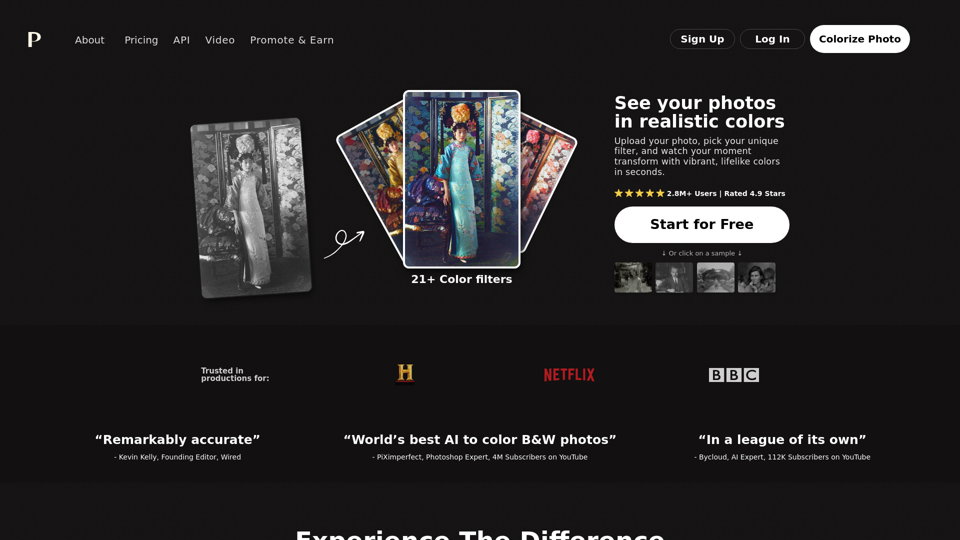
Colorize Photo Online | Try Free | Realistic Colors

Palette.fm: Colorize your black and white images instantly with Palette.fm's AI-powered online editor. Explore subscription plans and key features for efficient photo colorization. Read a comprehensive Palette FM Review now.

--
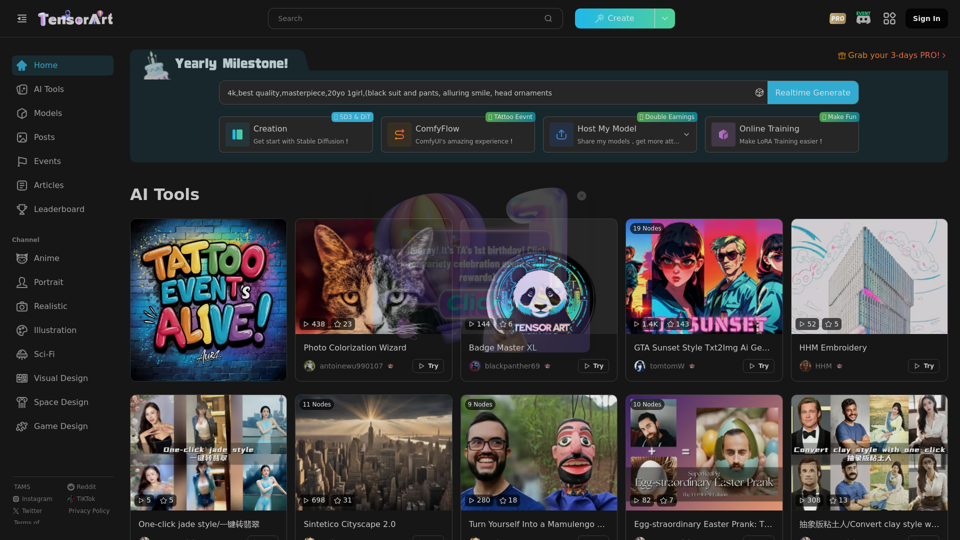
Tensor.Art | FREE online image generator and model hosting site!

AI model sharing platform, online run models to generate image for free. Your can upload or download models, include Checkpoint, Embedding, ControlNet, LoRA. Also we offer some base model like Stable Diffusion 1.5 and XL to generate.

--

Related Tags about Image-AI Icon Generator

What's an AI Icon Generator?

An AI Icon Generator is a tool that utilizes artificial intelligence to create icons based on user inputs or predefined styles. These generators leverage advanced algorithms to automatically produce icons, offering a quick and efficient alternative to traditional design methods. Users can input specific parameters, such as style, color, and theme, to generate unique icons tailored to their needs.

Benefits of Using AI Icon Generators

Utilizing AI Icon Generators offers several advantages:

Cost-Effectiveness

  • Save Money: Avoid the high costs associated with hiring professional designers.
  • Affordable Pricing: Many AI icon generators offer competitive pricing plans, often with free or low-cost options.

Speed and Efficiency

  • Rapid Icon Creation: Generate icons in seconds, significantly faster than traditional design processes.
  • Quick Iterations: Modify and regenerate icons quickly based on feedback or changing requirements.

Consistency and Customization

  • Consistent Design: Maintain a uniform look across all icons, crucial for branding.
  • High Customizability: Adjust colors, shapes, and styles to fit specific needs, ensuring each icon aligns with your brand identity.

How to Use an AI Icon Generator

Using an AI Icon Generator is straightforward:

  1. Input Your Requirements: Enter text prompts or select parameters like style, color, and size.
  2. Generate Icons: Click the generate button to produce icons based on your inputs.
  3. Review and Edit: Assess the generated icons and make any necessary adjustments.
  4. Download and Use: Once satisfied, download the icons for use in your projects.

By following these simple steps, you can efficiently create high-quality icons tailored to your specific needs.