
Productivity-AI Meeting Assistant

ChatGPT: Song Finder - OpenAI Platform And 62 other AI Tools For AI Meeting Assistant

ChatGPT: Song Finder - OpenAI Platform

Identify songs from clips on Instagram, TikTok, and more with ChatGPT on the OpenAI platform. Get ChatGPT for free on the Apple App and experience its stability. Visit the OpenAI Help Center for more information.

260.2 M
ChatGPT - GPTChart: The Ultimate ChatGPT Platform

Chat.openai.com: Visualize charts and graphs from data input to facilitate detailed analysis with ChatGPT on OpenAI's platform. Explore ChatGPT as a free alternative for scripting and domain-specific searches.

260.2 M
Chat.openai.com:AI Powered Chatbot Platform FlowGPT by ChatGPT

Propagation Analysis over Graphs is a cutting-edge technique used to examine the spread of information, influence, or behaviors across complex network structures, enabling researchers and data scientists to uncover hidden patterns, predict outcomes, and make informed decisions in various domains such as social networks, epidemiology, and recommender systems.

260.2 M
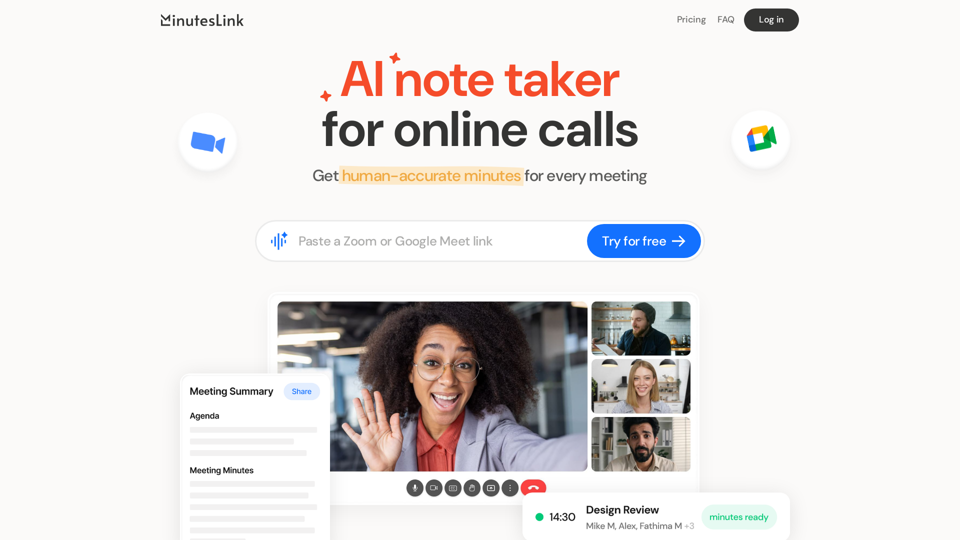
MinutesLink AI

MinutesLink AI - Intelligent Note Taker for Online Meetings

--
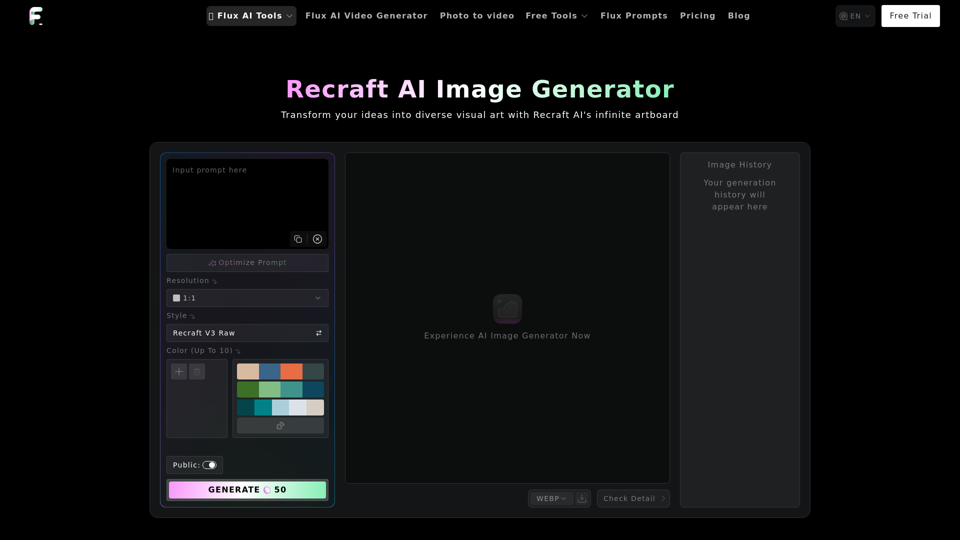
Recraft AI Image Generator

Recraft AI Image Generator - AI-Powered Design and Image Creation Tool by Flux-ai

--
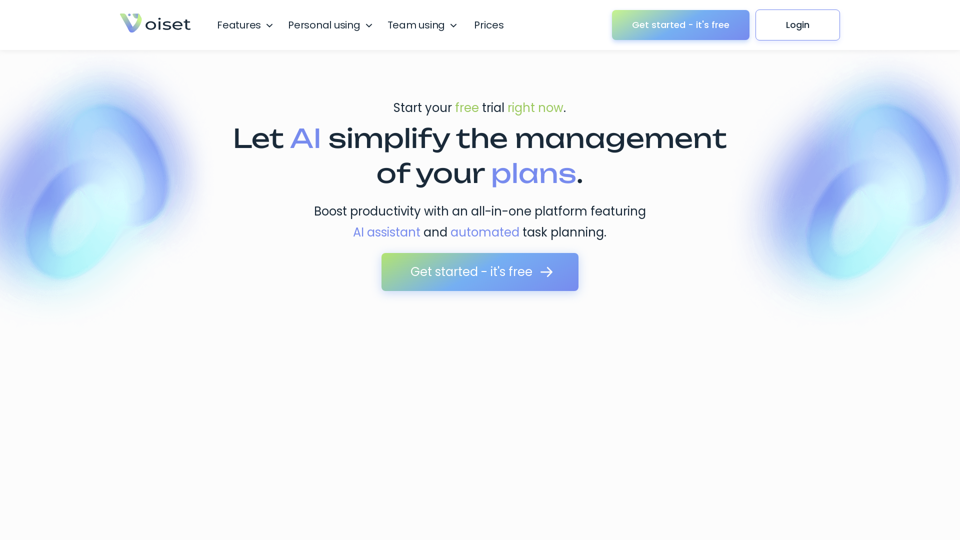
Voiset

Voiset - AI Task Management & Automated Task Scheduling for Self-Employed

--
Bharat Diffusion AI

Bharat Diffusion AI - Create Traditional Indian AI Images and Visuals Culture

--
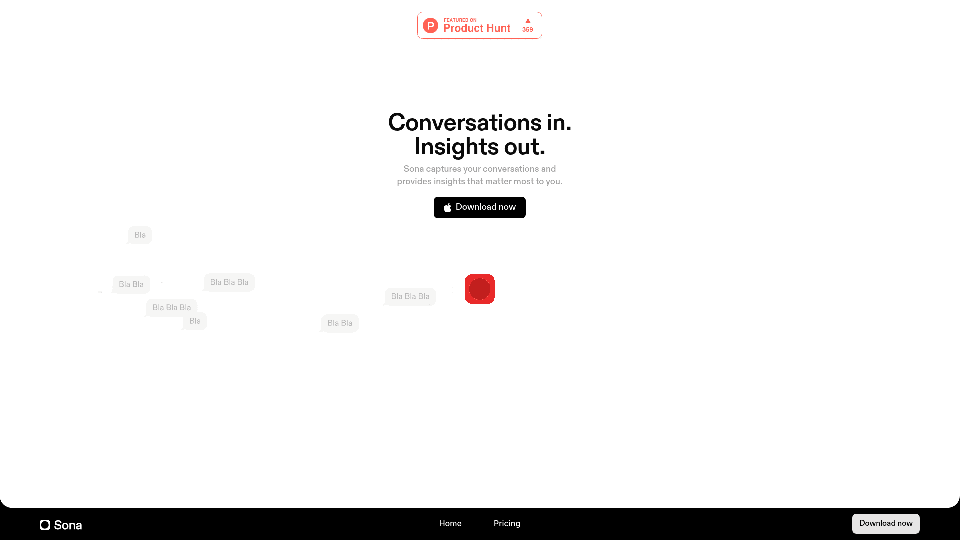
Sona AI

Sona AI - AI Transcription and Meeting Recording with Sona Product Updates and Reviews

--
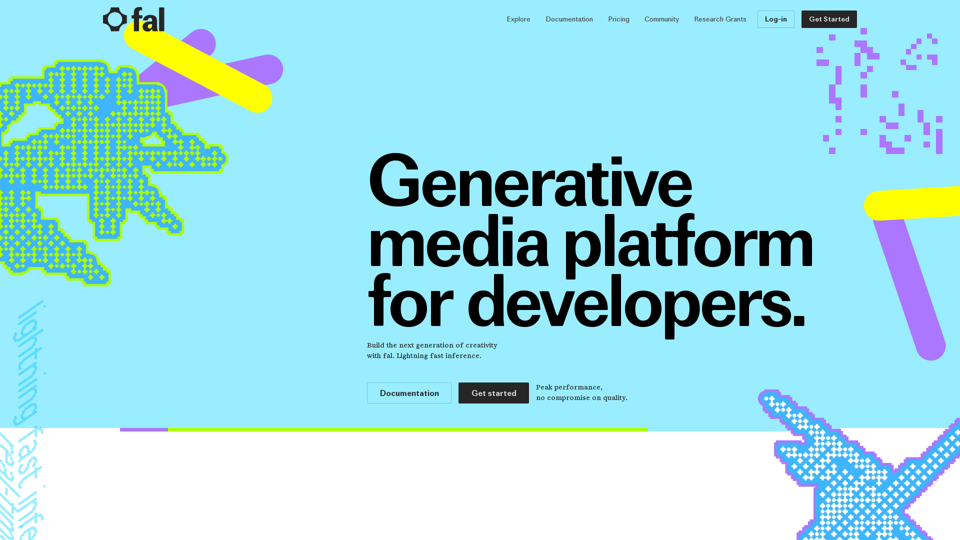
Fal AI

Fal AI - Generative Media Platform for Developers | Model Gallery & Flux Image Generation API with Stable Diffusion XL

--
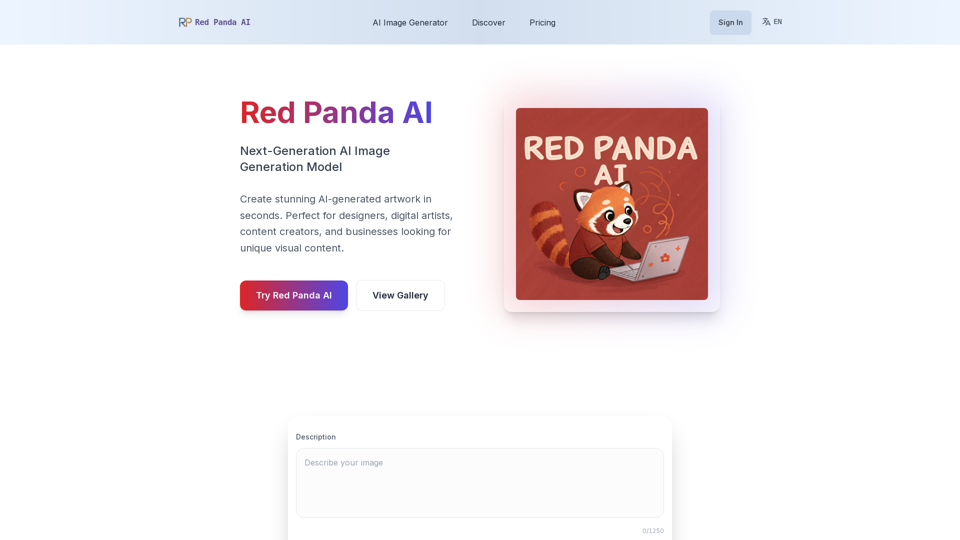
Red Panda AI

Red Panda AI - Transforming AI Image Generation with Red Panda Image Generator and Pricing Insights

--
Image Splitter

Image Splitter - Free Online Image Grid Maker and Split Tool

--
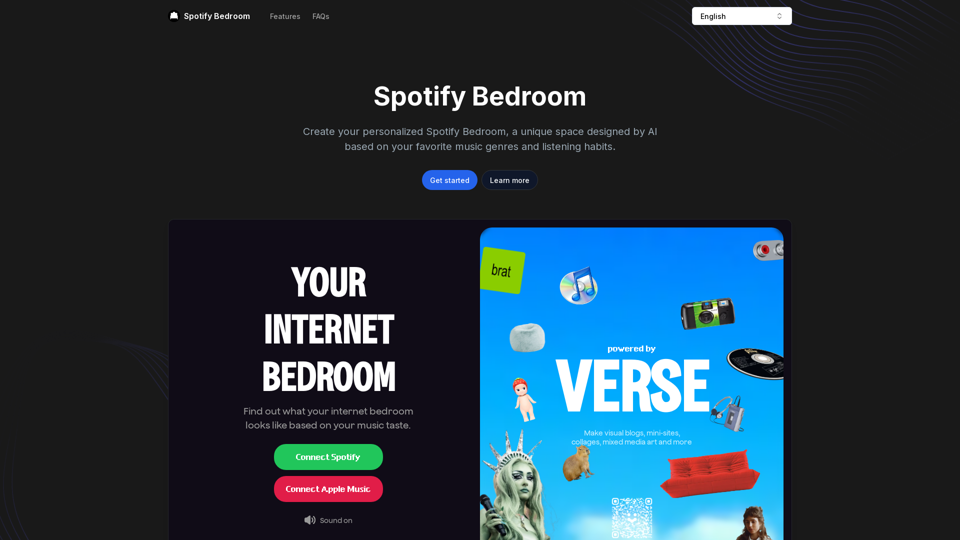
Spotify Bedroom

Spotify Bedroom - Transform Your Space with Music-Inspired Decor and Online Playlists

--
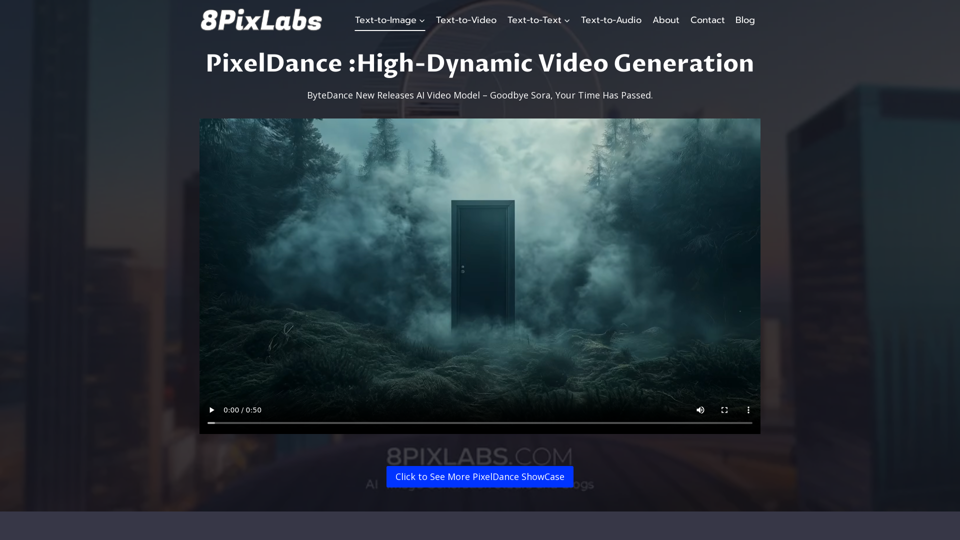
PixelDance 8Pixlabs

PixelDance 8Pixlabs - Molmo AI Free Demo Online

--
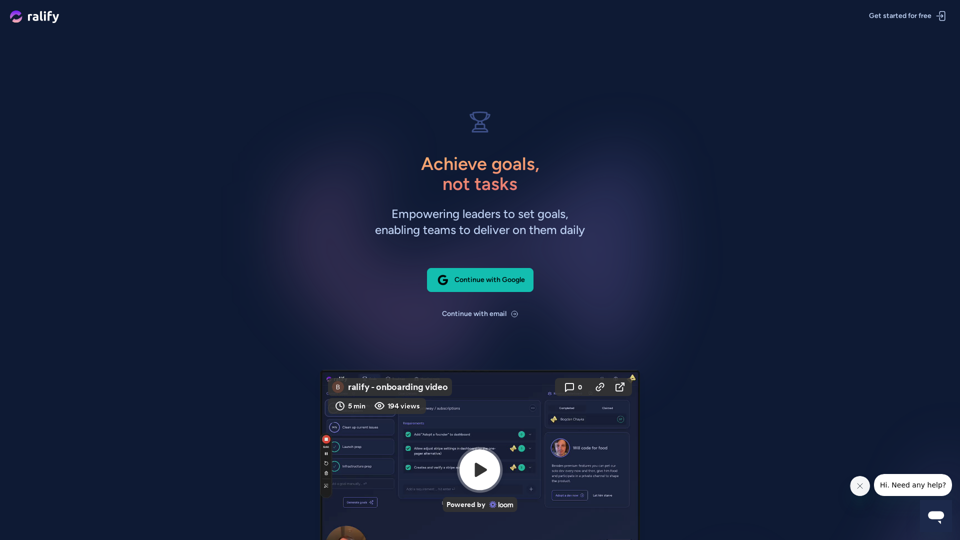
ralify

ralify - Leadership Tool for Fast-Paced Teams to Boost Team Morale and Enhance Task Management

--
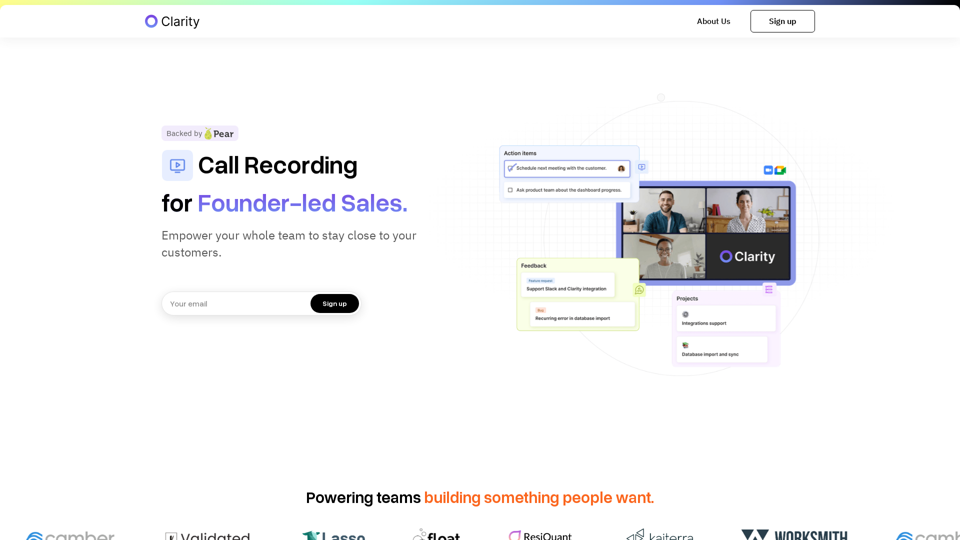
Clarity

Adoptclarity.com: Clarity offers a powerful solution that integrates call recording, feedback tracking, and roadmapping to enhance your team's focus on delivering value and closing deals. With Clarity, streamline your founder-led sales process and ensure effective communication and collaboration across your organization. Experience the benefits of improved feedback tracking and efficient roadmapping to drive success in your sales efforts.

--
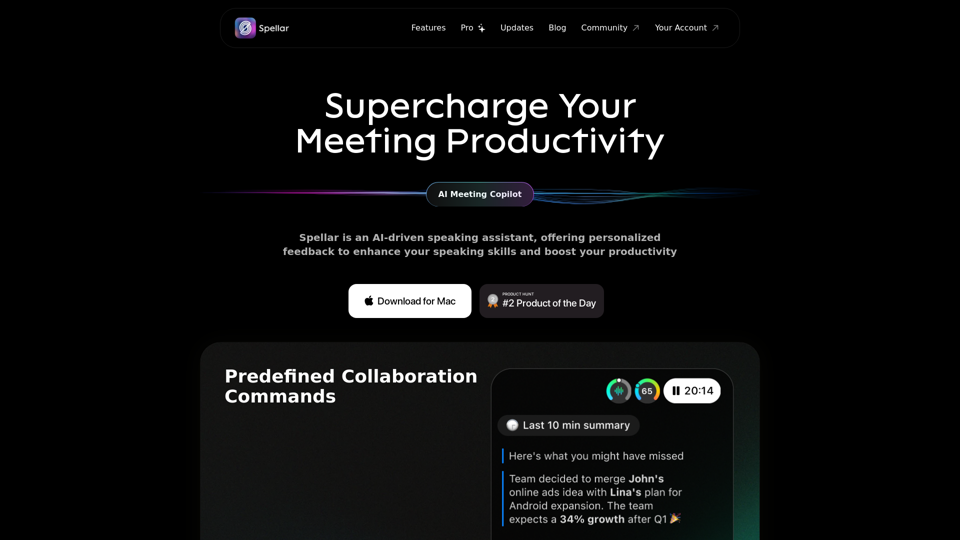
Speechy AI

Speechy.ai: Enhance communication with Spellar AI, a powerful macOS meeting assistant that provides real-time engagement tips, meeting summaries, key points, and tasks tracking. Perfect for non-native English speakers in remote work, Spellar records calls and automates meeting notes.

--
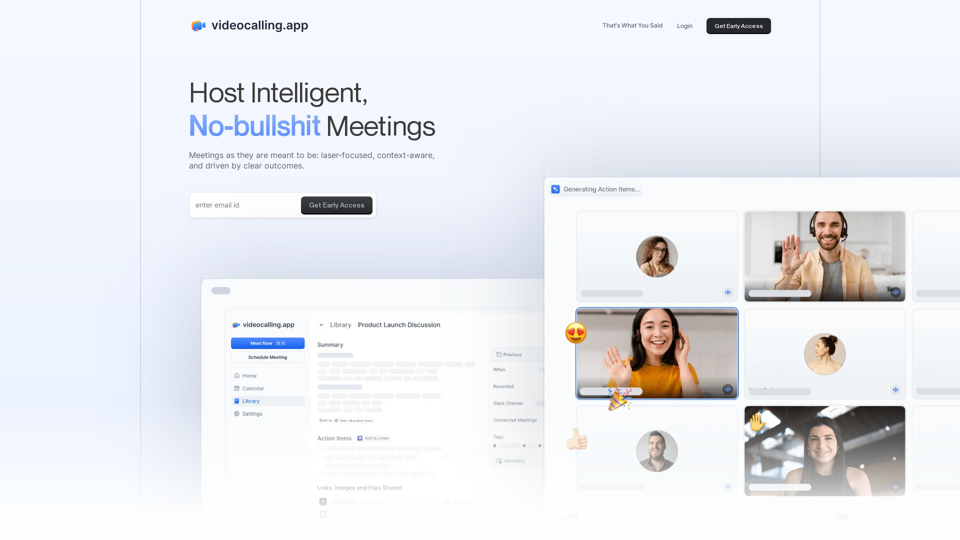
Video Calling App

Videocalling.app: Integrate the Video Calling App with your existing tool stack to host contextual, focused, and outcome-driven meetings.

--
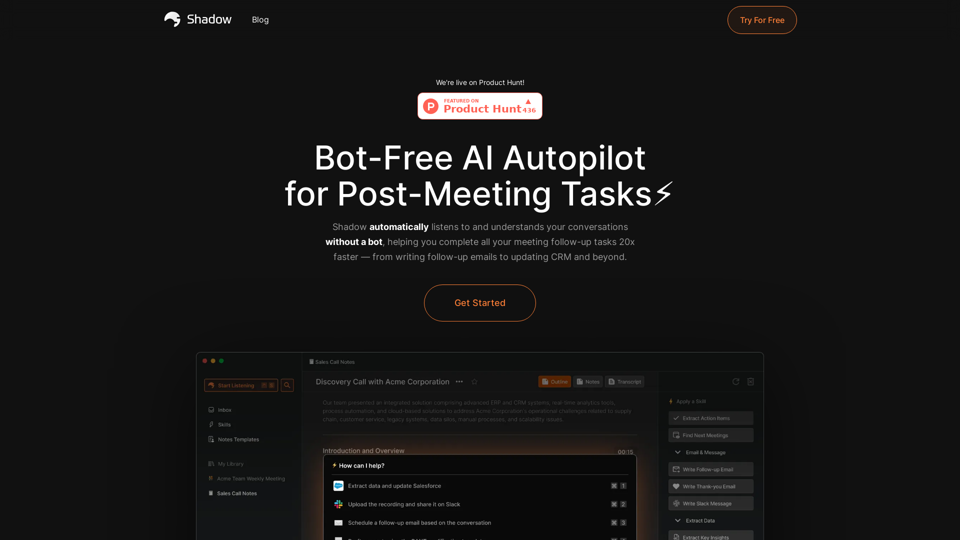
Shadow AI

Shadow.do: Shadow AI is a cutting-edge platform that leverages AI technology to autonomously listen to and comprehend discussions, aiding individuals in promptly and effectively addressing post-meeting assignments.

--
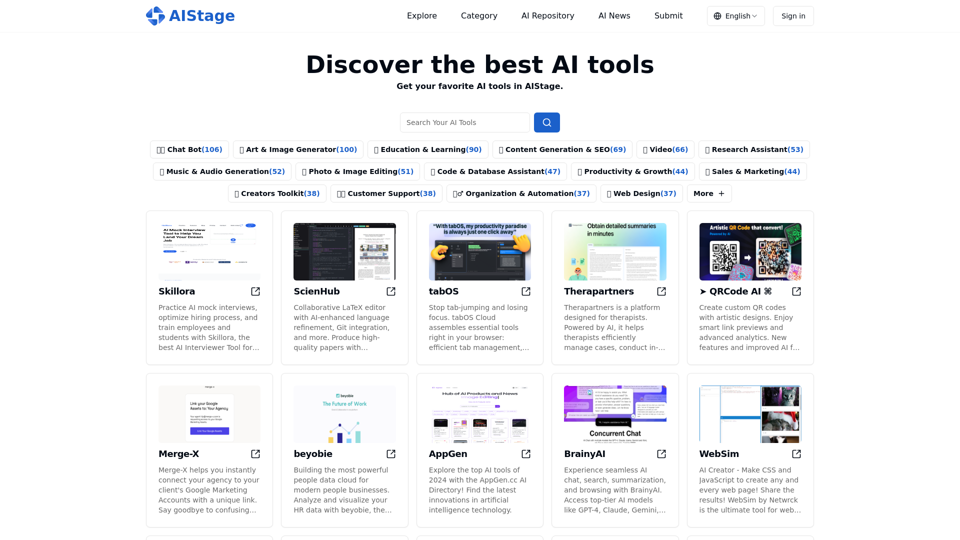
AI Stage

AIStage.net: Explore the best AI tools, websites, and open-source projects on AIStage, the leading AI aggregation platform. Keep yourself informed with the newest AI updates.

--
Moimoi

Moimoi.app: Craft your life with moimoi, the app store and Android app for creating personalized cards. Download now to showcase every aspect of your life through beautifully crafted cards.

--

Related Tags about Productivity-AI Meeting Assistant

What's an AI Meeting Assistant?

AI Meeting Assistants are advanced tools designed to enhance and streamline virtual meetings. These assistants leverage artificial intelligence to perform a variety of tasks such as transcribing audio, summarizing conversations, identifying key insights, and managing meeting schedules. They function as virtual assistants that can support the entire lifecycle of a meeting, from scheduling to post-meeting analysis.

Key Features:

  • Transcription and Summarization: Convert spoken words into text and generate concise meeting summaries.
  • Action Item Tracking: Identify and track tasks assigned during meetings.
  • Integration with Platforms: Seamlessly connect with video conferencing tools like Zoom, Google Meet, and Microsoft Teams.
  • Real-Time Insights: Provide live feedback and insights during meetings to enhance productivity.
  • Language Support: Offer transcription and translation in multiple languages, supporting global teams.

Benefits of AI Meeting Assistants

AI Meeting Assistants provide numerous advantages that make meetings more efficient and productive.

Enhancements in Productivity:

  • Time-Saving Automation: Automate note-taking, action item tracking, and meeting scheduling.
  • Improved Focus: Allow participants to concentrate on discussions without worrying about manual note-taking.
  • Enhanced Collaboration: Facilitate better communication and collaboration through real-time transcription and translation.

Data and Insights:

  • Sentiment Analysis: Analyze meeting transcripts to gauge participant sentiment and provide actionable insights.
  • Conversation Analytics: Track engagement and participation levels to improve meeting dynamics.
  • Comprehensive Reporting: Generate detailed reports on meeting performance and outcomes.

How to Use AI Meeting Assistants

Implementing an AI Meeting Assistant in your workflow can significantly enhance meeting efficiency and productivity.

Steps to Get Started:

  1. Choose the Right Tool: Evaluate different AI meeting assistants based on your specific needs, such as transcription accuracy, integration capabilities, and feature set.
  2. Integrate with Existing Tools: Connect the AI assistant with your current video conferencing and calendar applications.
  3. Configure Settings: Customize the assistant’s settings to align with your meeting workflows, such as setting up automatic transcription or action item tracking.
  4. Leverage AI Features: Utilize the assistant’s features during meetings to transcribe discussions, identify key points, and track assigned tasks.
  5. Review and Analyze: After meetings, review the generated transcripts, summaries, and reports to gain insights and improve future meetings.

By incorporating AI Meeting Assistants into your meetings, you can ensure that all participants remain informed and engaged, while also reducing the administrative burden of meeting management.