


Productivity-AI Productivity Tools

FeedHive - Create content at scale ⚡ And 182 other AI Tools For AI Productivity Tools

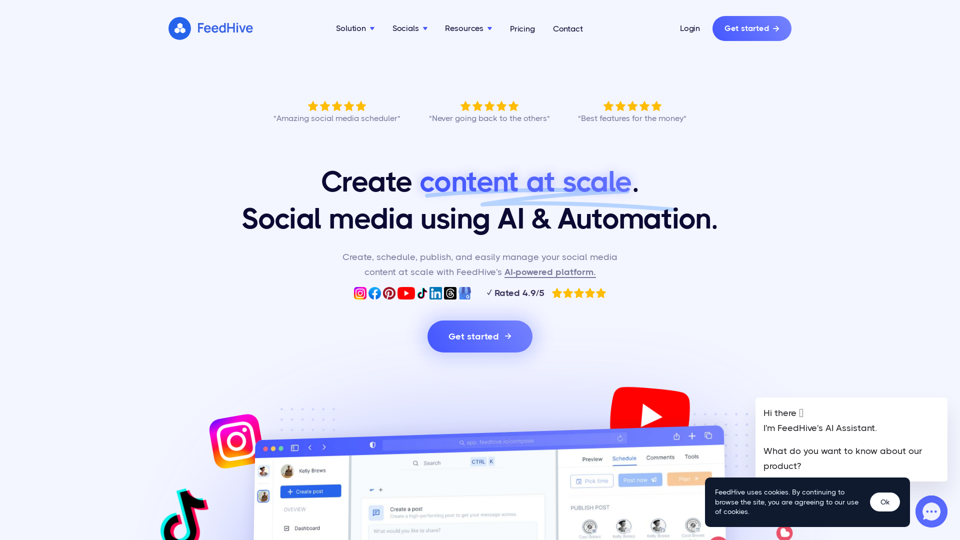
FeedHive - Create content at scale ⚡

Create, publish, and easily manage your social media content at scale with FeedHive's AI-powered platform

--
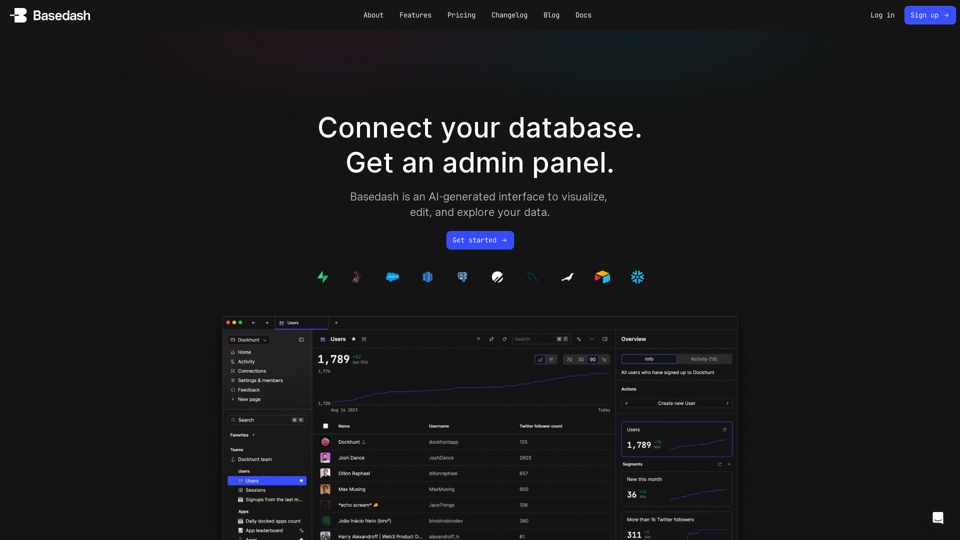
Basedash | The admin panel you don't have to build

Dashboards, charts, API calls, CRUD operations, SQL queries. Just connect your database, Basedash handles the rest.

--
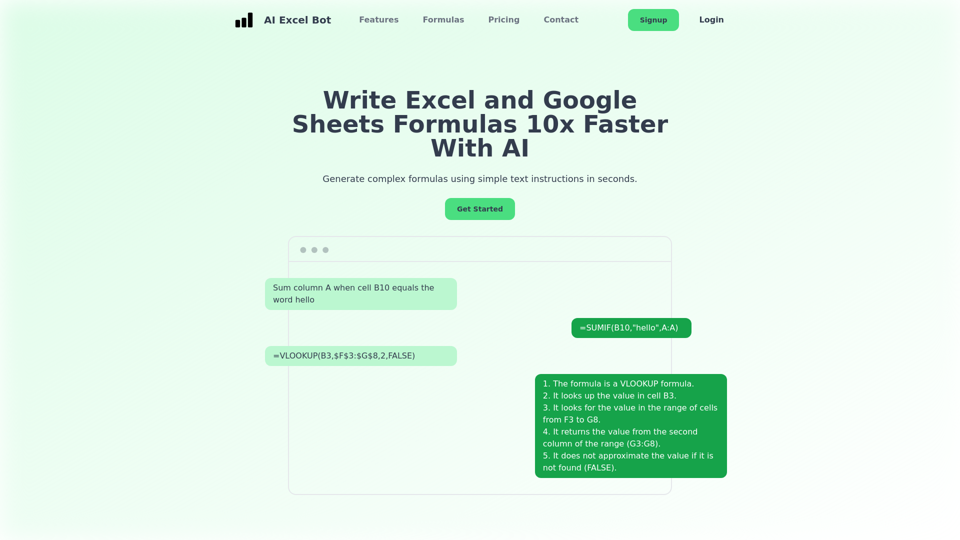
AI Excel Bot | Use AI To Generate Excel Formulas In Seconds

AI Excel Bot helps you create complex Excel formulas in seconds. Use simple English prompts to generate formulas. AI Excel Bot's formula generator uses state of the art GPT-3 AI model to give you the best results.

--
Gooey.AI - The best of private & open source AI

Gooey.AI showcases the best of private & open source AI with one billing account and discoverable workflows.

--
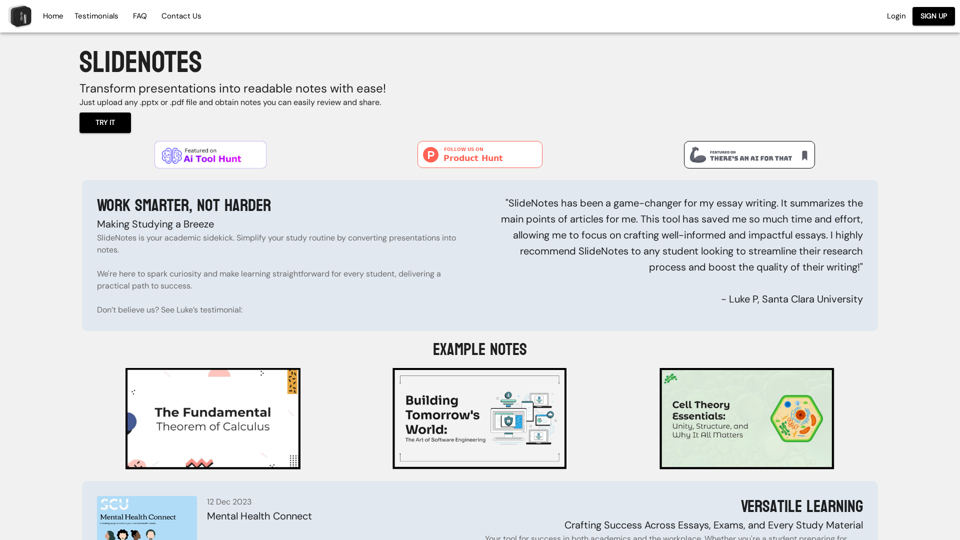
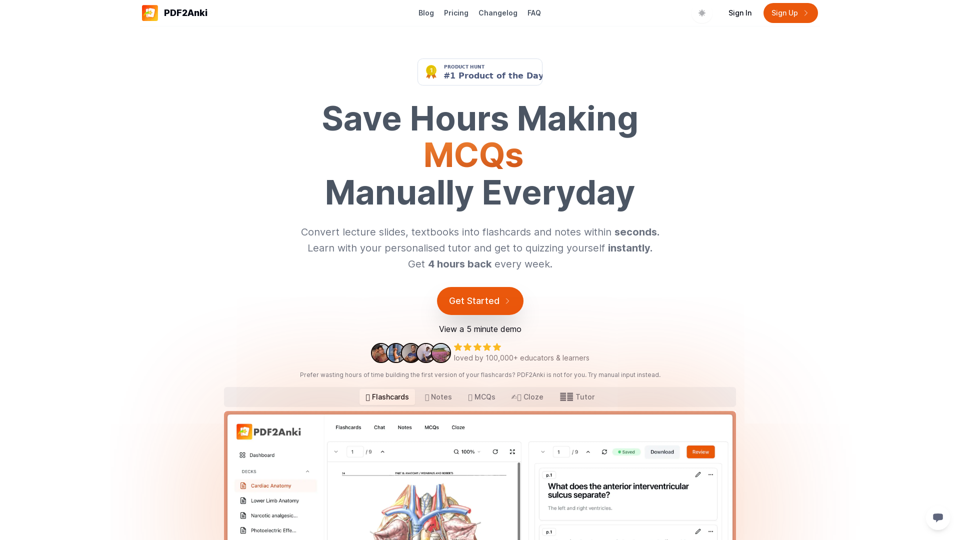
PDF2Anki | Save Hours Making Flashcards Manually Everyday

Convert lecture slides, notes & PowerPoints into flashcards in seconds and chat with them.

--
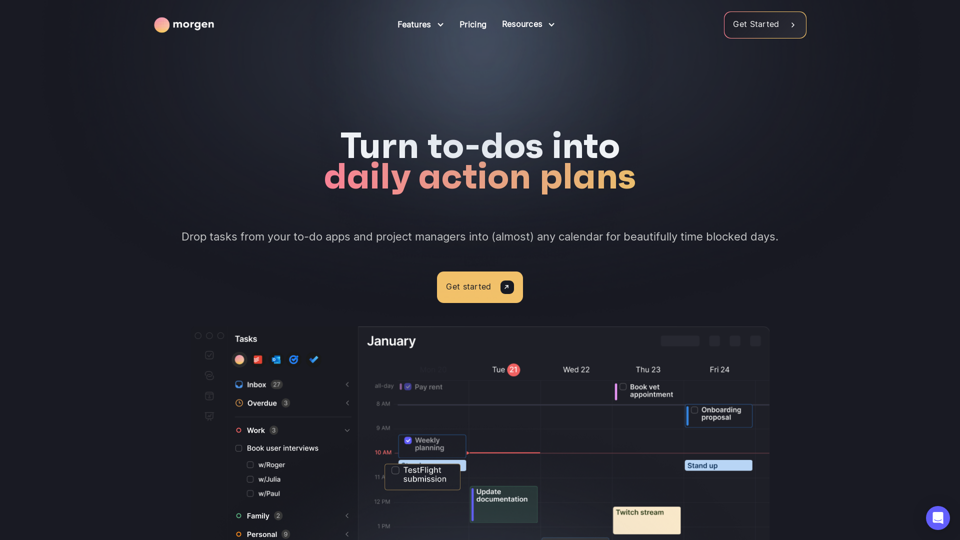
Morgen Calendar and Task Manager

Morgen integrates all your calendars, task managers, time blocking, and scheduling tools in one powerful app. Available on Mac, Windows, Linux, iOS and Android.

--
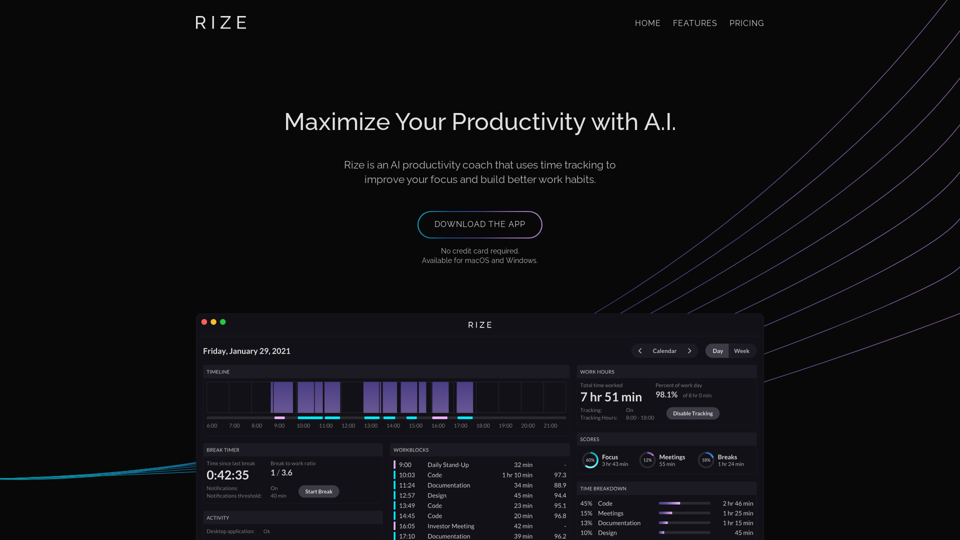
Rize AI

Rize.io: Rize is a cutting-edge productivity assistant fueled by AI technology, providing intelligent time management to boost concentration and develop better work routines.

--
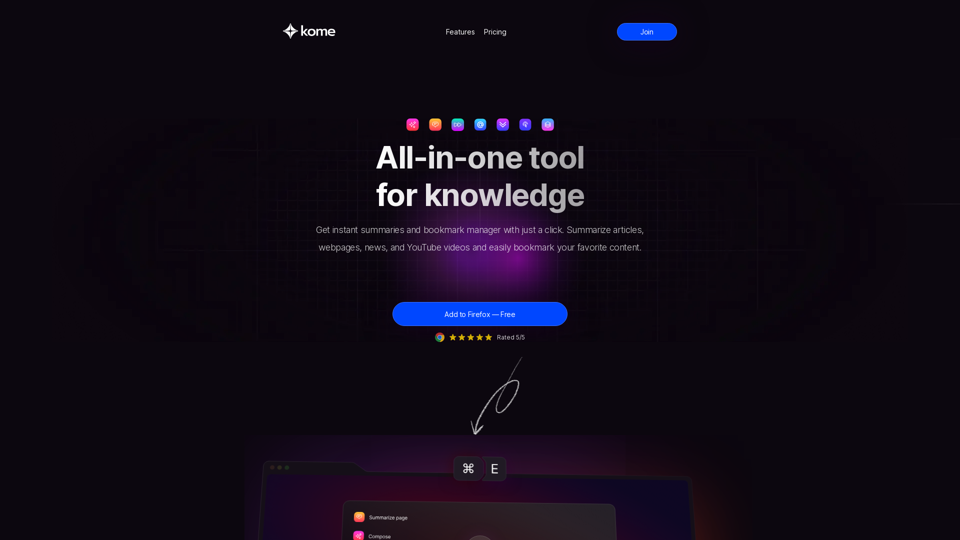
Kome: AI Summary and Bookmark Extension

Kome is the ultimate AI browser extension with the ability to summarize news, articles, and YouTube videos, and bookmark content from any website.

--
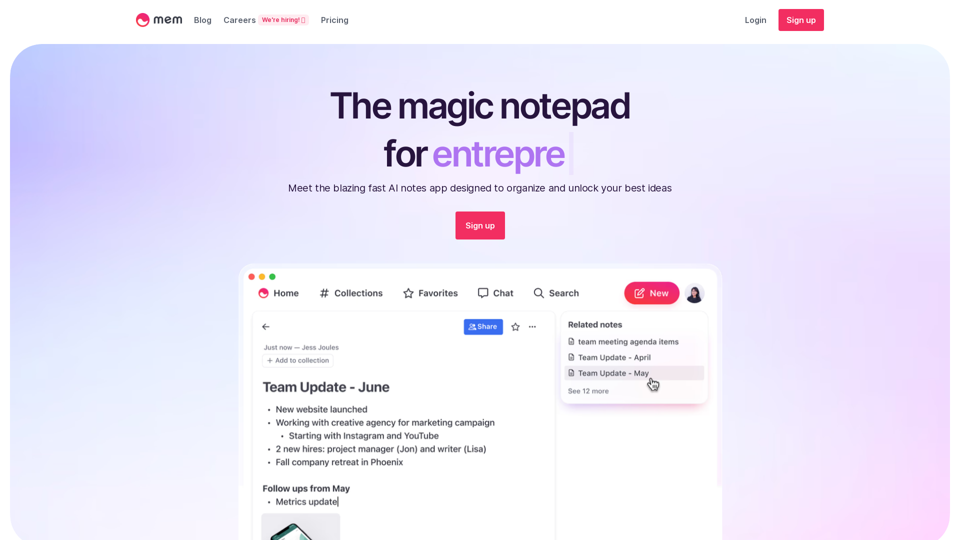
Mem – The AI Notes App That Keeps You Organized

The future of note taking. Designed to keep busy professionals organized with AI. Offline mode, iOS app, markdown editing, and GPT-4 built-in. Start building your second brain.

--
Free Online Storyboard Software | Boords

Boords is the top-rated online storyboarding software that makes planning video projects a joy, not a job.

--
Texts

The ultimate messaging app

--
Raycast Notes

Raycast Notes - Unlock AI, Cloud Sync, and Custom Themes with Raycast Pro

--
Planable | Content Planning, Approval & Collaboration Done Right

Planable is the free social media collaboration and management tool trusted by marketers to plan, collaborate, approve and schedule their social media posts.

--
Voicenotes | AI Voice Notes App

Voicenotes is an intelligent note-taking app. Record your thoughts freely, get them transcribed using state-of-the-art AI, and ask about every word you spoke.

--
Opus Pro - AI Video Repurposing Tool

Opus.pro: Opus Clip transforms lengthy videos into top-notch viral clips suitable for sharing on TikTok, YouTube Shorts, and Reels, boosting your social media presence.

--
Replit Agent

Replit Agent - Accelerate Software Development with Replit's Collaborative Coding and AI Coding Assistant

--
Notion

Affiliate.notion.so: Explore a state-of-the-art solution that merges your everyday work tools into a cohesive platform. Consolidate all your work necessities in a single user-friendly workspace using Affiliate Notion ffsd1156ei0l.

--
UI Design Made Easy, Powered By AI | Uizard

UI design for apps, websites, and desktop software in minutes. If you can use Google Slides or PowerPoint, you can use Uizard!

--

Related Tags about Productivity-AI Productivity Tools

What's AI Productivity Tools

AI productivity tools are software applications designed to enhance efficiency and streamline tasks by leveraging artificial intelligence. These tools assist in various functions such as organizing emails, managing tasks, generating content, and more, making them invaluable for both personal and professional use.

Benefits of AI Productivity Tools

  • Increased Efficiency: Automate repetitive tasks, allowing more focus on strategic activities.
  • Enhanced Creativity: Tools like AI-powered design and writing assistants offer creative suggestions and ideas.
  • Improved Organization: AI tools help in managing schedules and tasks, ensuring nothing is overlooked.
  • Time Savings: Quick access to information and streamlined workflows reduce the time spent on manual processes.
  • Scalability: Easily adapt to growing workloads without the need for additional resources.

How to Use AI Productivity Tools

Task Management

  • Identify Needs: Determine which areas of your workflow could benefit from automation or AI assistance.
  • Select Tools: Choose tools that align with your needs, such as task managers or scheduling apps.
  • Integration: Ensure the tools integrate seamlessly with your existing systems and workflows.
  • Training: Familiarize yourself and your team with the tool's features to maximize its benefits.
  • Feedback and Adaptation: Regularly assess the tool's impact and adjust usage as needed to optimize productivity.

AI-Powered Communication

  • Unified Messaging: Use tools that consolidate messages from various platforms into a single interface.
  • AI Drafting: Leverage AI to draft and edit communications, ensuring clarity and efficiency.
  • Privacy and Security: Choose tools that offer strong encryption and privacy features to protect sensitive information.

Creative Design and Content Generation

  • Template Utilization: Start with AI-generated templates for design projects to save time.
  • AI Suggestions: Use AI to enhance content creation with suggestions for improvements or new ideas.
  • Customization: Adjust AI-generated content to fit your brand's voice and style for a personalized touch.

Meeting and Research Assistance

  • Automated Transcription: Employ AI tools to transcribe and summarize meetings for easy reference.
  • Research Tools: Use AI to quickly gather and analyze information, providing citations and fact-checking.
  • Integration with Platforms: Ensure compatibility with video conferencing and document storage solutions for seamless operations.

By incorporating AI productivity tools into your daily routine, you can enhance efficiency, creativity, and organization, ultimately leading to a more productive and streamlined workflow.