
What's AI Image Generation?
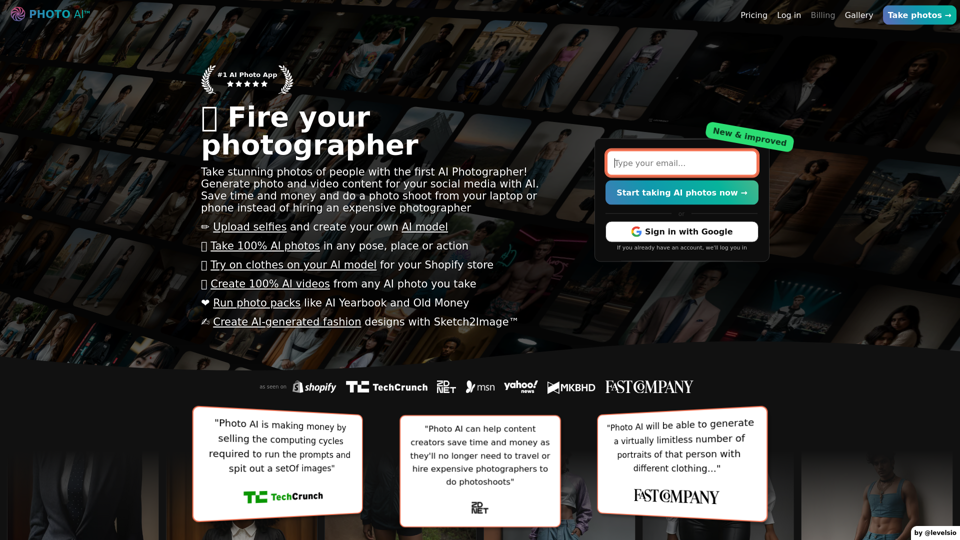
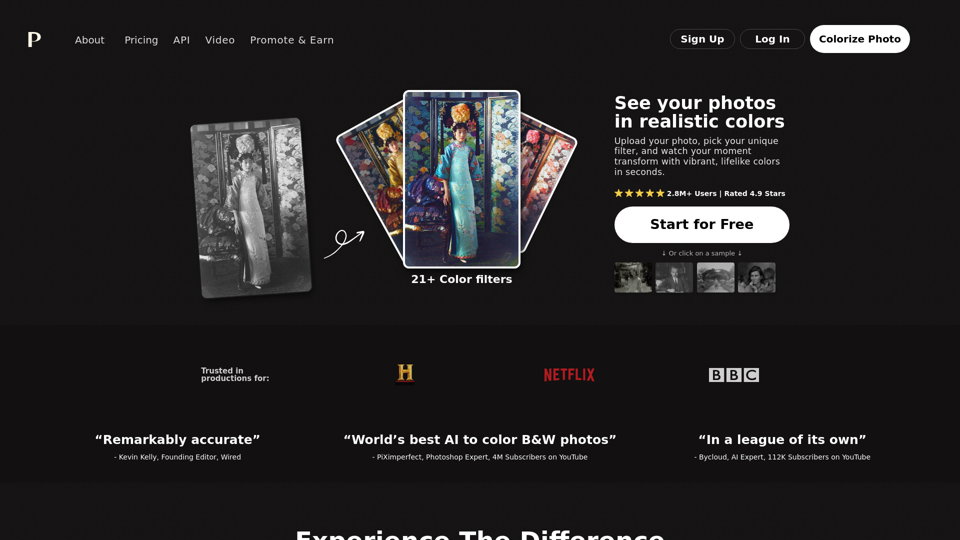
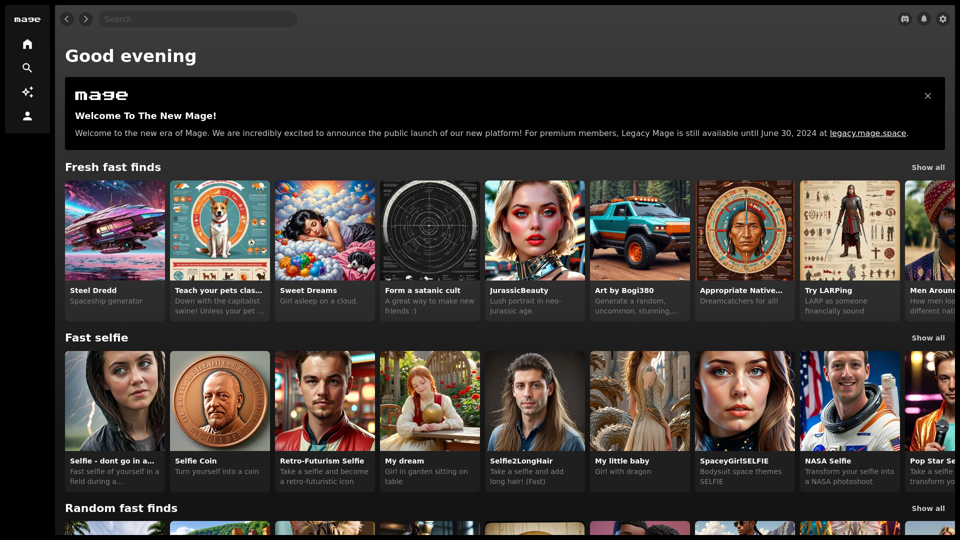
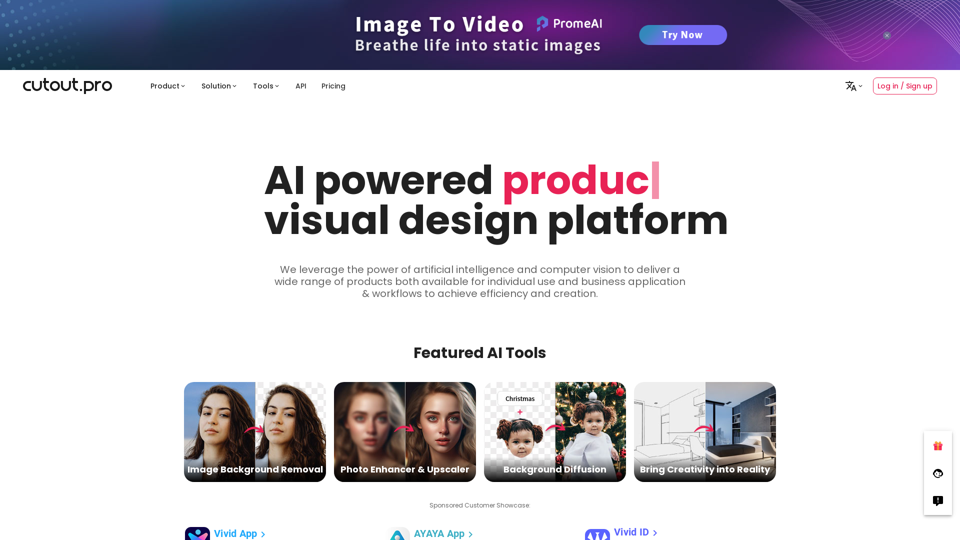
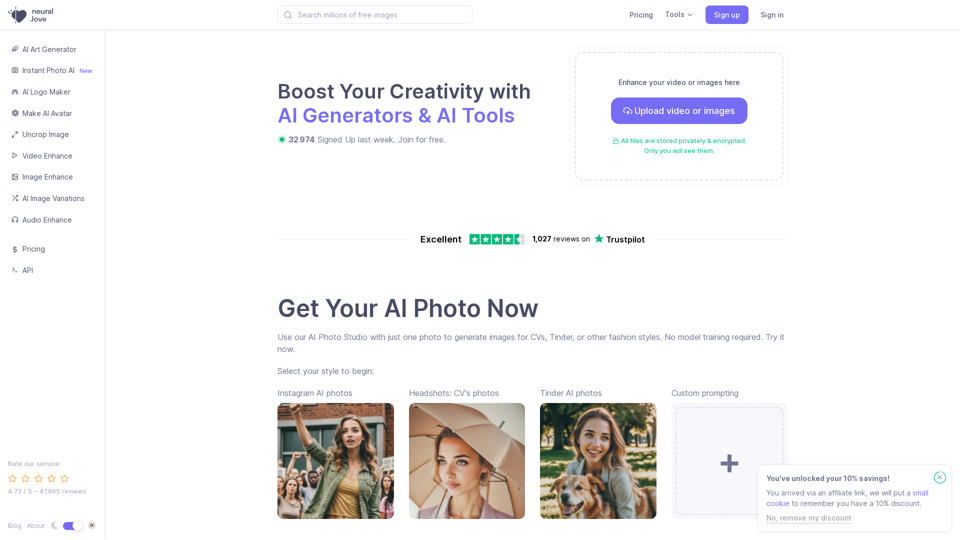
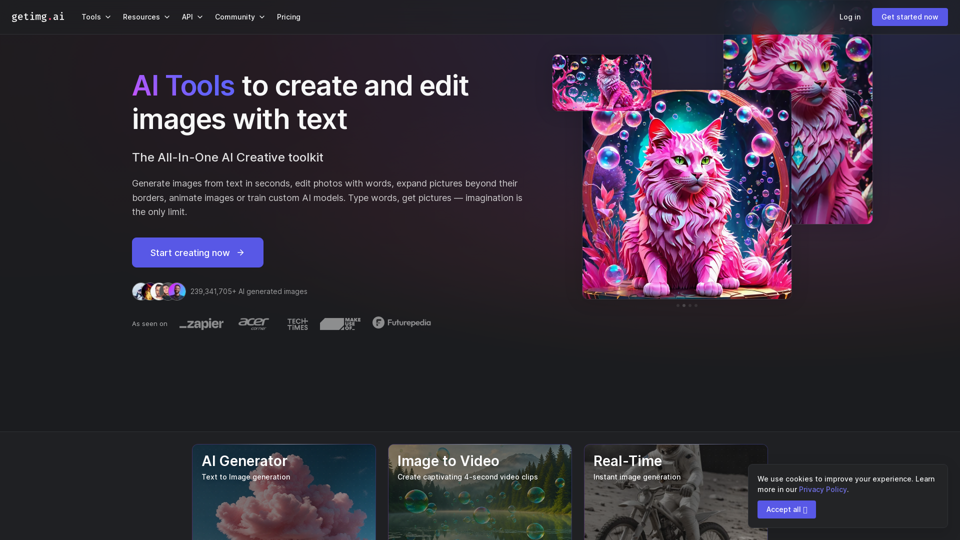
AI image generation refers to the use of artificial intelligence, specifically machine learning models, to create images from scratch. These models, such as Generative Adversarial Networks (GANs), diffusion models, and neural style transfer, are trained on vast datasets of images and can produce new visuals based on textual prompts or other input images. The technology is capable of blending styles, concepts, and attributes to create original and contextually relevant imagery.
Benefits of AI Image Generation
- Creativity Enhancement: AI image generators can inspire artists by providing novel visual ideas and styles.
- Efficiency: These tools save time and resources by automating the image creation process, which is particularly useful in industries like marketing and entertainment.
- Customization: Users can generate images tailored to specific needs, such as brand assets or personalized content.
- Accessibility: AI makes high-quality image creation accessible to non-designers, allowing anyone to produce professional-looking visuals.
How to Use AI Image Generators
Step-by-Step Guide
- Choose a Generator: Select an AI image generator that suits your needs. Options include DALL-E, Midjourney, and Stable Diffusion.
- Input a Prompt: Provide a detailed textual description of the image you want to create. The more specific your prompt, the better the output.
- Select Style Options: Many generators offer style customization, allowing you to choose from various artistic styles or adjust the image's aspect ratio.
- Generate and Refine: Click 'Generate' to create the image. Some platforms allow further refinements, such as editing specific parts of the image.
- Download and Use: Once satisfied, download the image for use in your projects.
Considerations
- Quality and Realism: While AI-generated images can be impressive, they may still exhibit imperfections, especially in complex scenes or human features.
- Ethical and Legal: Be aware of potential copyright issues and the ethical implications of using AI-generated content, particularly concerning bias in training data.
Popular AI Image Generators
- DALL-E 3: Known for its ease of use and integration with platforms like ChatGPT, DALL-E 3 offers high-quality image generation with a focus on creative prompts.
- Midjourney: Renowned for producing visually appealing and coherent images, Midjourney is ideal for artists seeking high-quality outputs.
- Stable Diffusion: Offers customization and control, making it a favorite among those who want to fine-tune their image generation process.
Future of AI Image Generators
AI image generation continues to evolve, with advancements in 3D rendering and video generation on the horizon. As models become more sophisticated, they will likely integrate more seamlessly into creative workflows, offering even greater potential for innovation across various industries.