![[Official] HitPaw Photo AI: Best AI Photo Editor](https://img.tap4.ai/tools/2024/6/13/hitpaw-com-photo-ai-html-thumbnail-1718307611.png)
What's AI Image Generator
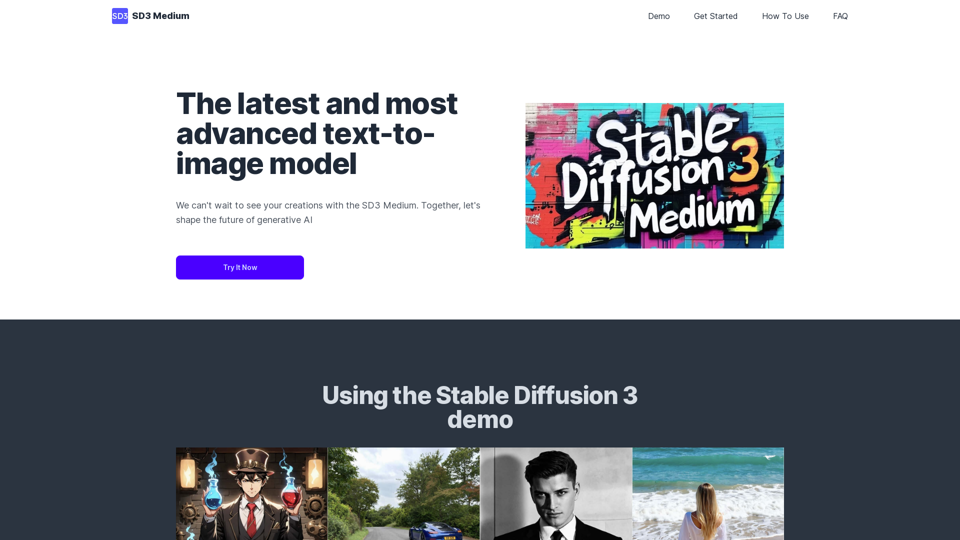
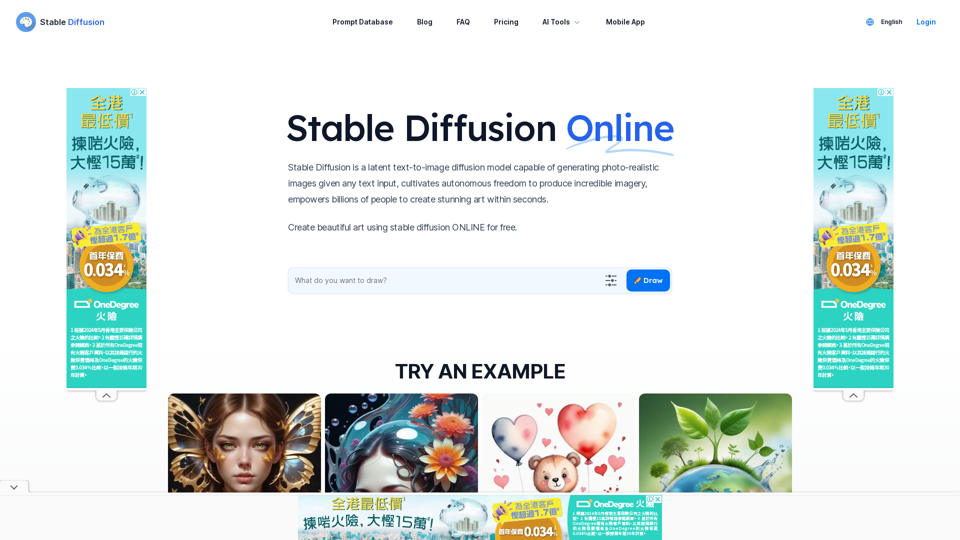
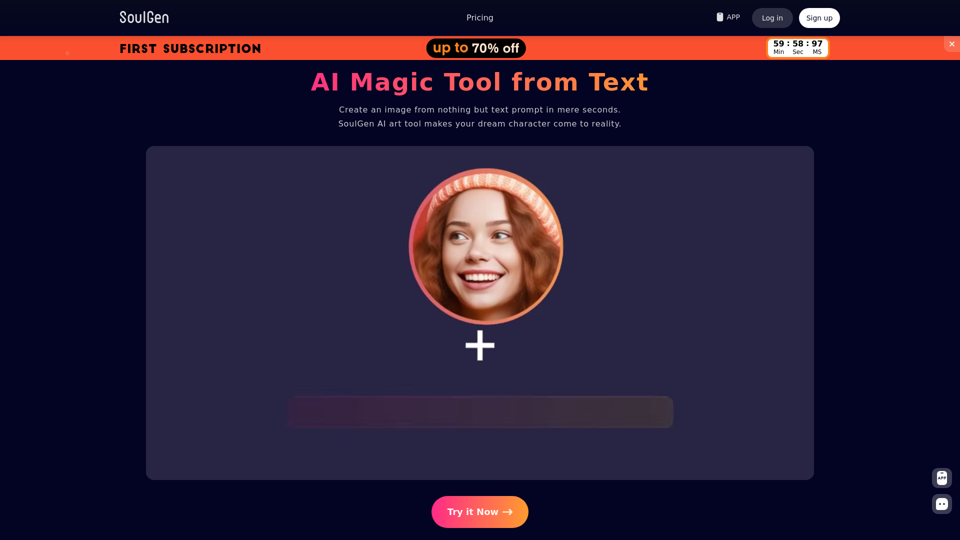
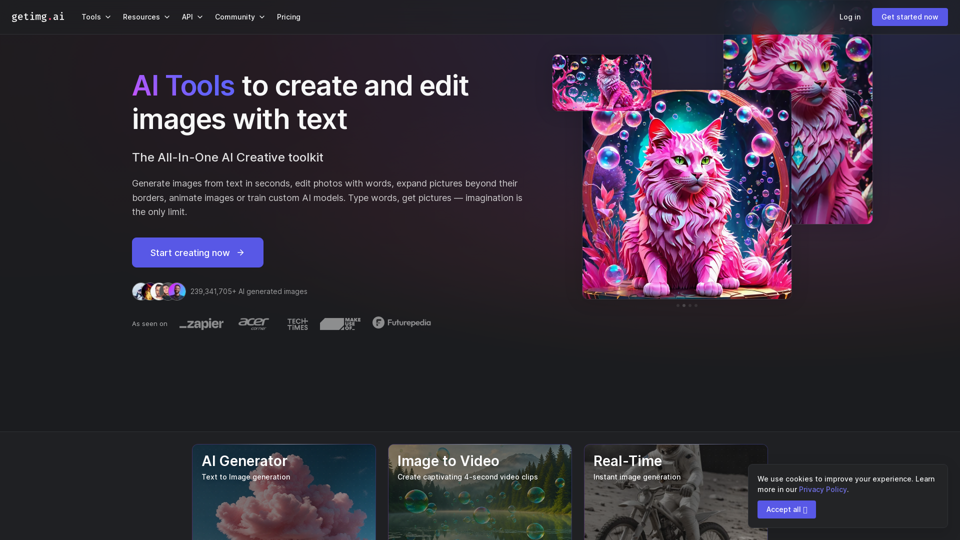
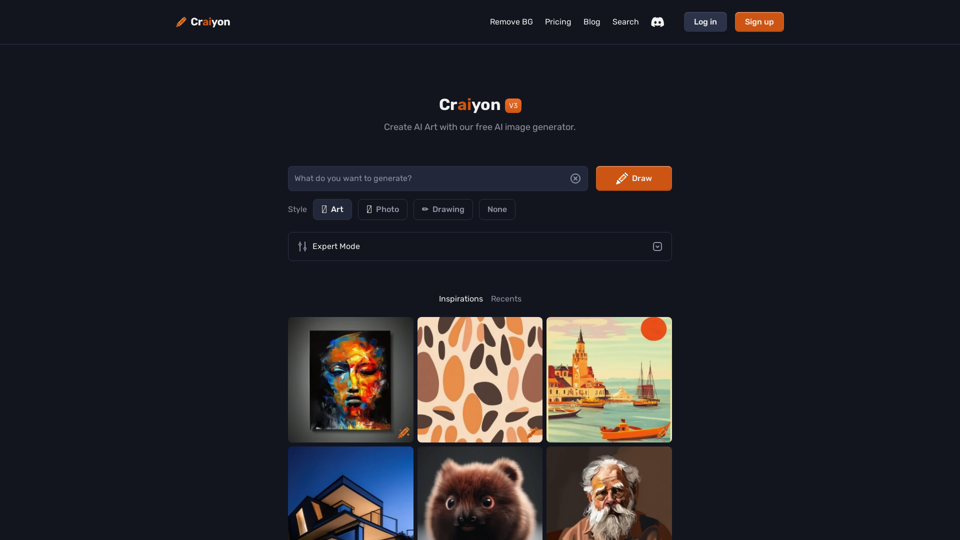
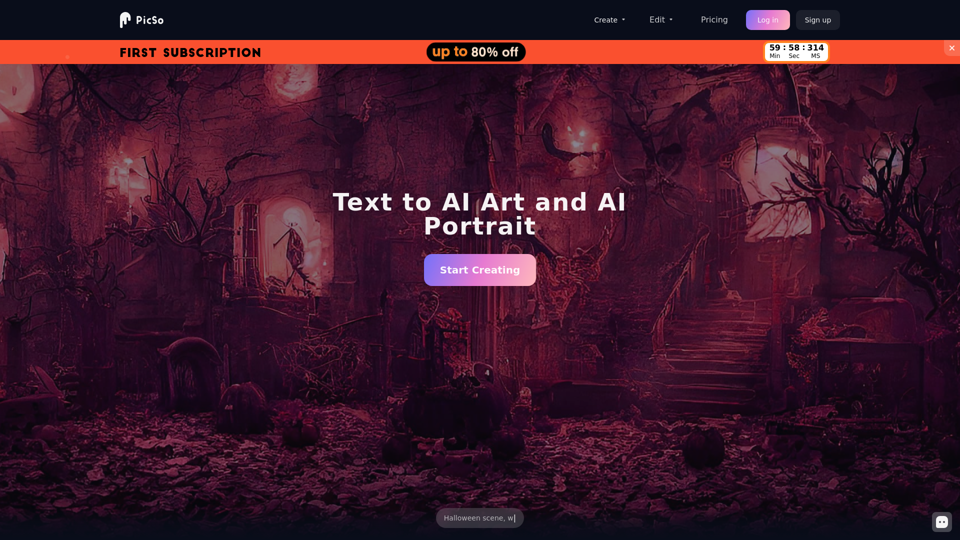
An AI Image Generator is a sophisticated tool that creates images from textual descriptions using advanced machine learning algorithms. These generators utilize models trained on vast datasets of images and associated text to produce visuals that align with user-provided prompts. This technology enables users to transform abstract ideas into tangible images, enhancing creativity and productivity across various fields.
Benefits of AI Image Generator
Creative Flexibility
- Multiple Styles and Modes: Offers diverse artistic styles like photorealistic, watercolor, abstract, and fantasy.
- Customization Options: Allows adjustment of colors, lighting, and composition for personalized images.
Efficiency and Accessibility
- High-Resolution Output: Produces images suitable for web, print, or social media.
- User-Friendly Interface: Requires no technical skills—simply input text and choose preferences.
Versatility
- For Content Creators: Enhances blogs, articles, and social media posts with unique visuals.
- For Designers: Facilitates quick prototyping and inspiration without starting from scratch.
- For Entrepreneurs: Generates eye-catching graphics for ads and presentations effortlessly.
How to Use AI Image Generator
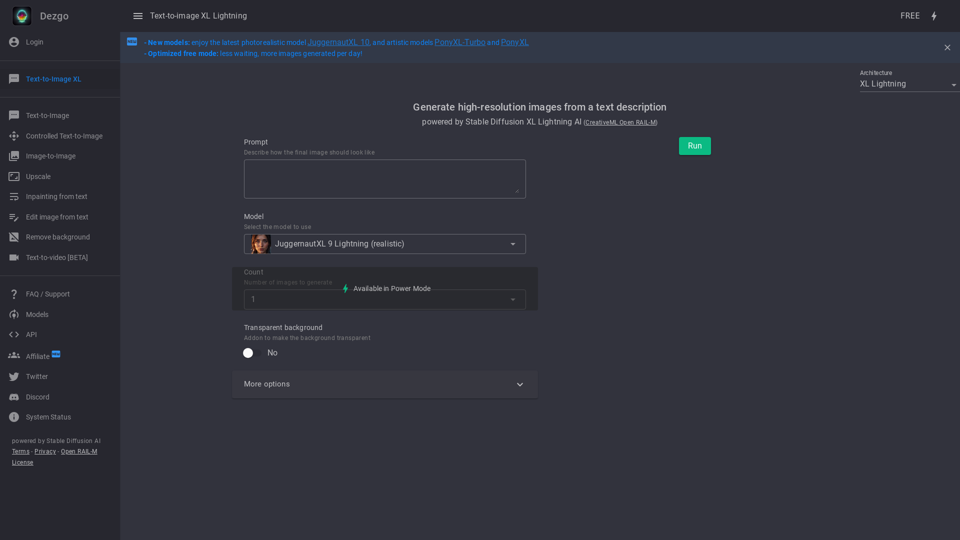
- Enter Your Text Prompt: Describe the image you wish to create, with as much detail as desired.
- Select Style and Settings: Choose an art style and adjust settings like color palette and aspect ratio.
- Generate and Refine: Click "Generate Image" to create your visual. Adjust prompts or settings as needed.
- Download and Share: Save the image in your preferred format or share it directly on social media.
Frequently Asked Questions
Is commercial use allowed?
Yes, commercial use is permitted for generated images. They can be utilized for any legal purposes.
Can I use the generated images for NFTs?
Yes, AI-generated images can be used for NFTs.
Is there an API available?
Yes, APIs are available to integrate AI image generation into applications.
Who owns the output?
Generated images are considered public domain and have no owner.
Is the quality suitable for printing?
The quality is generally sufficient for smaller prints; larger prints might appear blurry.
Is the Image Generator free?
Many platforms offer a complimentary tier with limited credits for generating images.