Overview
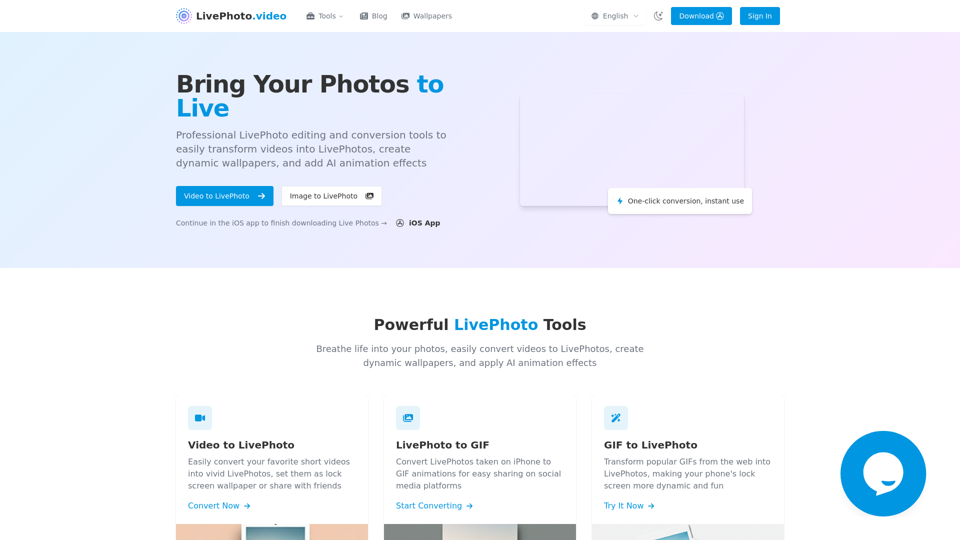
LivePhoto.video is a comprehensive online platform offering professional tools for editing and converting Live Photos. It enables users to transform videos into Live Photos, create dynamic wallpapers, and add AI animation effects to static images. The platform aims to bring photos to life with movement and sound, making memories more dynamic and shareable.
Main Purpose and Target User Group
- Main Purpose: To provide easy-to-use tools for creating, converting, and customizing Live Photos, enhancing the visual experience of digital memories.
- Target User Group:
- iPhone users who want to create custom Live Photo wallpapers.
- Social media enthusiasts and content creators looking to share dynamic content (Live Photos, GIFs, videos).
- Photographers and digital artists who want to add animation to their still images.
- Anyone interested in preserving and sharing memories in a more interactive and engaging format.
Function Details and Operations
- Video to Live Photo Converter
- Operation: Upload a short video, adjust duration and quality settings, and convert it into a Live Photo.
- Features: Supports multiple video formats, automatic display optimization, custom cropping, and size adjustments for optimal wallpaper effects.
- Use Case: Create dynamic lock screen wallpapers from favorite video clips.
- Live Photo to GIF Converter
- Operation: Convert Live Photos taken on iPhone into GIF animations.
- Features: Preserves quality for easy sharing on social media platforms.
- Use Case: Share Live Photos on platforms that don't natively support them.
- GIF to Live Photo Converter
- Operation: Transform popular GIFs from the web into Live Photos.
- Use Case: Make phone lock screens more dynamic and fun with animated art.
- AI Photo Animation
- Operation: Upload a static photo, and advanced AI technology adds natural, smooth animation effects.
- Features: Intelligent subject recognition, multiple animation effects to choose from, suitable for portraits, landscapes, and old photo restoration.
- Use Case: Bring static photos to life, especially for precious memories.
- Social Media Sharing Optimization
- Operation: Convert Live Photos to GIFs or short videos with optimized settings for various social media platforms.
- Features: One-click optimization for social media sizes, multiple output formats available, direct sharing options.
- Use Case: Easily share dynamic content across different social platforms.
- Live Photo to Video Converter
- Operation: Convert Live Photos into standard video formats.
- Use Case: Share Live Photos as videos on platforms or with users who prefer video format.
- Image to Live Photo Converter
- Operation: Convert a static image into a Live Photo.
User Benefits
- Enhanced Memories: Transform static photos and videos into dynamic, living memories with movement and sound.
- Personalized Devices: Create unique and interactive lock screen wallpapers for iPhones.
- Wider Sharing Capabilities: Convert proprietary Live Photos into universally compatible formats (GIFs, videos) for easy sharing across all platforms and devices.
- Creative Expression: Add AI-powered animation to still images, opening up new creative possibilities for photographers and artists.
- Ease of Use: One-click conversion and intuitive interfaces make the tools accessible to users of all technical levels.
- Time-Saving: Quickly convert and optimize content for social media, streamlining content creation workflows.
Compatibility and Integration
- Platform: Primarily web-based, accessible through browsers.
- iOS App: Offers an iOS app for finishing Live Photo downloads and potentially for more native functionalities.
- Output Formats: Supports Live Photos (Apple proprietary), GIFs, and standard video formats.
- Input Formats: Supports various video formats for conversion to Live Photos.
- Device Compatibility: Live Photos are primarily designed for Apple devices, but converted GIFs and videos are universally compatible.
Access and Activation Method
- Web-based Access: Tools are available directly on the LivePhoto.video website.
- iOS App: Users can continue processes or download finished Live Photos via the dedicated iOS app.
- Sign-in: A "Sign In" option is available, suggesting account-based features or premium access.
- Conversion Process: Typically involves uploading content, selecting conversion options, and then downloading the output.