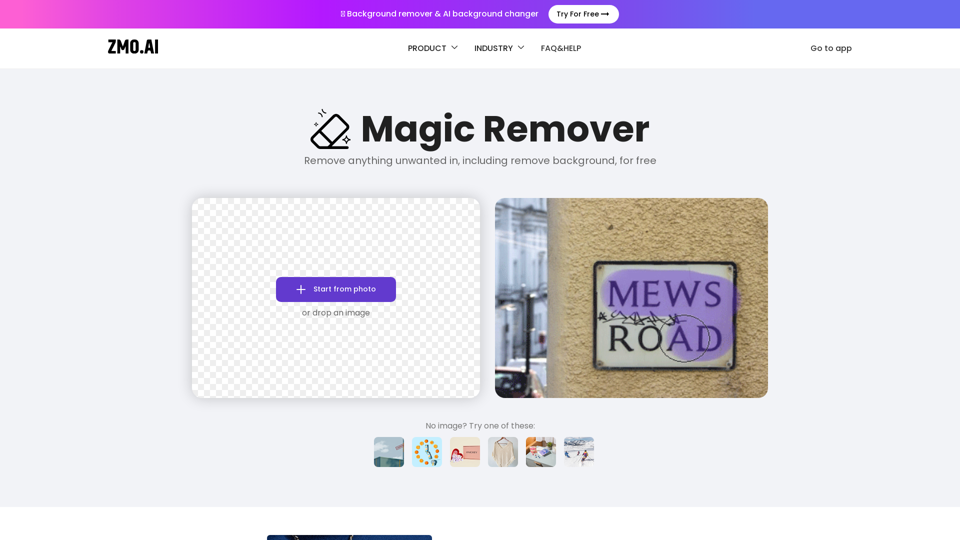
What is Remover?
Remover is a free AI-driven platform that provides access to a vast array of AI technologies for various needs, including image editing and removal of unwanted objects or people from photos.
How can I use Remover for free?
Every user can utilize Remover for free, with unlimited image editing and removal of unwanted objects or people from photos. There are no size limits when uploading an image to Remover, and downloads are limited to 720px for the free version.
Features of Remover
Remover offers various features, including:
- Remove unwanted objects or people from photos
- Edit unlimited images for free
- No size limits when uploading an image
- Download images up to 720px for free
- Pro version with more features, such as downloading high-resolution images, coming soon
How to use Remover
To use Remover, simply upload an image, select the unwanted object or person, and let the AI algorithm do the rest. For better results, try erasing the same part repeatedly. You can also use Remover to remove people from a photo in a few seconds for free.
Pricing of Remover
Currently, all features of Remover are available for free. A Pro version with more features is coming soon.
FAQs of Remover
- Is there a size limit when uploading an image to Remover?
- No, there is no size limit when uploading an image to Remover.
- How many images can I edit?
- You can edit unlimited images for free.
- How much does Remover cost?
- Currently, all features of Remover are available for free. A Pro version with more features is coming soon.