Image-AI GIF Generator

Eklipse - Convert Twitch Clip To TikTok, Reels, & Shorts For Free And 53 other AI Tools For AI GIF Generator

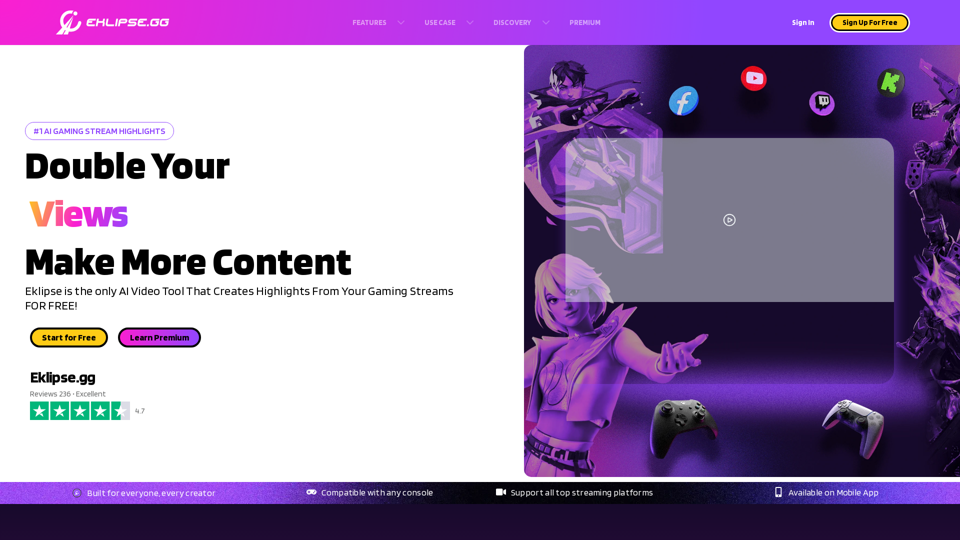
Eklipse - Convert Twitch Clip To TikTok, Reels, & Shorts For Free

Eklipse is an AI gaming highlights clipper. Convert, edit, & share the best of your Twitch stream clip to TikTok, Reels, & YouTube Short with ease & free.

--
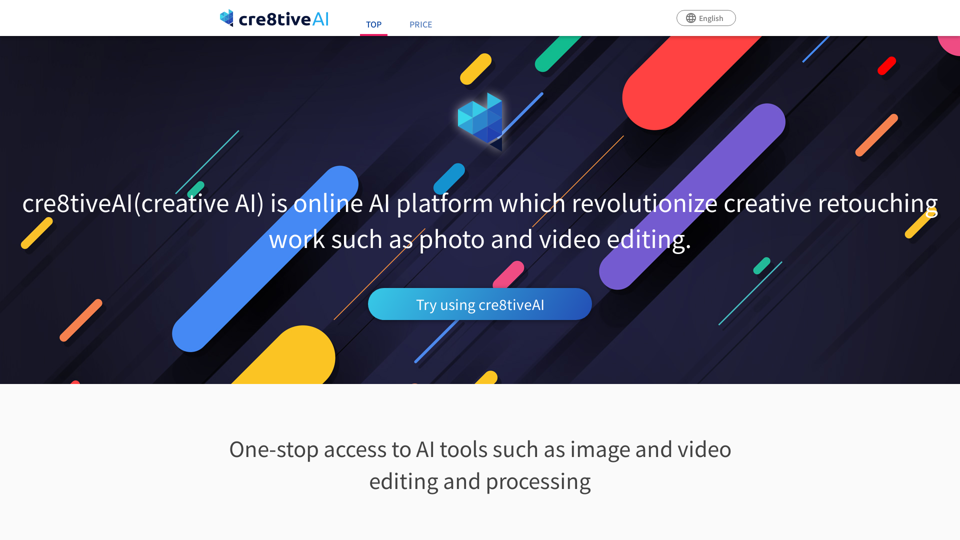
Photo, illustration and video editor AI tool: cre8tiveAI

An AI-based SaaS that solves a variety of photo and illustration editing tasks in under 10 seconds, such as automatic painting and increasing the resolution of images and videos, as well as clipping, layering, and color correction.

--
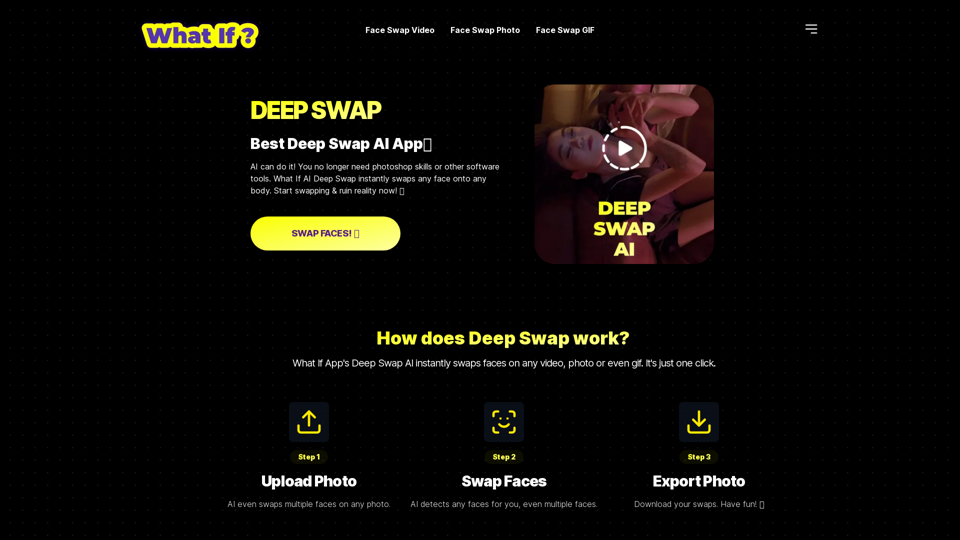
DEEP SWAP

Whatifapp.co: DEEP SWAP AI provides top-notch face swapping technology for videos, gifs, and photos. Easily swap faces using DEEP SWAP AI Face Swapper.

--
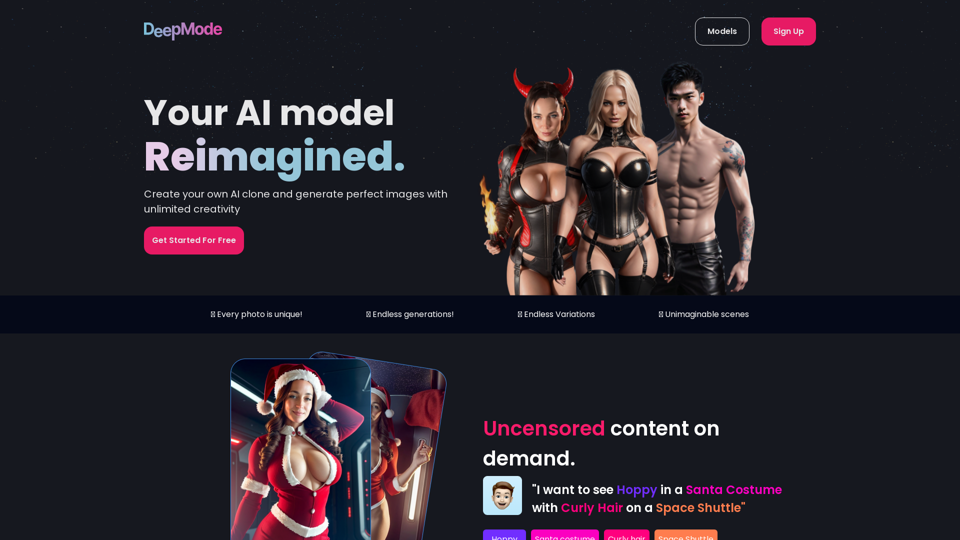
DeepMode.ai - Create your own AI clone model

Utilizing artificial intelligence, Generate AI photos of your clone model

--
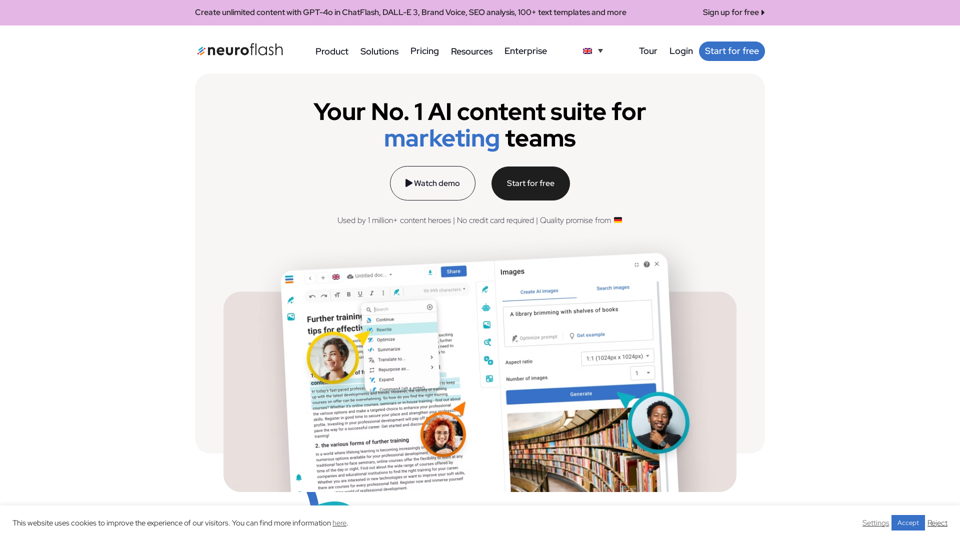
Europe's No.1 AI text & image generator | neuroflash

Use our AI text and image generator to generate the highest content quality in 7 different languages. Content creation has never been easier!

--
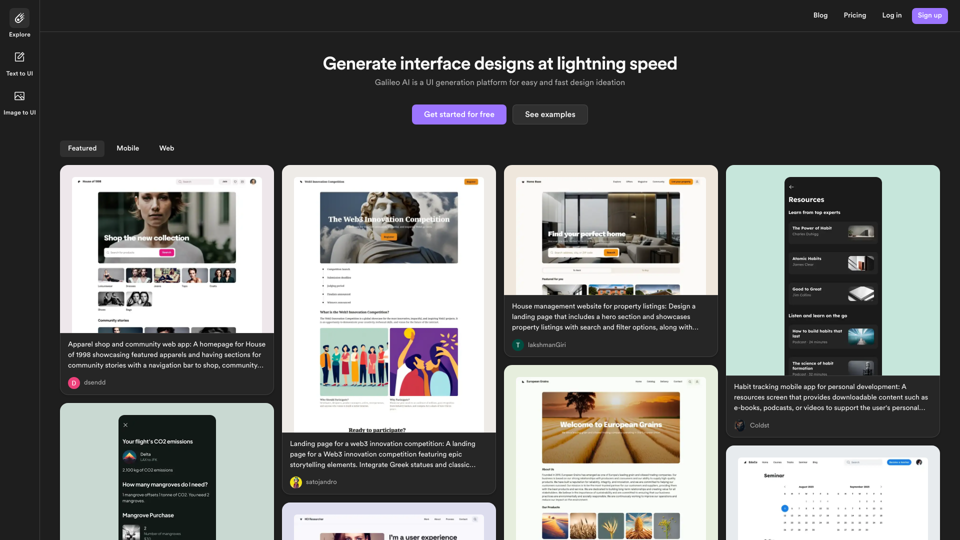
Galileo AI

Galileo AI is a UI generation platform for easy and fast design ideation

--
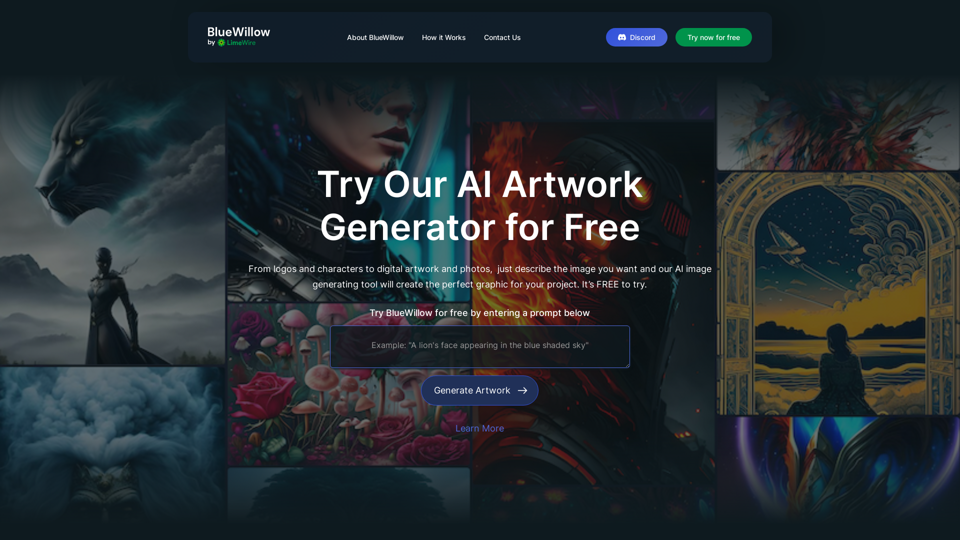
BlueWillow | Free AI Art Generator

BlueWillow is a free AI artwork generator that creates stunning AI-generated images. Beautiful, unique and inspiring AI pics, photos and art are at your fingertips. Free AI paint alternative to Midjourney.

--
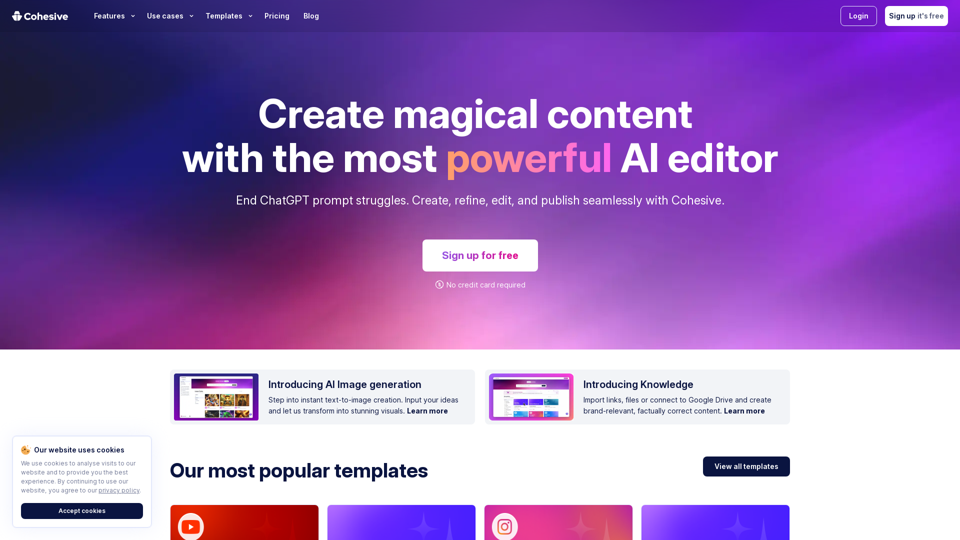
Cohesive

Experience productivity boost with Cohesive, where the power of human creativity meets the brilliance of AI. Seamlessly create, refine, edit, and publish your work with ease.

--
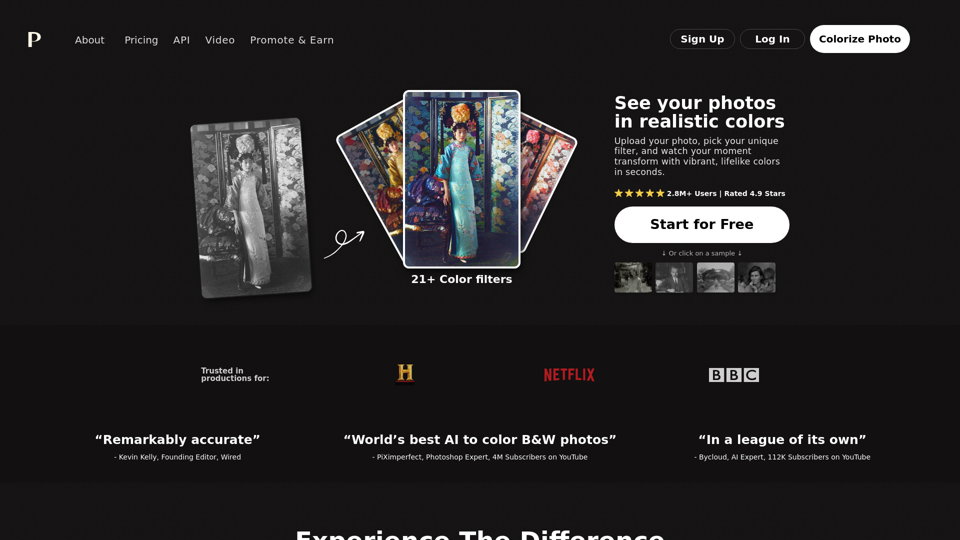
Colorize Photo Online | Try Free | Realistic Colors

Palette.fm: Colorize your black and white images instantly with Palette.fm's AI-powered online editor. Explore subscription plans and key features for efficient photo colorization. Read a comprehensive Palette FM Review now.

--
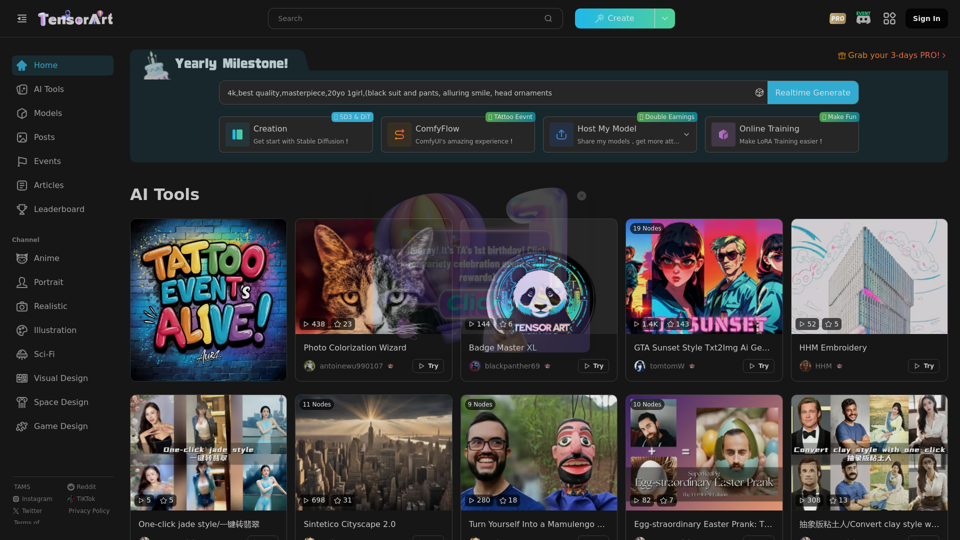
Tensor.Art | FREE online image generator and model hosting site!

AI model sharing platform, online run models to generate image for free. Your can upload or download models, include Checkpoint, Embedding, ControlNet, LoRA. Also we offer some base model like Stable Diffusion 1.5 and XL to generate.

--
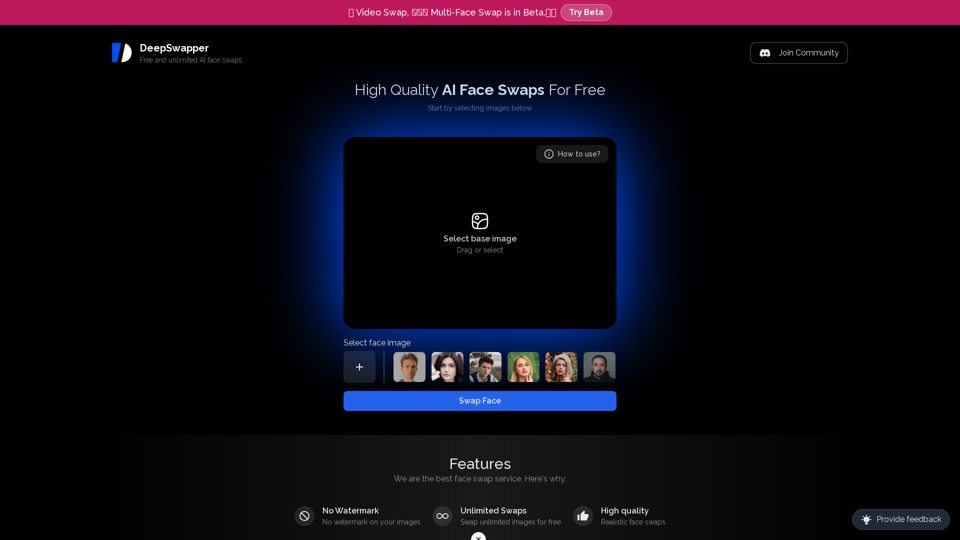
Deep Swapper

Deepswapper.com: Effortlessly exchange faces in pictures using our complimentary AI face swapping tool. Submit images and allow our face swap innovation to seamlessly swap faces on DeepSwapper, a swapping platform for cryptocurrencies.

--

Related Tags about Image-AI GIF Generator

What's an AI GIF Generator?

An AI GIF Generator is a tool that leverages artificial intelligence to create animated GIFs from text or images. This technology simplifies the GIF creation process, making it accessible to users without design skills. By analyzing text prompts or images, AI GIF generators can produce visually appealing animations that can be used for various purposes, such as social media, marketing, or personal projects.

Benefits of Using an AI GIF Generator

Efficiency

  • Quick Creation: Generate GIFs in seconds, saving time compared to traditional methods.
  • Automated Process: AI handles the animation process, reducing manual effort.

Accessibility

  • No Design Skills Required: Users can create GIFs without prior design experience.
  • User-Friendly Interface: Simple tools and interfaces make the process intuitive.

Customization

  • Variety of Styles: Choose from multiple animation styles to suit your needs.
  • Detailed Prompts: Provide specific text prompts to guide the AI in creating personalized GIFs.

Cost-Effective

  • Free and Affordable Options: Many platforms offer free GIF generation, eliminating the need for expensive software or professional designers.

How to Use an AI GIF Generator

Step 1: Input Text or Image

  • Text Prompts: Enter a detailed description of what you want the GIF to depict.
  • Image Upload: Provide an image file to be transformed into a GIF.

Step 2: Customize Your GIF

  • Select Style and Animation: Choose from available styles and animations to personalize your GIF.
  • Adjust Dimensions: Set the size and dimensions to fit your specific requirements.

Step 3: Generate and Download

  • Generate GIF: Let the AI process your input and create the animation.
  • Download: Save the generated GIF to your device for use in various applications.

Enhancing Your Visual Content with AI GIFs

Branding and Marketing

  • Social Media Engagement: Use GIFs to capture attention and enhance interaction on social platforms.
  • Promotional Materials: Create dynamic visuals for ads and marketing campaigns without hiring professional designers.

Creative Projects

  • Personalized Content: Produce unique GIFs that reflect personal style or brand identity.
  • Versatile Applications: Use GIFs in presentations, newsletters, and websites to add a dynamic element to your content.

By utilizing an AI GIF Generator, users can efficiently create high-quality, animated content that enhances their digital presence and storytelling capabilities.