


What's AI Video Generator?
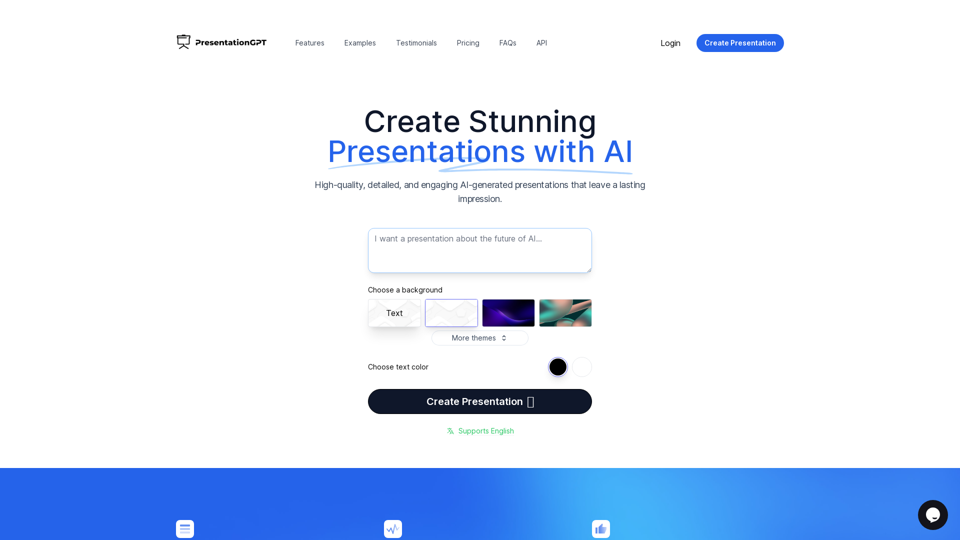
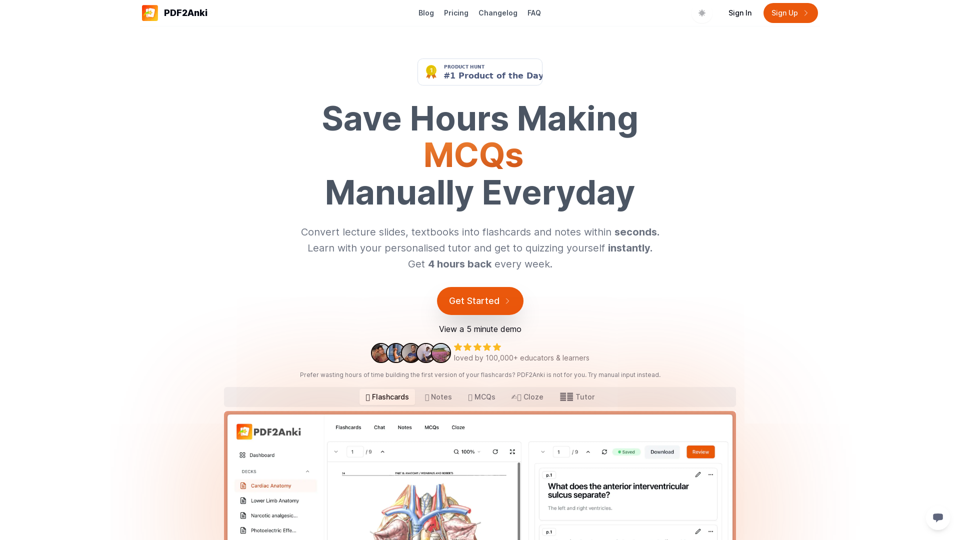
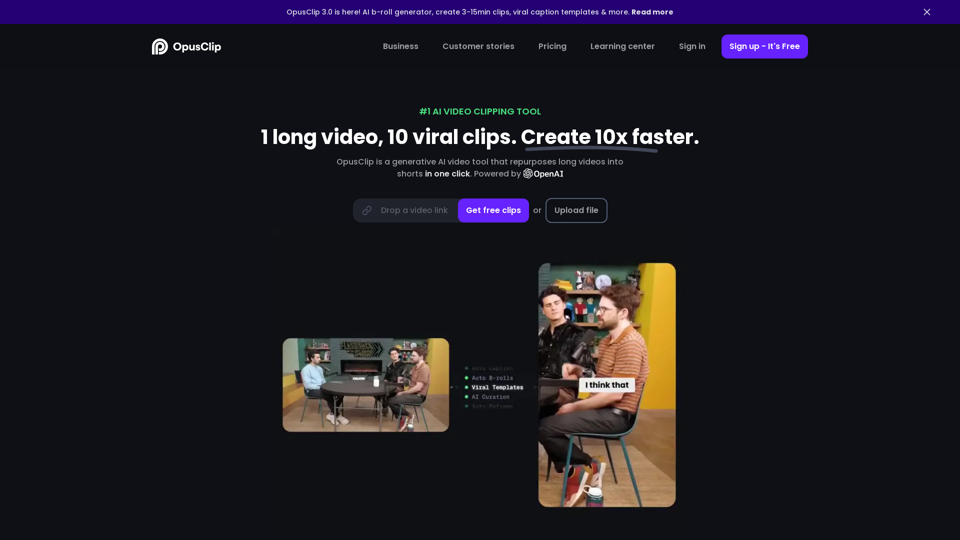
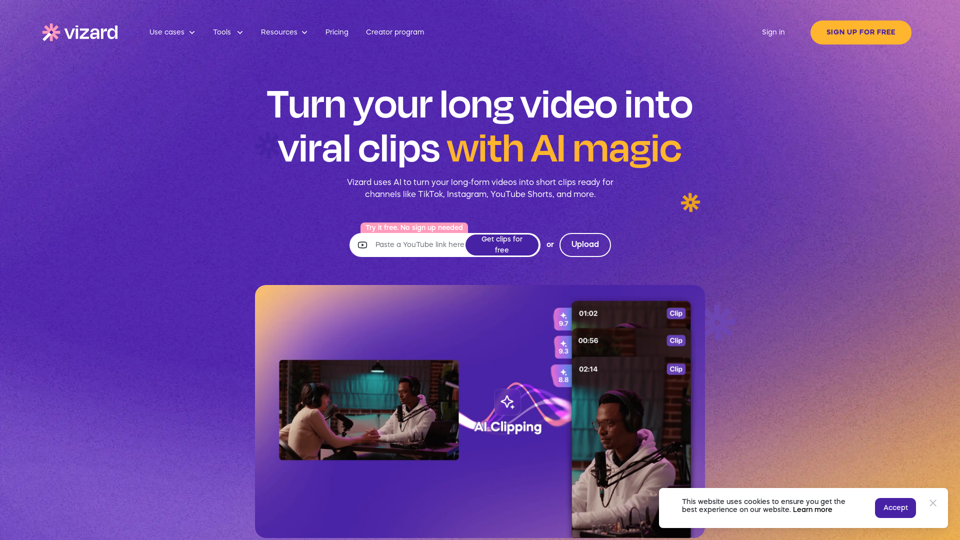
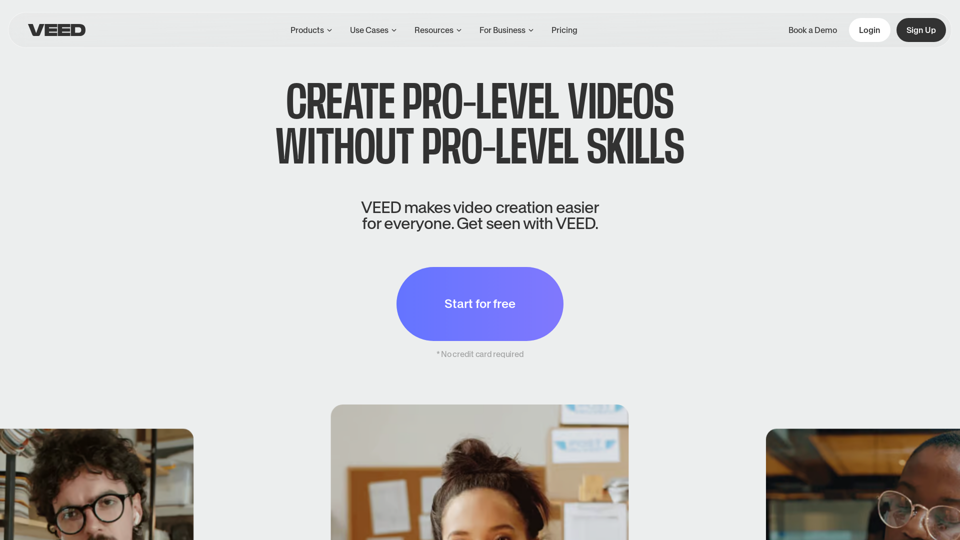
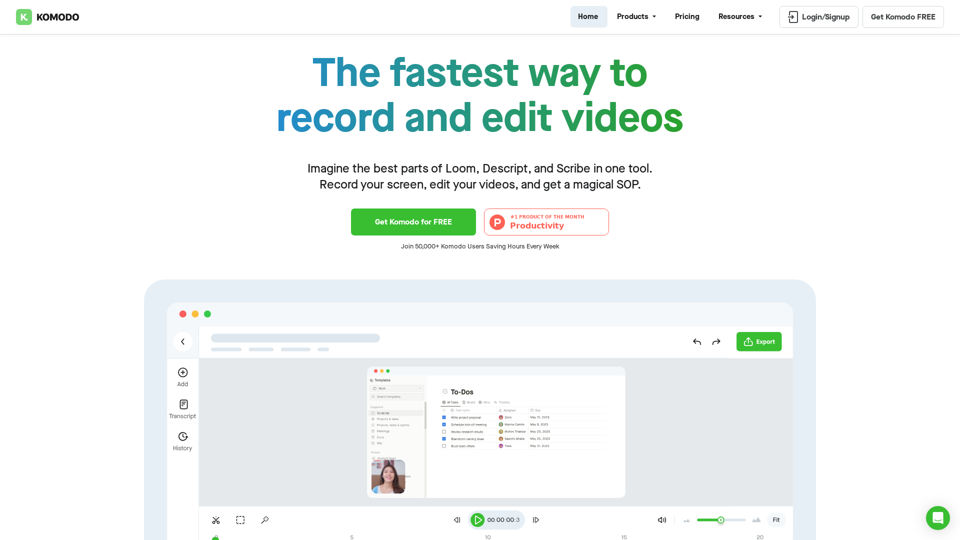
AI video generators are advanced tools that leverage artificial intelligence to create videos from text, images, or other multimedia inputs. These platforms help users produce high-quality videos without requiring extensive video editing skills. AI video generators are particularly useful for content creators, marketers, and businesses looking to streamline their video production process.
Key Features of AI Video Generators:
- Text-to-Video Conversion: Transform written content into engaging videos.
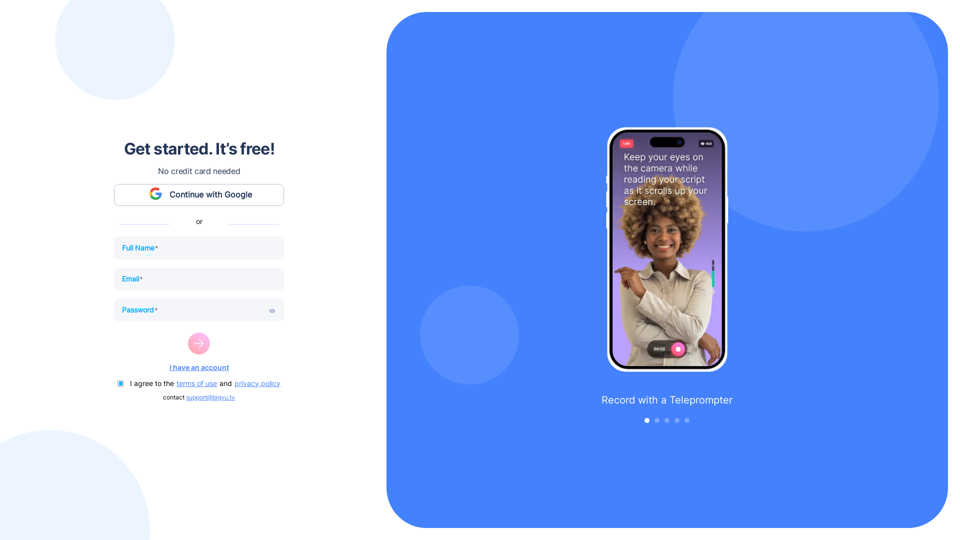
- AI Avatars: Use digital avatars to present information.
- Voiceovers: Generate realistic voiceovers in multiple languages.
- Templates: Access a variety of templates to simplify video creation.
- Customization: Personalize videos with text, music, and visual elements.
Benefits of AI Video Generators
Using AI video generators offers several advantages, making video production more accessible and efficient.
Increased Productivity
- Automated Processes: AI tools automate video editing tasks, reducing the time and effort required.
- Efficient Content Creation: Quickly produce videos for marketing, training, or social media.
Cost-Effectiveness
- Reduced Production Costs: Eliminate the need for expensive video equipment and professional crews.
- Accessible to Non-Experts: Enable users without video editing experience to create professional-quality videos.
Enhanced Creativity
- Diverse Creative Options: Experiment with various styles, avatars, and voiceovers.
- Innovative Features: Use AI-driven tools like face swapping and background removal for unique content.
How to Use AI Video Generators
Creating videos with AI video generators is a straightforward process that involves a few simple steps.
Step 1: Choose a Platform
Select an AI video generator that suits your needs. Consider factors like available features, pricing, and user interface.
Step 2: Input Your Content
- Text or Script: Provide a script or text input for the video.
- Images or Videos: Upload any multimedia content you want to include.
Step 3: Customize the Video
- Select Templates: Choose a template that matches your video style.
- Add Voiceovers: Use AI-generated voices or upload your own recordings.
- Personalize Visuals: Adjust text, colors, and other visual elements.
Step 4: Generate and Edit
- Generate Video: Let the AI process your inputs and create the video.
- Edit as Needed: Make any necessary adjustments to the video content.
Step 5: Export and Share
- Export the Video: Save the final video in your desired format.
- Share on Platforms: Distribute the video on social media, websites, or other channels.
By following these steps, users can efficiently create high-quality videos using AI video generators, enhancing their digital content strategy.