


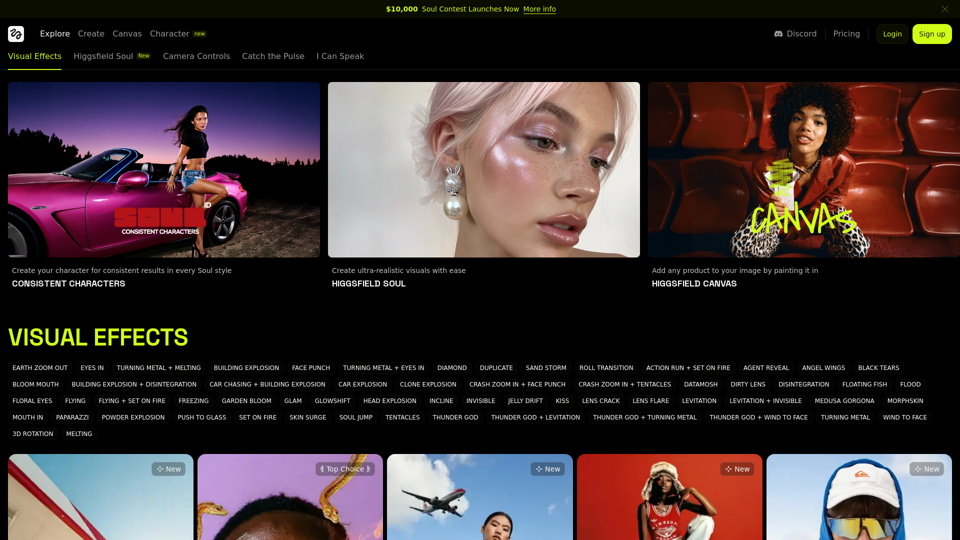
What's AI Image to Video Generator?
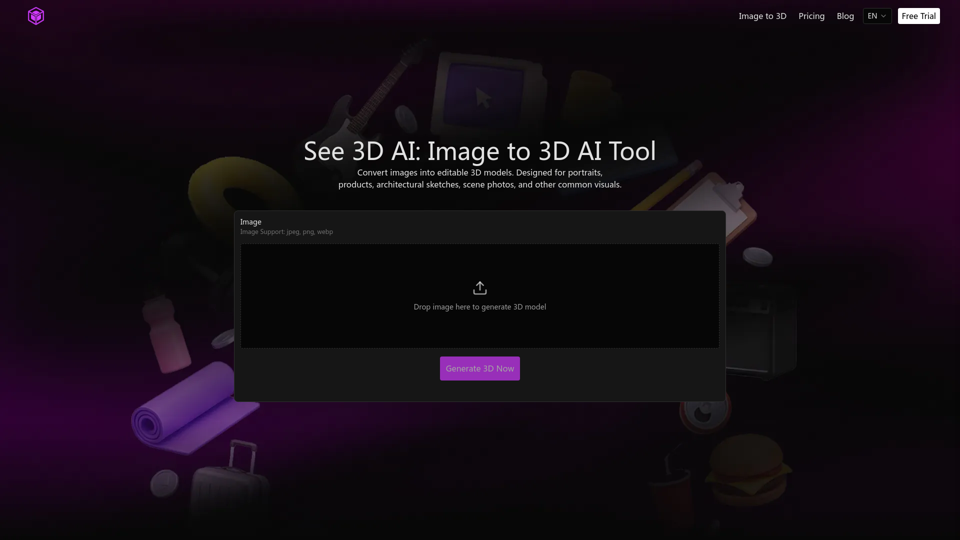
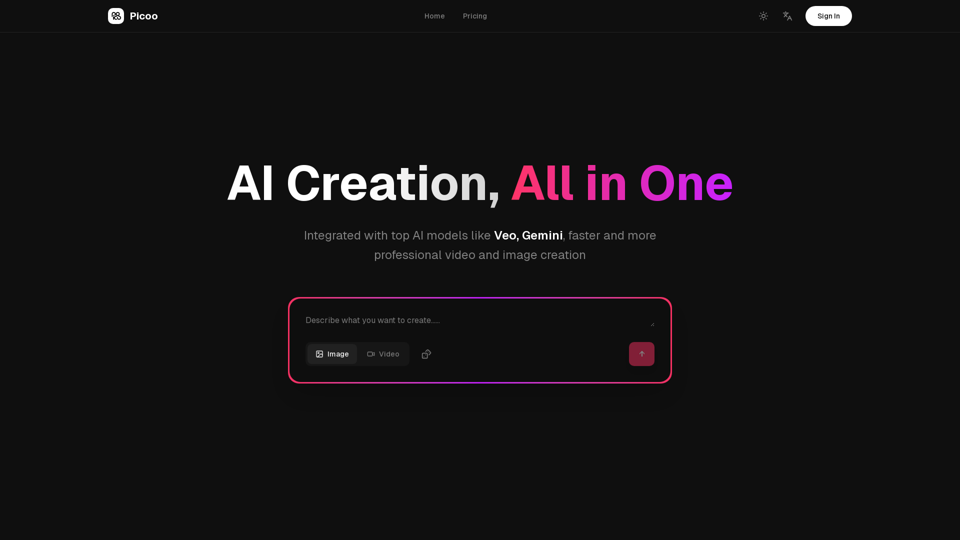
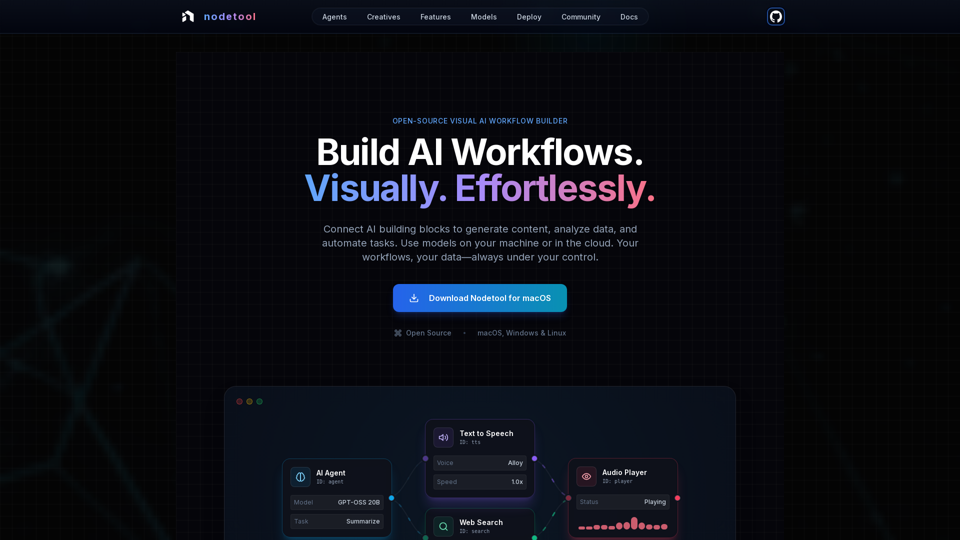
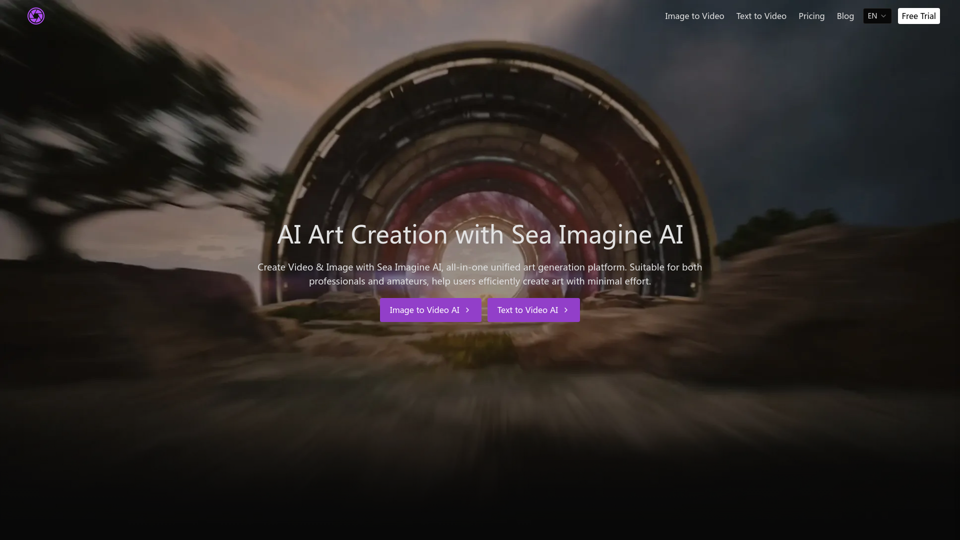
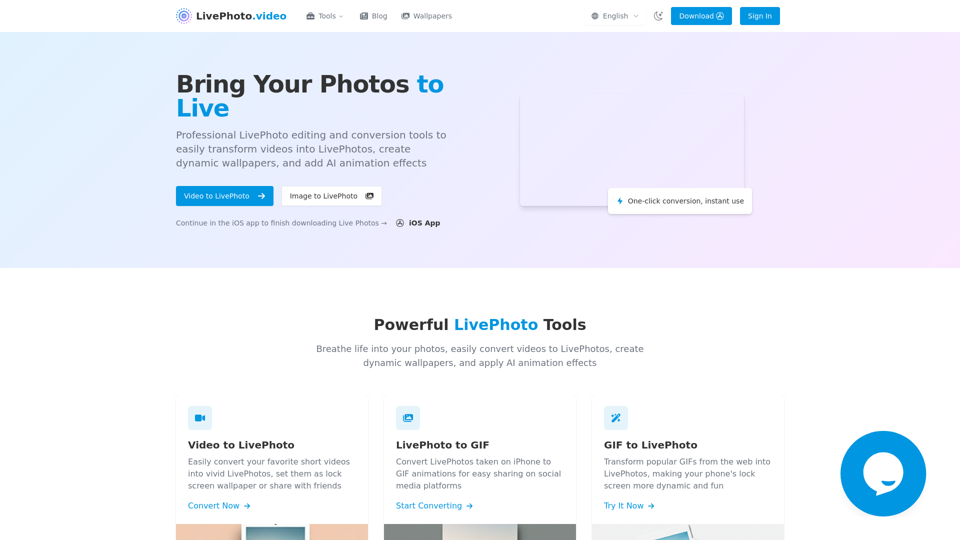
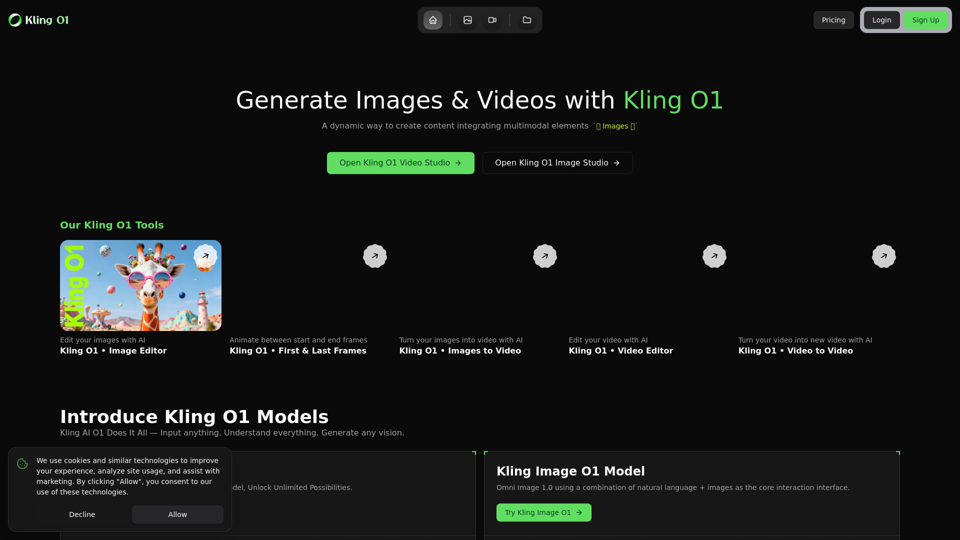
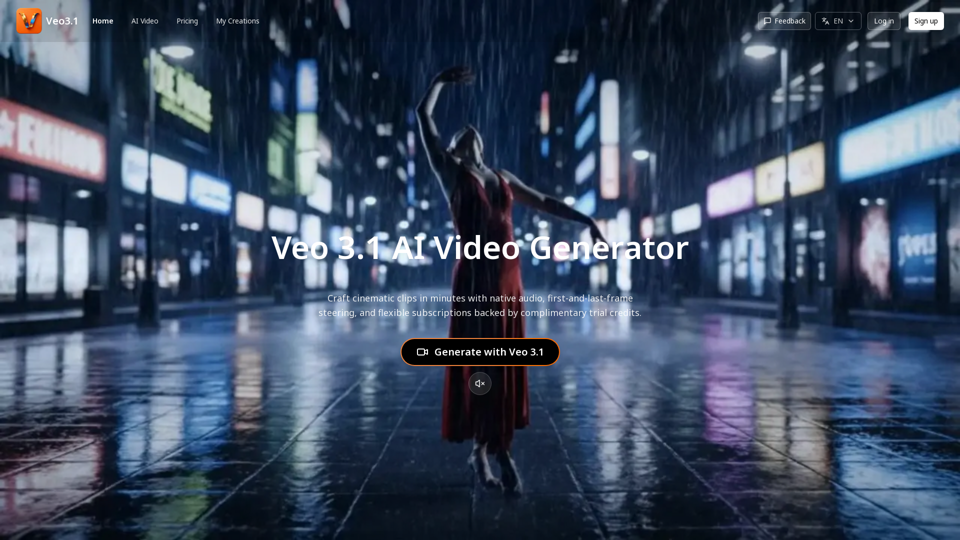
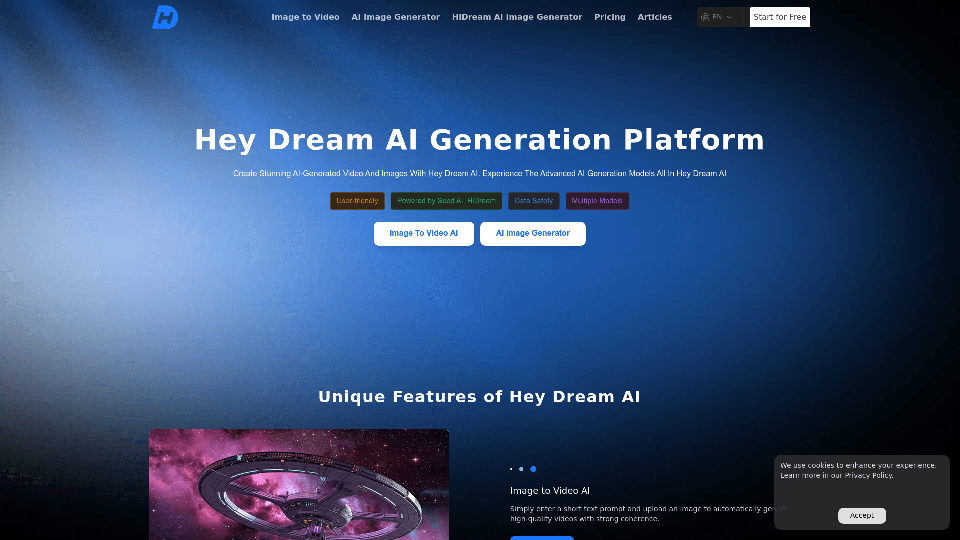
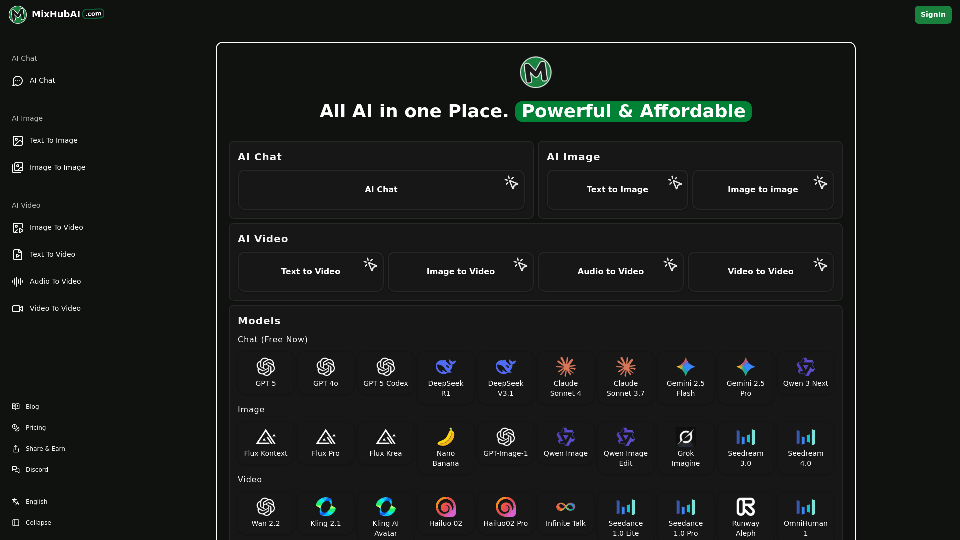
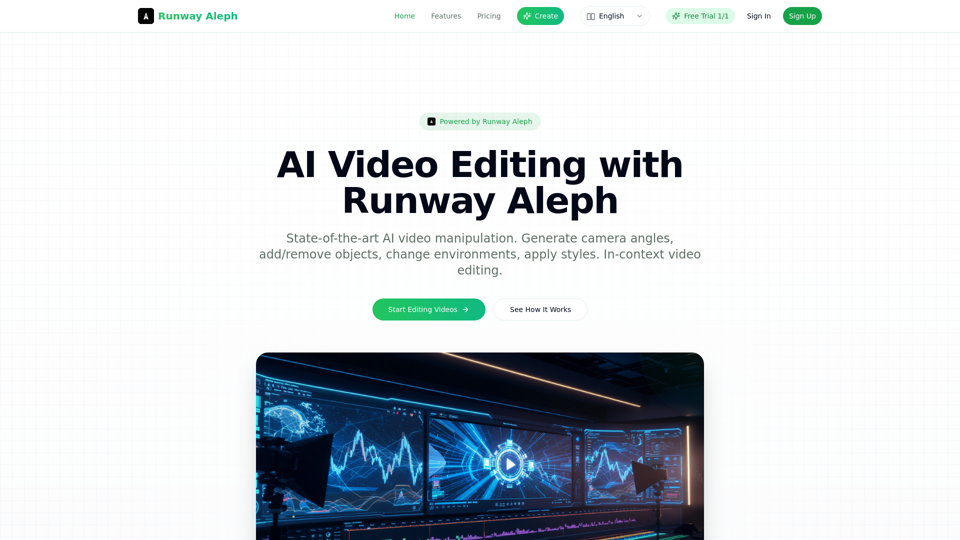
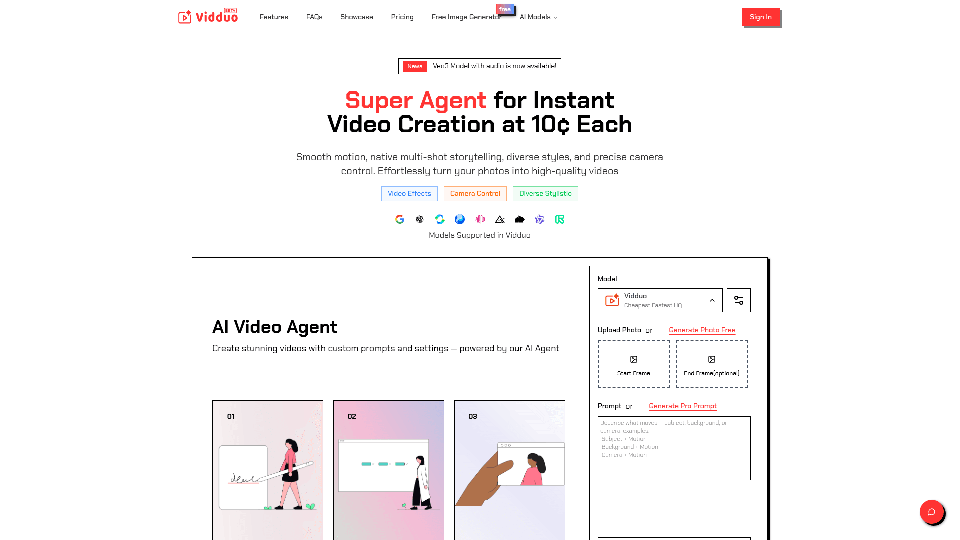
The AI Image to Video Generator is a cutting-edge tool designed to transform static images into dynamic videos. This technology utilizes advanced AI models to add motion and effects to still images, creating engaging video content from simple photographs or graphics.
Key Features:
- Simple Process: Easily convert images to videos with just a few clicks, no technical skills required.
- High-Quality Motion: Ensures smooth and fluid motion in every video clip.
- Customizable Effects: Tailor the motion and effects to match your creative vision.
- Versatile Use: Suitable for a wide range of image types, including photos, digital art, and sketches.
Benefits of AI Image to Video Generator
Using an AI Image to Video Generator offers numerous advantages, particularly for content creators and marketers looking to enhance their visual storytelling.
Enhanced Engagement
- Dynamic Content: Transform static images into videos that capture attention and engage viewers.
- Emotional Impact: Videos are more effective than images at conveying messages and evoking emotions.
Cost and Time Efficiency
- Automated Process: Reduces the need for manual video creation, saving time and resources.
- No Need for Expertise: Accessible to users without video editing experience.
Creative Flexibility
- Wide Range of Styles: Choose from various animation styles to suit different themes and aesthetics.
- Customizable Prompts: Personalize the video creation process to align with specific project needs.
How to Use AI Image to Video Generator
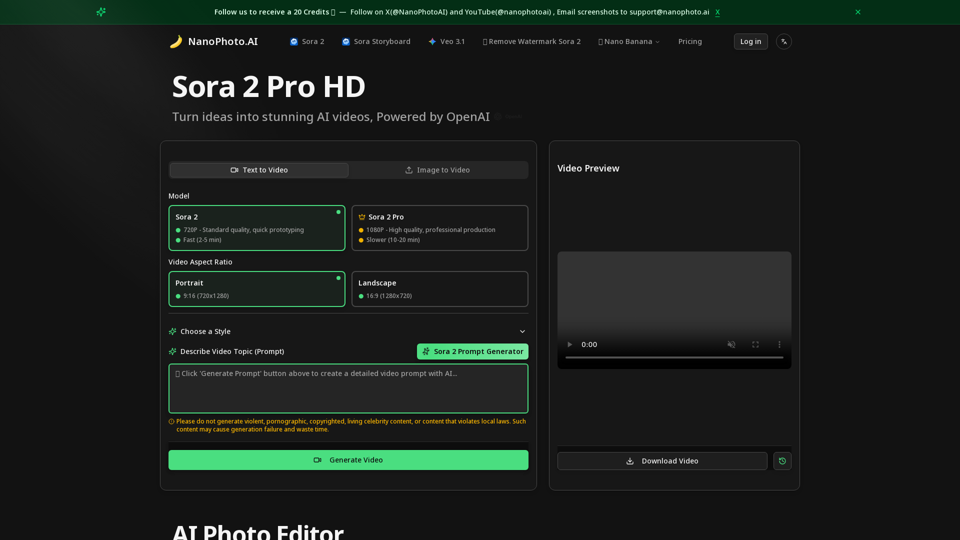
Creating videos from images using an AI Image to Video Generator is straightforward and user-friendly. Here's a step-by-step guide to getting started:
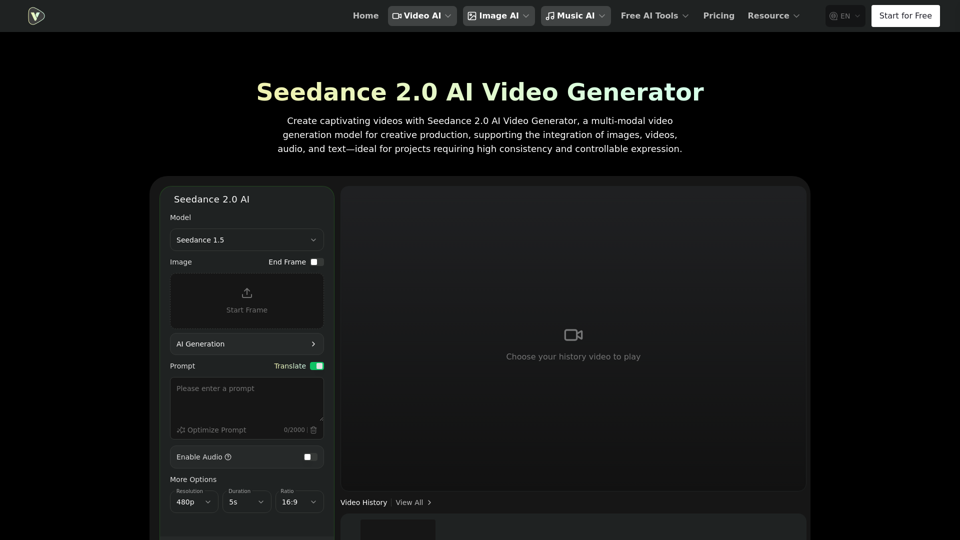
Step 1: Upload Your Image
- Begin by uploading your desired static image to the platform.
- Ensure the image meets the tool’s resolution and format requirements.
Step 2: Customize Your Video
- Adjust the video duration and select animation styles.
- Add voiceovers or background music to personalize the video experience.
Step 3: Preview and Export
- Preview the animated result in real-time to ensure satisfaction.
- Once finalized, download the video in the desired format, typically MP4.
By following these simple steps, users can effortlessly create captivating videos that enhance their content strategy and engage their audience more effectively.