

Voice-Text-to-Speech

VoiceDub | Make AI Voice Covers And 76 other AI Tools For Text-to-Speech

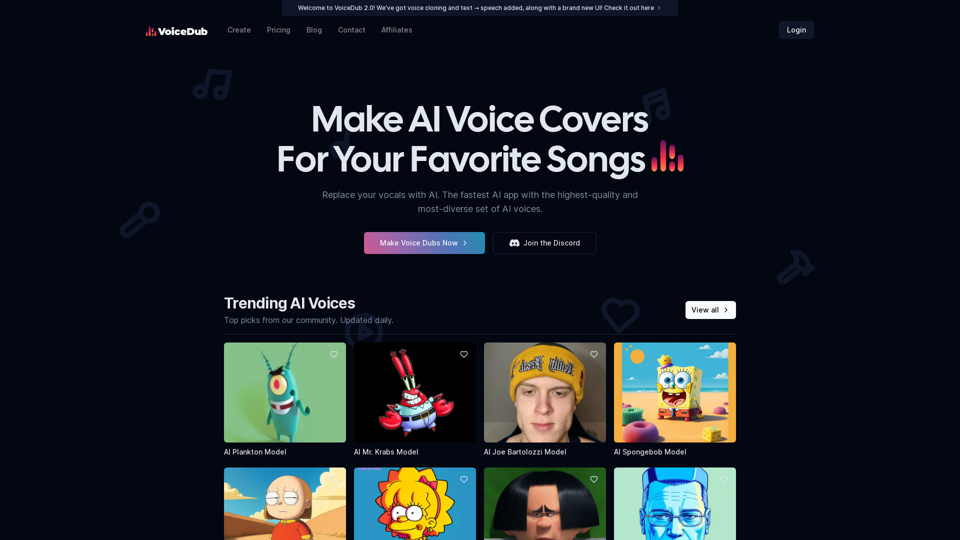
VoiceDub | Make AI Voice Covers

Make AI Voice Covers For Your Favorite Songs. Discover the magic of our AI-powered platform with over 10,000+ voices available.

--
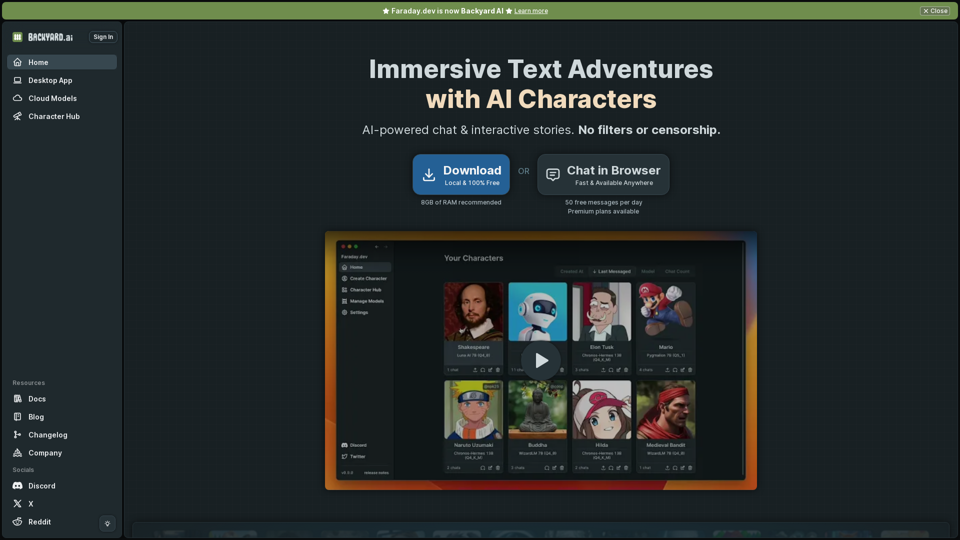
Backyard AI | Home

Chat with AI Characters. Works offline. Zero configuration.

--
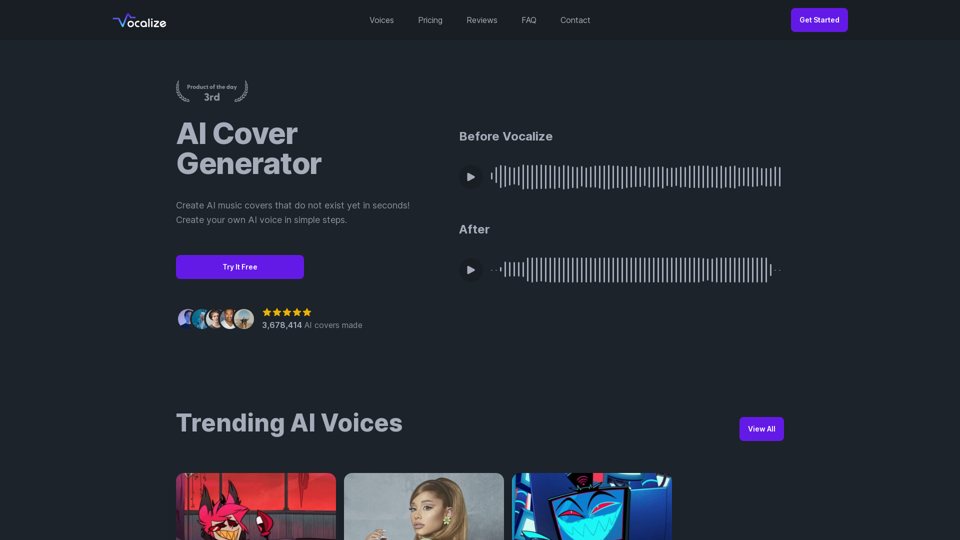
Vocalize | Easily create AI music covers & Text-To-Speech with your favorite AI voices

Choose from your favorite AI voices and create AI music covers or Text-To-Speech with them. Select from thousands of popular AI voices available in our community library.

--
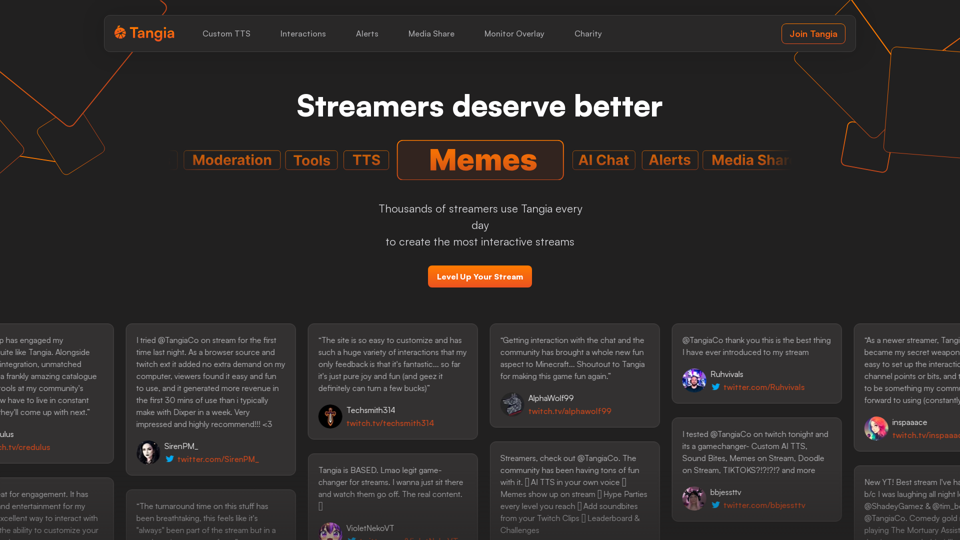
Tangia - Interactive Streaming

Supercharge chat engagement on your stream with Tangia

--
Enterprise AI software for teams between 2 and 20,000 | Team-GPT

Team-GPT helps companies adopt ChatGPT for their work. Organize knowledge, collaborate, and master AI in one shared workspace. 100% private and secure.

--
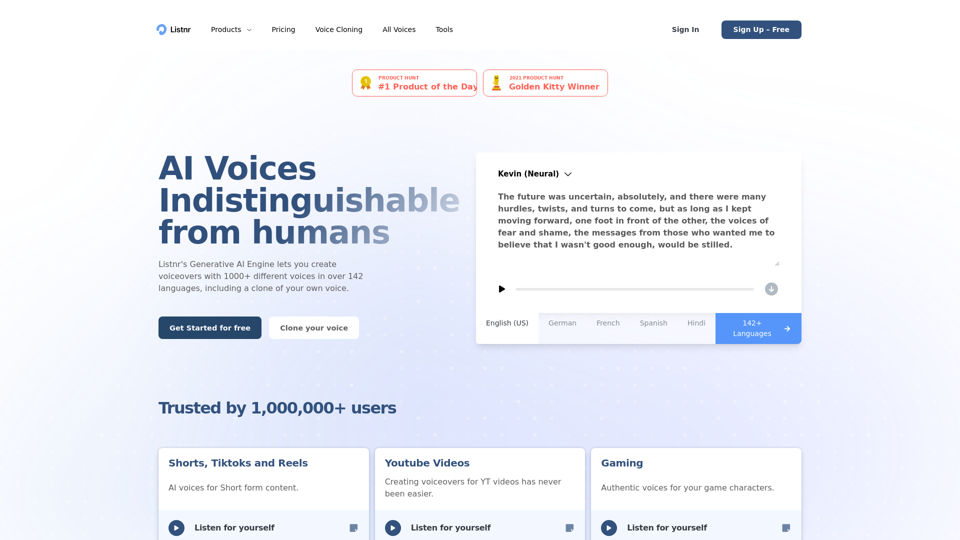
AI Voice Generator: Human TTS and Voiceovers | Listnr AI

Listnr AI is the #1 voice generator with 1000+ voices in 142+ languages! Get started for free, download in MP4/MP3/WAV formats. Trusted by 1,000,000+ users.

--
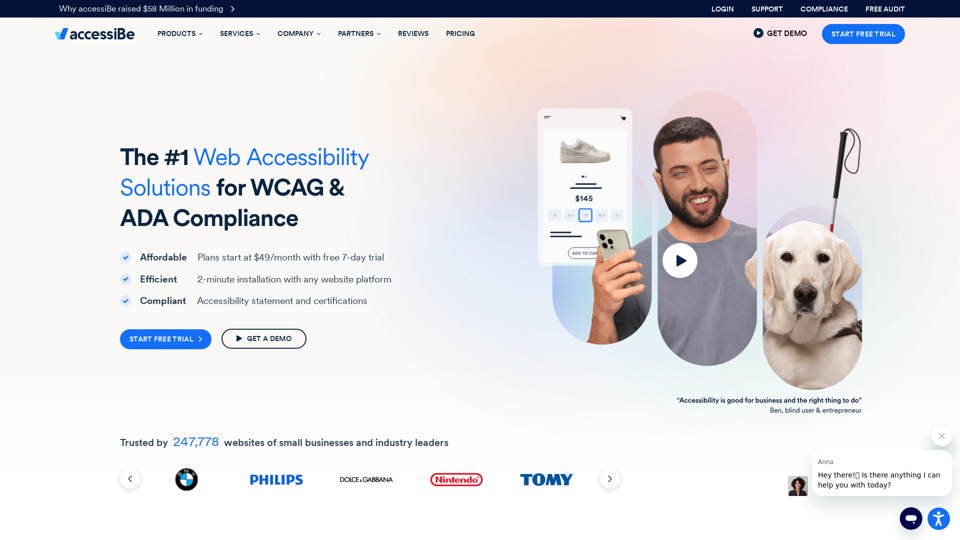
Web Accessibility Solution for ADA Compliance & WCAG - accessiBe

AI-Powered web accessibility solutions. Make your website compliant with WCAG 2.1, ADA, Section 508, AODA, ACA, and more with accessiBe.

--
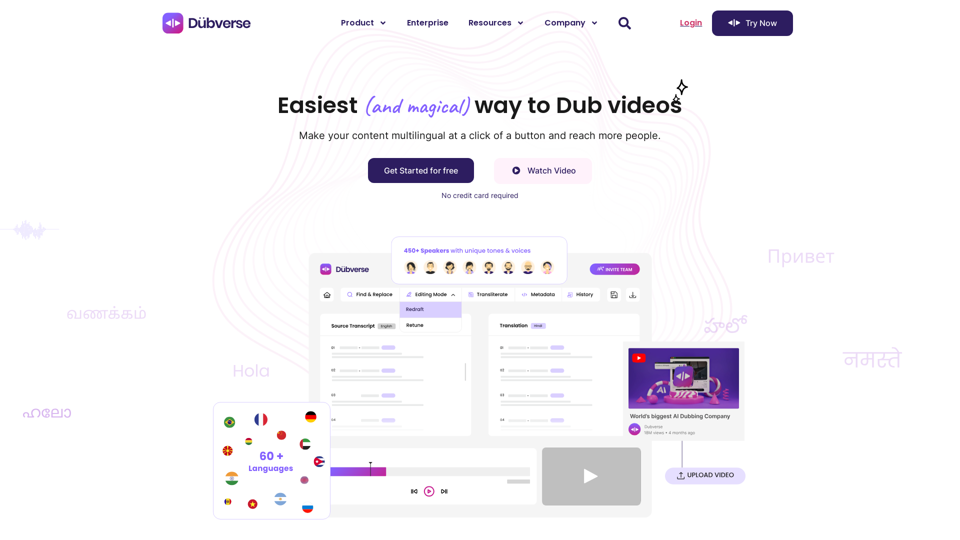
Online Video Dubbing with Dubverse.ai

Dubverse is an online video dubbing platform. Dubverse uses artificial intelligence to dub video across 30 languages at a lightning fast speed.

--
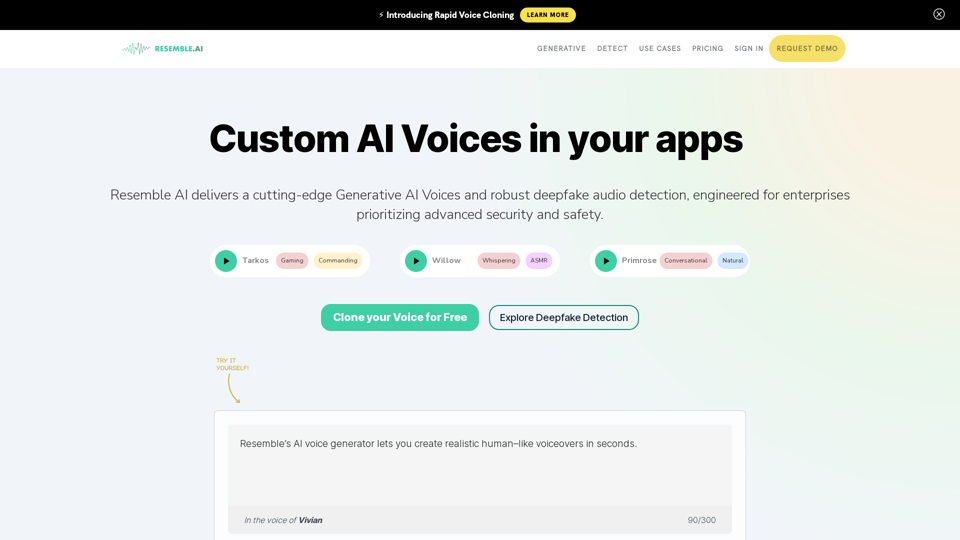
AI Voice Generator with Text to Speech and Speech to Speech

Clone your voice for free with Resemble's realistic AI voice generator and create voices using real-time speech to speech and text to speech!

--
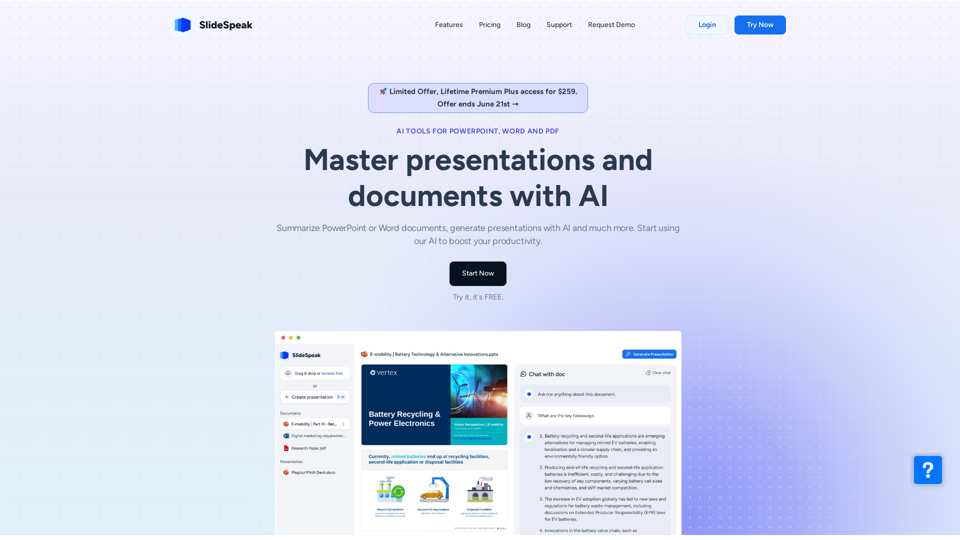
SlideSpeak - Your AI to create presentations powered by ChatGPT

One tool to create PowerPoint presentations with AI, design presentation slides, or summarize an entire presentation. Powered by ChatGPT. Master presentations and documents with AI.

--
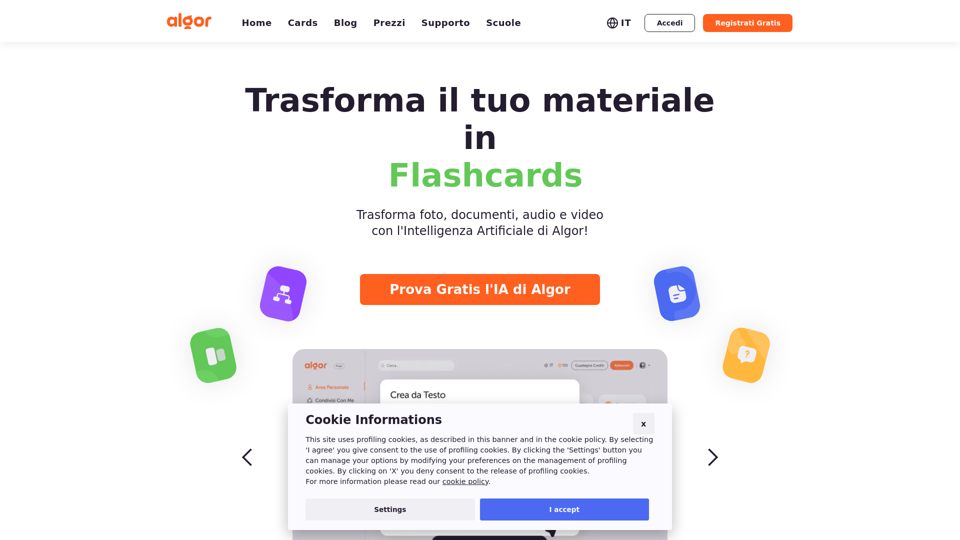
Algor Education | The best App for online concept maps

Create concept maps, flashcards, and summaries online automatically from your digital or paper texts with Algor's AI and personalize them in real time with friends and colleagues.

--
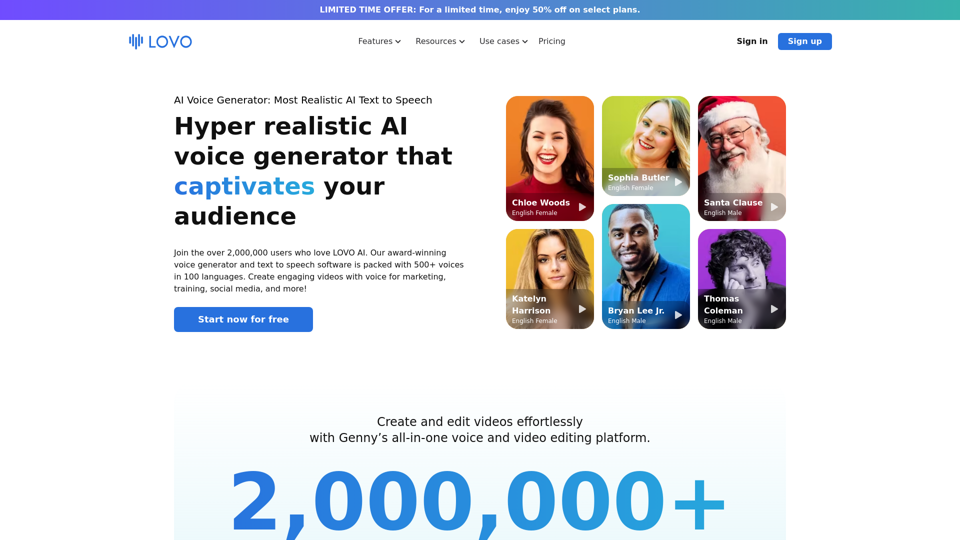
LOVO AI Voice Generator

Lovo.ai: Discover LOVO AI Voice Generator, the ultimate AI voice synthesis and text to speech software. With over 500 realistic AI voices in 100 languages, create stunning voiceover solutions and elevate your audio content creation. Enjoy seamless integration with our online video editor and even clone your own voice for personalized projects. Transform your ideas into captivating audio with LOVO today!

--
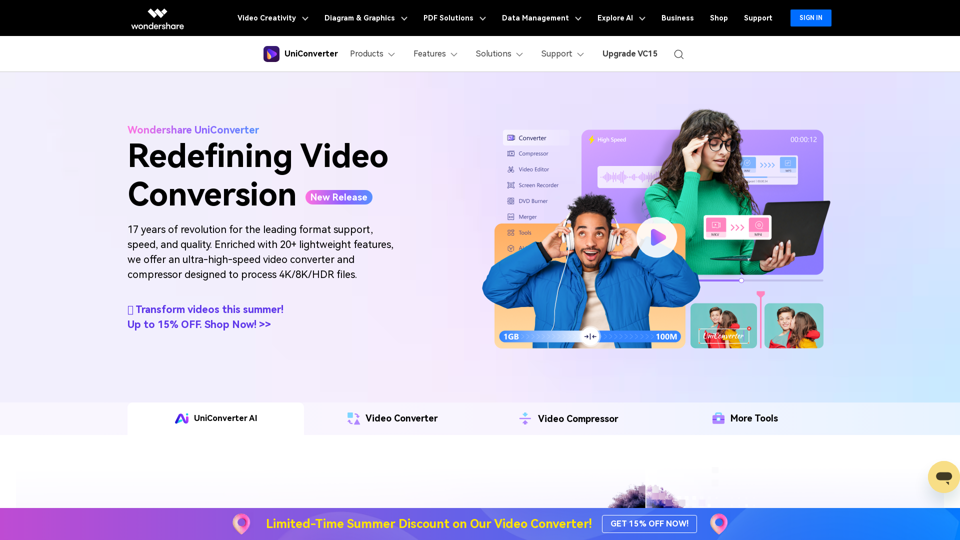
Your High Speed Video Converter | Wondershare UniConverter

Wondershare UniConverter enables you to experience an ultra-high-speed video converter and compressor, designed to process 4K/8K HDR files.

--
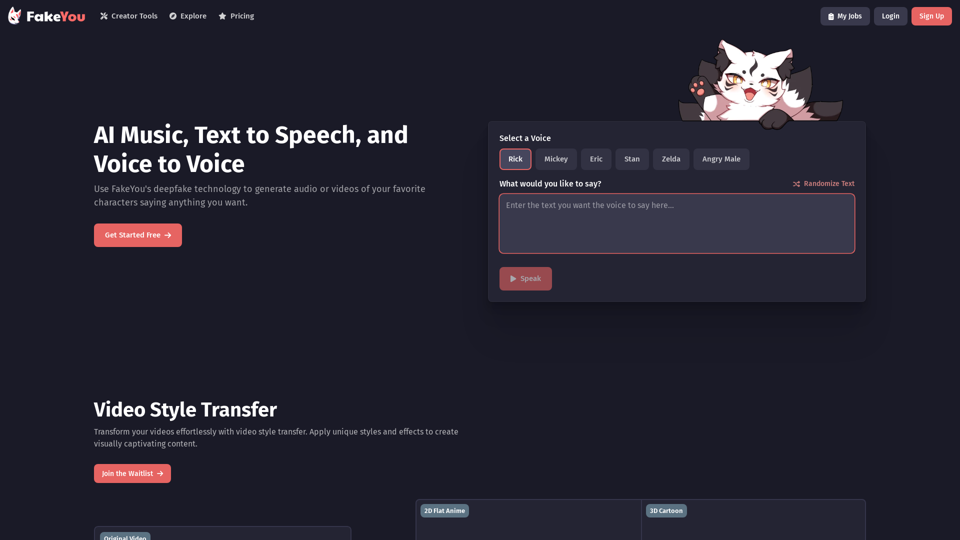
Fakeyou AI

Fakeyou.com: Craft captivating websites using Fakeyou AI, an advanced AI tool that elevates your online visibility. Unleash the potential of language and narrative with Fakeyou.

--
Deepgram Voice AI: Text to Speech + Speech to Text APIs | Deepgram

Power your apps with real-time speech-to-text and text-to-speech APIs powered by Deepgram's voice AI models. Low latency, high quality, and low cost that scales.

--
HitPaw Edimakor

Hitpaw.com: Try HitPaw Edimakor, a smart AI video editor that makes editing easy and fun. Create professional videos effortlessly with HitPaw's video editor, audio enhancer, and image solutions.

--
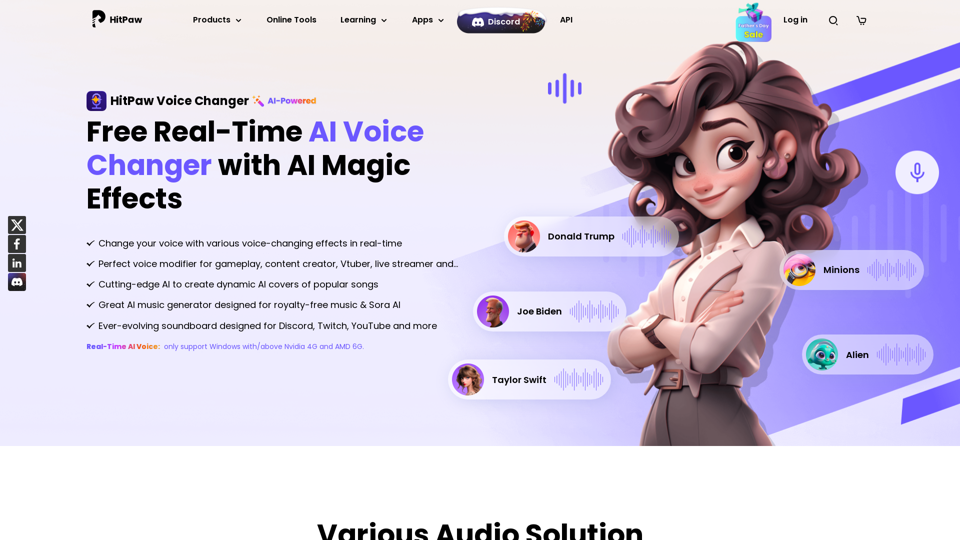
HitPaw Voice Changer - Real-time AI Voice Changer with Stunning Effects

Intelligently assist you in changing into any voice you desire in any scenario. Best voice changer to realize changing voice in real-time.

--
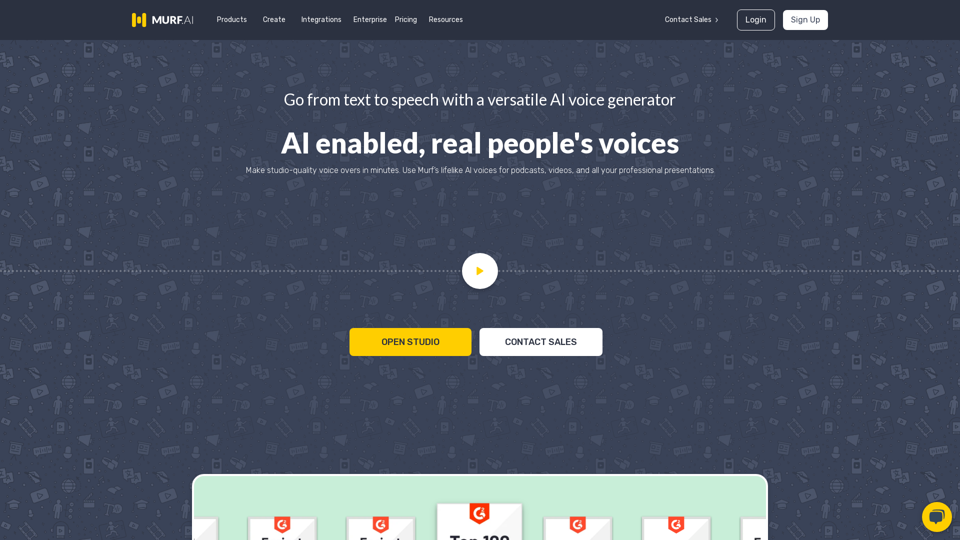
Murf AI

Murf.ai: Murf AI is a powerful AI voice generator that offers over 20 languages and 120+ realistic text to speech voices, making it the ultimate voiceover software for all your audio production needs. Effortlessly transform text to voice and create the perfect AI voiceover in no time. Experience seamless audio creation with Murf AI today!

--
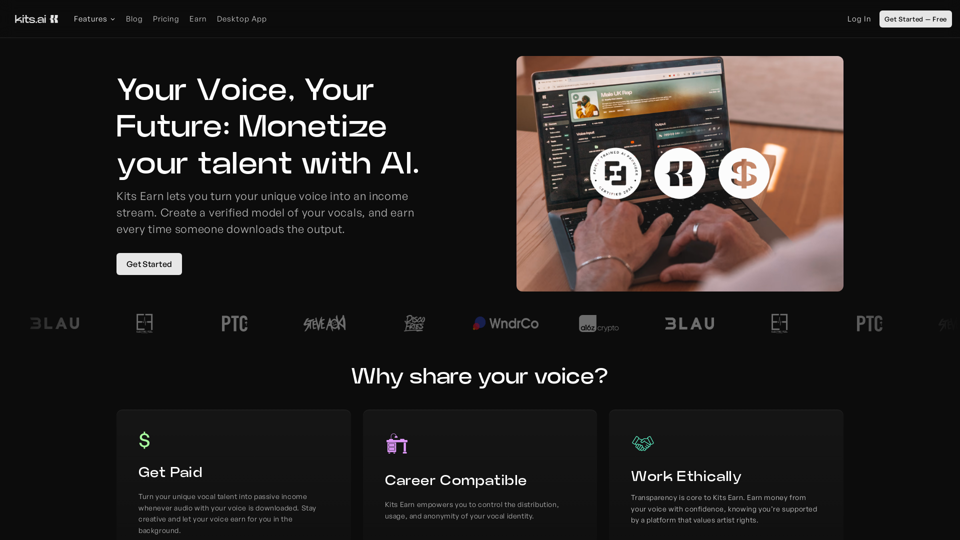
Kits AI

Kits.ai: Kits AI offers innovative AI music tools designed to enhance producer workflows and elevate vocal performances. With our advanced AI voice generator, music creators can clone voices and sing like anyone, while effortlessly playing any instrument. Experience 100% royalty-free audio solutions that transform your music production process. Discover the future of music creation with Kits AI today!

--

Related Tags about Voice-Text-to-Speech

What's Text-to-Speech Technology?

Text-to-speech (TTS) technology is a transformative solution that converts written text into spoken words using computer-generated voices. This technology is widely used in various applications such as screen readers, navigation systems, and automated phone systems. TTS systems can sometimes produce robotic voices, but advancements in AI have led to more natural and expressive voice outputs.

Benefits of Text-to-Speech Technology

Text-to-speech technology offers numerous advantages, including:

  • Improved Accessibility: Provides an auditory format of written content, aiding those with visual impairments or learning disabilities.
  • Consistent Quality: Ensures uniform voiceovers, eliminating variations found in traditional voice recordings.
  • Cost Efficiency: Reduces costs associated with hiring voice actors and using recording studios.
  • Instant Results: Quickly generates audio content, saving time and resources.
  • Multilingual Support: Offers support for multiple languages and accents, catering to a global audience.

How to Use Text-to-Speech Technology

Utilizing text-to-speech technology is straightforward and involves the following steps:

Step 1: Choose a TTS Provider

Select a text-to-speech service provider that fits your needs. Popular options include PlayHT, Speechify, and Synthesia.

Step 2: Input Your Text

Enter the text you wish to convert into speech. This can be done through an online editor or API provided by the TTS service.

Step 3: Select Voice Preferences

Choose from a variety of voices, languages, and accents. Many platforms offer customization options like pitch, speed, and emotional tone.

Step 4: Generate and Download

Once your preferences are set, generate the audio file. Most services allow you to download the output in formats like MP3 or WAV.

Step 5: Utilize the Audio

Use the generated speech for your desired application, whether it's for podcasts, videos, e-learning, or customer service.

Text-to-speech technology is continually evolving, offering more realistic and human-like voices, making it an invaluable tool for businesses and individuals alike.