Overview
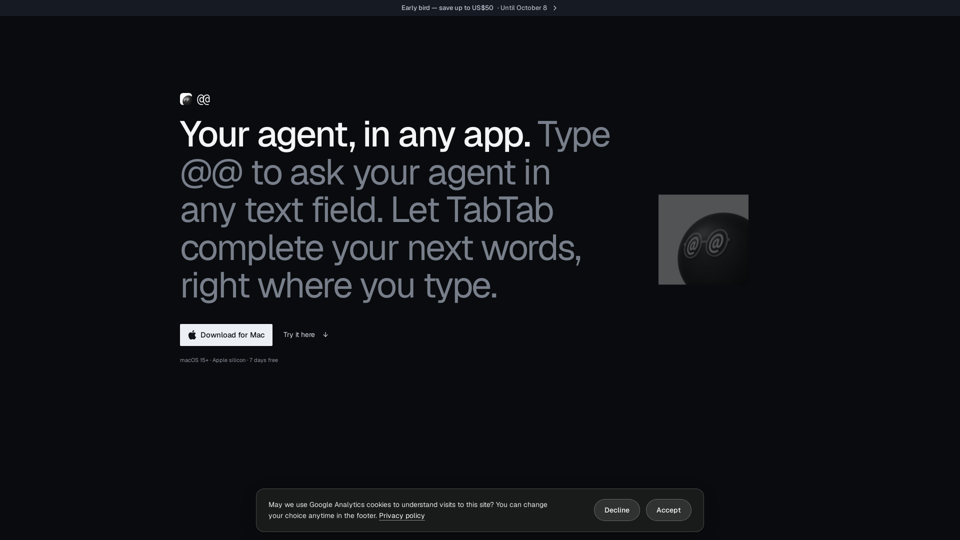
AtAt is a native macOS application designed to act as an intelligent, unobtrusive agent that integrates directly into your existing workflow. By functioning within any text field on your Mac, AtAt eliminates the need to switch between apps, allowing users to leverage AI-powered assistance, screen capture, and clipboard management without leaving their current task.
Main Purpose and Target User Group
Main Purpose
To provide a seamless, "bring-your-own-agent" interface that enhances productivity through AI-assisted writing, text manipulation, and system-wide utility tools.
Target User Group
Power users, developers, writers, and creative professionals who utilize macOS and seek to optimize their digital transformation and software workflows by integrating AI directly into their typing environment.
Function Details and Operations
@@ Trigger
Type @@ in any text field to summon your agent, ask questions, or generate content that is inserted directly back into your application.
TabTab Completion
An intelligent autocomplete feature that suggests the next words in your email, code, or document.
Native Screen Capture
A comprehensive tool for screenshots and screen recordings, including area, window, and scrolling capture, with built-in editing and OCR capabilities.
Clipboard History
A searchable, persistent history of copied items that allows you to retrieve and paste previous content effortlessly.
Selection Actions
Highlight any text to rewrite, explain, or process it using your chosen agent.
Native Architecture
Built as a native macOS app (no Electron), ensuring high performance and deep system integration.
User Benefits
Workflow Continuity
Stay in your flow by calling up the agent only when needed and returning to your work instantly.
Privacy-First Design
Data stays on your Mac by default. AtAt does not act as a middleman; prompts and context go directly from your machine to your chosen provider.
Flexibility
"Bring your own agent" allows users to connect their preferred CLI, API (OpenAI, Anthropic, etc.), or local models (Ollama).
No-Account Trial
Experience the full feature set with a 7-day free trial that requires no account or payment card to start.
Compatibility and Integration
OS Requirements
Requires macOS 15+ and Apple silicon.
Agent Support
Works out-of-the-box with Claude Code, Codex, Grok, Cursor, Pi, Hermes, and OpenCode. Supports custom CLI providers and API keys from major AI platforms.
App Compatibility
Functions in any editable, non-secure text field across native macOS apps and web browsers.
Sync
Optional, user-controlled iCloud Sync for settings and history.
Access and Activation Method
Installation
Download the disk image from the official website or use Homebrew (brew install --cask xinyao27/tap/atat).
Activation
Launch from the Applications folder. Users can choose between monthly, yearly, or lifetime plans.
Account Management
Sign in via email, Google, or GitHub to unlock features across up to three Macs. Purchases are backed by a 30-day money-back guarantee.