Text to Video with Audio
A T2VA example generated from a detailed text prompt, showing coordinated visuals, motion, sound effects, and music.
View GitHub videoUse MiniMax H3 completely free through the embedded community demo. Turn text, images, reference videos, and audio into expressive AI videos with synchronized stereo sound, strong instruction following, flexible aspect ratios, and output up to 2K.
Create with MiniMax H3 directly on this page: enter your prompt, add reference images, audio, or video, and generate without opening another website. Usage is free, although availability and queue times depend on the embedded community demo.
MiniMax H3 is designed as a general-purpose omni-modal generation system rather than a collection of isolated video tools. It understands how text, images, video, and audio references relate to one creative target.
Combine written direction with reference images, motion clips, voices, music, and sound cues. H3 uses natural language to understand the relationships among those inputs.
Generate video and synchronized 32 kHz stereo audio together, including dialogue, environmental sound effects, and music instead of treating sound as an afterthought.
The complete H3 workflow supports videos from 4 to 15 seconds and output up to 2K, with 24 FPS and a broad range of landscape, square, and portrait aspect ratios.
Direct subjects, camera movement, scene changes, dialogue, sound design, timing, and visual style in one structured prompt for more controllable creative production.
Use the Ref2VA workflow to guide a new result with multiple images, video clips, and audio references, or use FL2VA for text and first-or-last-frame generation.
H3 is built for advertising, branding, ecommerce, product design, UI concepts, gaming, and cinematic storytelling, with particular focus on text and brand rendering.
These reproducible 768p examples are served from the official MiniMax H3 GitHub repository and demonstrate the three principal generation workflows.
A T2VA example generated from a detailed text prompt, showing coordinated visuals, motion, sound effects, and music.
View GitHub videoAn I2VA example that animates a first-frame image while preserving visual context and generating a matching audio environment.
View GitHub videoA Ref2VA example guided by reference video and audio, demonstrating H3's ability to understand and transfer multimodal context.
View GitHub videoMove from free experimentation to an application workflow with dedicated MiniMax H3 endpoints for text, image, and multimodal reference video generation on Flaq AI.
Generate video with native audio from written scenes, camera direction, dialogue, timing, and sound design instructions.
Explore this APIAnimate a source image while directing movement, camera behavior, atmosphere, and synchronized sound through natural language.
Explore this APIBuild reference-driven workflows that use multimodal context to guide identity, style, motion, voice, music, and scene behavior.
Explore this APIThe official repository provides H3-Base FL2VA and Ref2VA checkpoints for local 768p generation. Review the MiniMax H3 Community License and choose the task family and inference framework that match your hardware and workflow.
Use FL2VA for text-to-video and first-or-last-frame generation. Choose Ref2VA when the workflow requires multiple image, video, or audio references.
Download only the task family you need from Hugging Face to reduce storage and setup time. Diffusers can fetch required components automatically.
hf download MiniMaxAI/MiniMax-H3 --include "model_index.json" "FL2VA/*"Follow the official recipes for SGLang, vLLM, Diffusers, or ComfyUI. The SGLang example uses four GPUs and separate services for FL2VA and Ref2VA.
Start with the reproducible local 768p examples. H3-Context-IR and H3-Regenerate-2K are hosted components, so the complete official 2K flow also uses MiniMax APIs.
H3's unified input model lets creators describe a complete result instead of switching among separate tools for motion, reference consistency, sound, and editing.
Develop product launches, branded visual concepts, animated posters, ecommerce stories, and campaign drafts with coordinated text, motion, and sound.
Describe camera moves, timed cuts, character actions, environmental audio, dialogue, and score to prototype cinematic sequences and opening titles.
Guide new scenes with subject images and reference clips while describing which identity, movement, style, voice, or sound relationships should transfer.
Create animated game introductions, interface presentations, product website visuals, and early design explorations before committing to full production.
Answers about the free demo, supported inputs, output quality, open-source deployment, and production APIs.
Continue creating with free AI image generators and editors, or discover newly added AI products for video, audio, design, marketing, and development.
Create multimodal AI videos with native stereo sound and open-source MiniMax H3.

Change photo objects, backgrounds, colors, and ad scenes with AI for free.
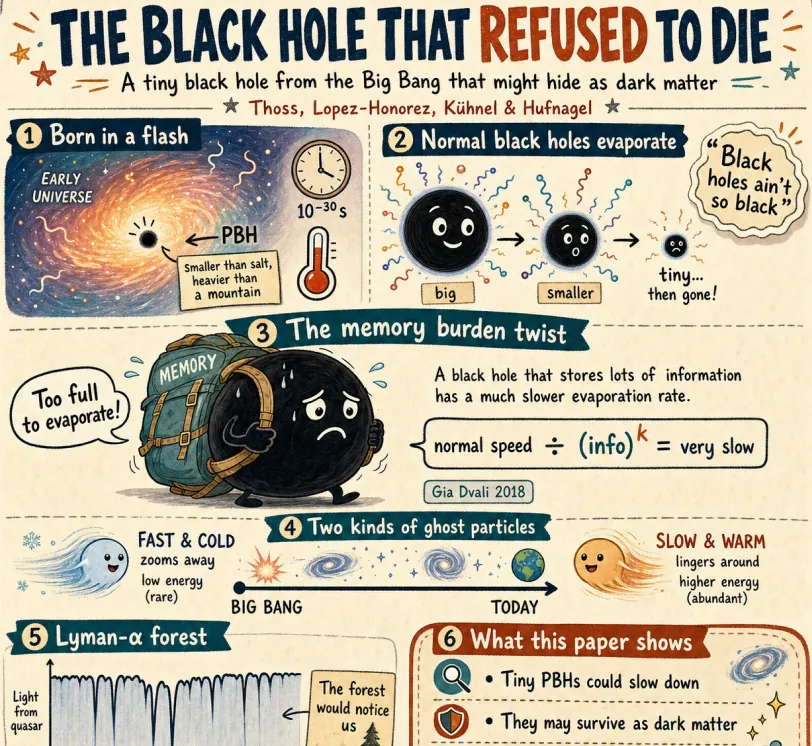
Generate and edit detailed images with GPT Image 2 for free.
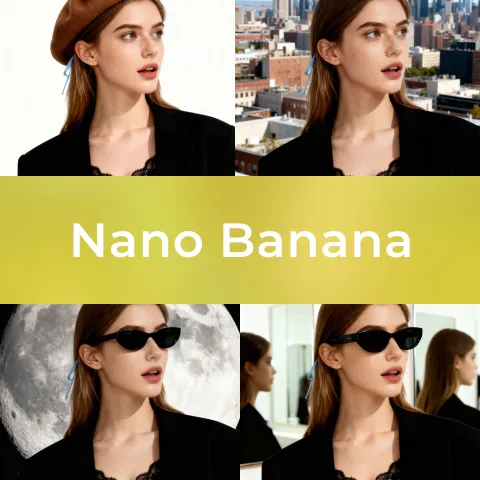
Create/Edit images with Nano Banana AI, a free AI tool.

Create/Edit images with Nano Banana Pro, a paid AI tool.
Create/Edit images with Seedream 4.0, a free AI tool.
Browse recently submitted AI tools for video generation, multimodal creation, image editing, audio, automation, and emerging production workflows.
Tap4 AI helps makers turn a product submission into a durable discovery asset: an indexed AI tool profile, SEO-friendly links, category exposure, and ongoing referral traffic from users looking for AI tools.
Your accepted listing can include dofollow links from tap4.ai, helping search engines discover your AI product and strengthening your backlink profile.
Tap4 AI is built around AI tool discovery, category pages, search pages, and detail pages that keep sending relevant users after the launch day.
Paid submissions can be reviewed faster, listed permanently, and positioned with richer product context so makers can turn visitors into users.
Popular submissions can benefit from Tap4 AI social sharing and inclusion in the Tap4 AI GitHub project for additional referral exposure.
Read practical prompt ideas, deployment guidance, multimodal video workflows, and updates about useful AI creation tools on Tap4 AI.