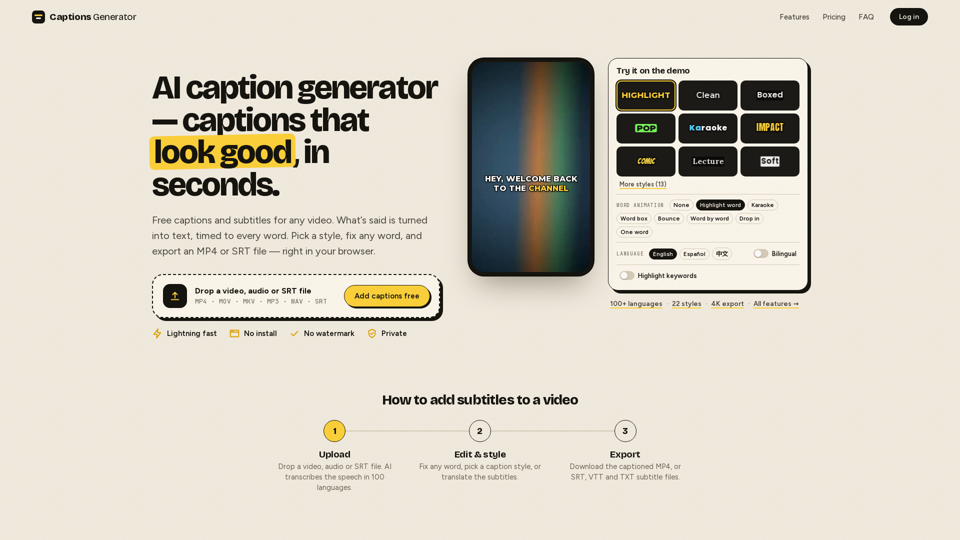
Overview
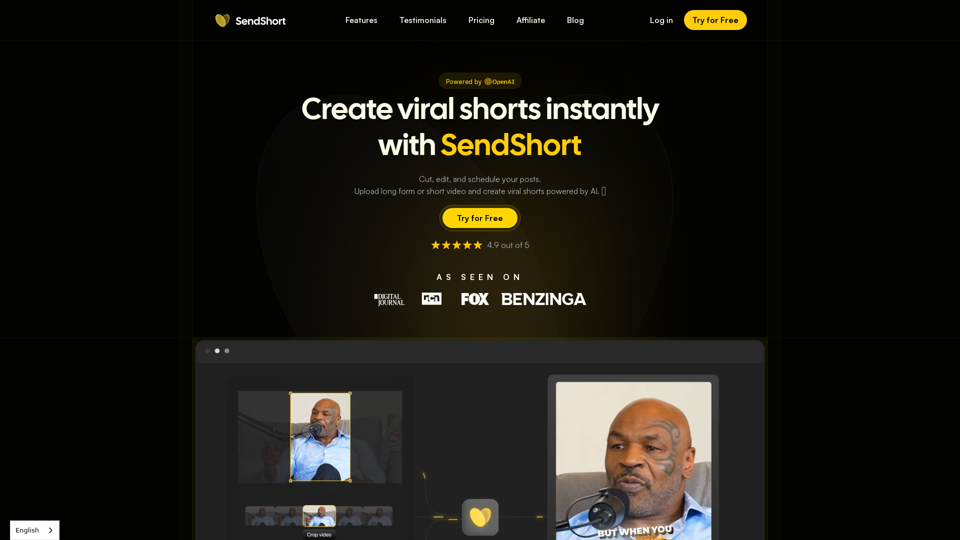
Captions Generator is a powerful, browser-based AI subtitle tool designed to streamline the process of adding professional-looking captions to video content. By leveraging advanced AI, it automatically transcribes speech, synchronizes text with audio, and provides a suite of styling options to enhance viewer engagement.
Main Purpose and Target User Group
The primary purpose of this video transcription software is to make video content more accessible and engaging. It is an essential tool for content creators, social media managers, educators, and businesses looking to optimize their videos for platforms like TikTok, Instagram Reels, and YouTube Shorts.
Function Details and Operations
- Automatic Transcription: Utilizes AI to transcribe speech in over 100 languages with automatic detection.
- Dynamic Caption Styles: Offers 22+ professional styles, including karaoke, word-by-word highlighting, bounce, and pop effects.
- Customization Tools: Allows users to edit text, adjust timing, change fonts, and apply custom colors.
- Hook Titles: Enables the addition of on-screen hook titles to grab viewer attention instantly.
- Translation Services: Provides one-click translation into 100+ languages, including support for bilingual captions.
- Export Flexibility: Supports burning captions directly into MP4 files (up to 4K resolution) or downloading separate SRT, VTT, and TXT subtitle files.
- Safe-Zone Checker: Ensures captions are perfectly positioned for vertical social media formats (TikTok, Reels, Shorts) to avoid overlapping with UI elements.
User Benefits
- Efficiency: Lightning-fast processing that turns speech into timed text in seconds.
- Accessibility: Helps reach a wider audience, including the 430 million people worldwide with hearing loss.
- Engagement: Increases watch time by catering to the 63% of young adults who prefer watching videos with subtitles.
- Privacy-Focused: Videos are processed locally in the browser, ensuring that your media files never leave your device.
- No Watermarks: Provides a clean, professional look for all exported videos, even on the free plan.
Compatibility and Integration
- Platform Support: Fully compatible with vertical (9:16) and landscape (16:9) video formats.
- File Format Versatility: Supports input formats including MP4, MOV, MKV, MP3, WAV, and SRT.
- Workflow Integration: Exported SRT/VTT files are compatible with major video editors like Adobe Premiere, CapCut, and YouTube’s native subtitle system.
Access and Activation Method
Captions Generator is accessible directly through any modern web browser at https://captionsgenerator.app/. Users can start for free by uploading a file to the dashboard. Pro features can be activated via a simple subscription model, offering enhanced capabilities like 4K exports, unlimited captions, and advanced styling options.