What is Pika?
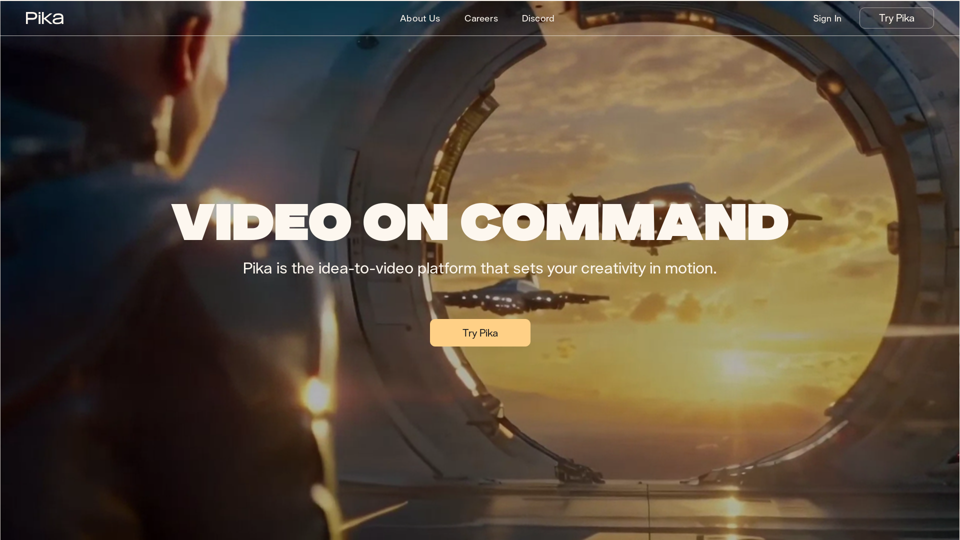
Pika is the idea-to-video platform that sets your creativity in motion. It's a platform that allows users to create videos from their imagination, from memes to movies.
How can I use Pika?
Pika offers three ways to create videos: text-to-video, image-to-video, and video-to-video. Users can create immersive, moving scenes from their favorite photos, paintings, and drawings, or breathe new life into existing videos.
Features of Pika
Modify Region
Modify anything in the frame or change the style on a whim. Simply call out what you'd like changed and Pika will seamlessly incorporate it into the frame.
Lip Sync
Give your characters a voice. Type what you want to hear, and Pika will put your words in their mouth.
Sound Effects
Make some noise. Either prompt the sound you want, or let Pika automatically generate it.
Expand Canvas
Pika never confines you to the frame. Create the world around your video with just a simple command.
Extend Video Length
The story doesn't end when your video does. Add as much time as you need — what happens next is up to you.
Pricing
Pika offers a free trial, and users can subscribe to the platform for additional benefits and extended access beyond the free usage limits.
Community Showcase
Check out the amazing videos created by our community, featuring cartoons, raccoon capers, and short films — all powered by Pika.