What is Piktochart?
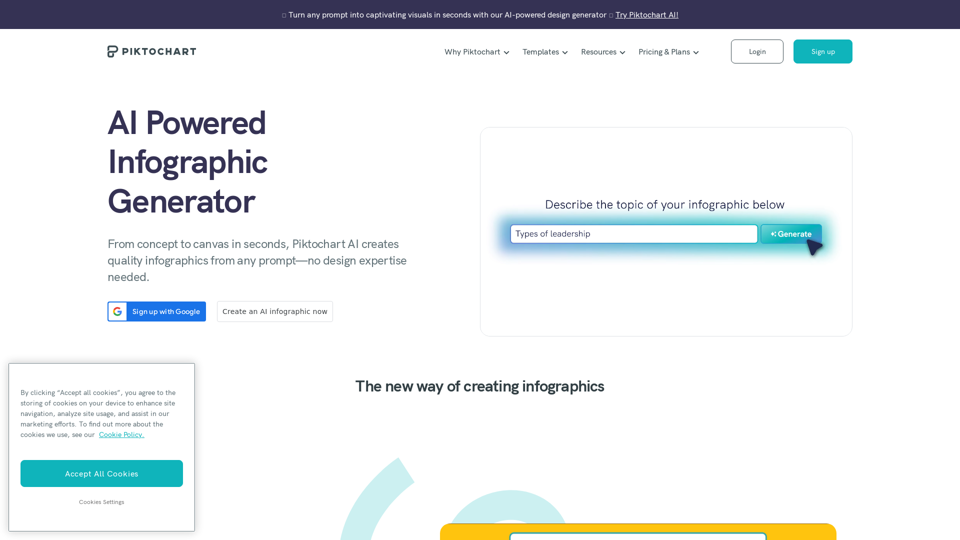
Piktochart is an AI-powered infographic maker that offers a wide range of visual tools for various purposes, including infographic templates, video editors, and AI design generators.
How can I use Piktochart's AI infographic maker?
Every user can create up to 4 infographics daily, regardless of their plan. With a free Piktochart account, you receive 10 extra AI generations each month. Pro users have access to 100 AI generations, while Business users can utilize 300 AI generations monthly.
Features of Piktochart's AI infographic maker
- Create an infographic in less than 10 seconds
- Choose from a diverse collection of infographic templates
- Customize your design in the Piktochart editor
- Incorporate images, icons, and other elements into the infographic creator
- Easily share in various formats like JPG, PNG, or PDF
What types of infographics can be created using Piktochart's AI tool?
- Press Release Infographic
- Internal Communication Infographic
- Fact Sheet for Communications
- Marketing Infographic
Can I personalize the infographic by adding images and charts?
Absolutely! Once you've chosen a template, you'll enter our editor. From there, you can include images and charts from our extensive library of visual assets or upload your own.
How can I achieve better outcomes?
We suggest providing detailed information on the topic you wish to cover. Experimenting with different prompts may also lead to improved results.
How long does it take to create my infographic with AI?
Piktochart AI lays the groundwork for you in under 10 seconds based on your infographic topic. After generating your infographic, you can further tailor it with additional content or design elements.
Do I need to register for Piktochart?
Yes, you must have a free Piktochart account to edit, customize, or download the infographic.
Why use an AI infographic maker?
An AI infographic maker streamlines the design process, making it quicker, more user-friendly, and cost-effective while delivering high-quality, customizable outcomes. This enables you to concentrate more on the content and messaging, ensuring your infographics effectively convey your information.