Pixel Skin
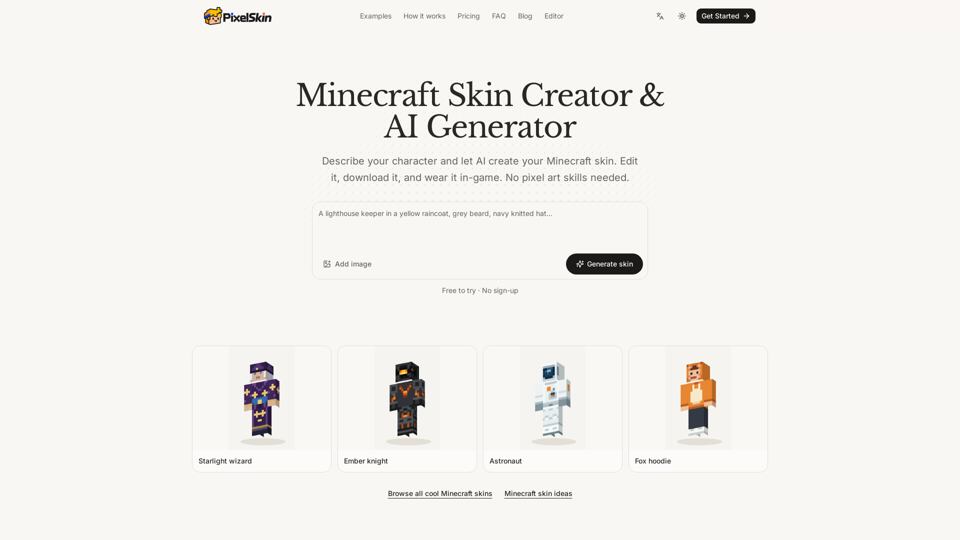
Pixel Skin is an advanced AI-powered Minecraft skin creator designed to simplify character personalization. It replaces complex pixel-art software with a streamlined workflow that lets users generate, refine, and export high-quality 64×64 Minecraft skins using natural language prompts or reference images, making it easy to move from concept to in-game character.
Main Purpose and Target User Group
The primary purpose of Pixel Skin is to democratize digital skin customization, enabling users to create unique avatars without traditional design skills. It is ideal for Minecraft players, content creators, and gamers who want premium, tech-driven personalization for their characters in both Java and Bedrock editions.
Function Details and Operations
- AI Generation: Users can input descriptive text or upload reference photos to generate custom skins.
- 3D Preview Engine: The platform paints directly onto a 3D model, allowing users to rotate it, hide outer layers, and view animations such as walking in real time.
- Natural Language Editing: Users can request specific modifications, such as “change the boots to black,” and the AI applies them to the model.
- Manual Refinement: In addition to AI tools, the platform includes manual editing capabilities for fine-tuning details.
- Export Compatibility: Generates standard 64×64 PNG files compatible with Minecraft’s official import requirements.
User Benefits
- No Skill Barrier: Eliminates the need for pixel-art expertise or complex graphic design software.
- Efficiency: Drastically reduces the time required to create custom Minecraft skins compared to manual pixel-by-pixel painting.
- High Precision: The AI reviews the skin from four angles to ensure consistency and quality across the full character model.
- Flexibility: Credits never expire, and free manual editing makes it a cost-effective option for long-term personalization.
Compatibility and Integration
- Game Versions: Fully compatible with Minecraft Java Edition and Bedrock Edition on PC and mobile.
- File Format: Exports standard 64×64 PNG files, the industry-standard format for Minecraft skin imports.
- Browser-Based: Runs directly in the browser, so no software installation is required, and projects are saved locally during the session.
Access and Activation Method
Users can access the tool immediately at pixelskin.app. The platform offers a try-before-you-buy experience, allowing users to generate initial skins without an account. For advanced AI generations and iterative edits, users can purchase credit packs in Starter, Creator, or Studio tiers to unlock the full capabilities of the AI generator. Once satisfied, users can download the PNG file and upload it through the Minecraft Launcher or Dressing Room.