What is Plus AI?
Plus AI is a free AI presentation maker for Google Slides that provides access to a vast array of AI technologies for various needs, including text-to-presentation, document-to-presentation, and AI-powered editing tools.
How can I use Plus AI for free?
Every user can utilize Plus AI for free for 7 days, after which you can choose a paid plan that meets your needs. You can create and edit presentations using Plus AI's add-on in Google Slides.
Can I generate presentations from text using Plus AI?
Yes, you can use Text-to-Presentation mode in Plus AI to create presentations from documents. All you have to do is copy and paste the text into the Text-to-Presentation option to convert blog posts, articles, and PDFs into presentations.
What are the features of Plus AI?
Plus AI offers a range of features, including:
-
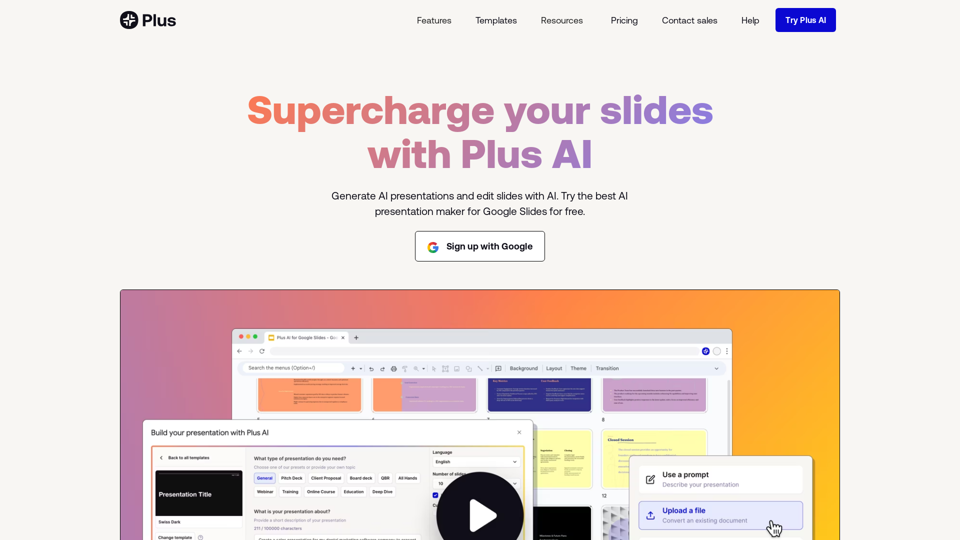
Prompt to presentation: Describe your presentation in a few sentences, and Plus AI will generate a presentation for you.
-
Document to presentation: Upload a file (PDF, Word document, PowerPoint, or text file) to generate a presentation.
-
AI in any language: Plus AI can read, write, and translate nearly any language.
-
Edit slides with AI: Use Plus AI's AI-powered editing tools to refine your presentation.
-
Templates and designs: Plus AI offers fully customizable templates and designs compatible with its entire suite of AI tools.
-
Integration with Google Slides and PowerPoint: Plus AI works seamlessly with Google Slides and allows for easy export to PowerPoint.
How can I maximize my use of Plus AI's AI services?
By leveraging the 7-day free trial and daily free uses of Plus AI's features, users can explore a vast range of AI-powered tools to support various tasks, including generating and editing presentations.
Will my information be used for training data?
Plus AI highly values user privacy, and your data will not be used for any training purposes. If needed, you can delete your account at any time, and all your data will be removed as well.
When would I need a Plus AI subscription?
If the 7-day free trial does not meet your needs, and you heavily rely on Plus AI's features, we invite you to subscribe to our affordable products.
Pricing
Try Plus AI for free and start with a 7-day free trial. Cancel any time.