ManualFig AI Product Features
-
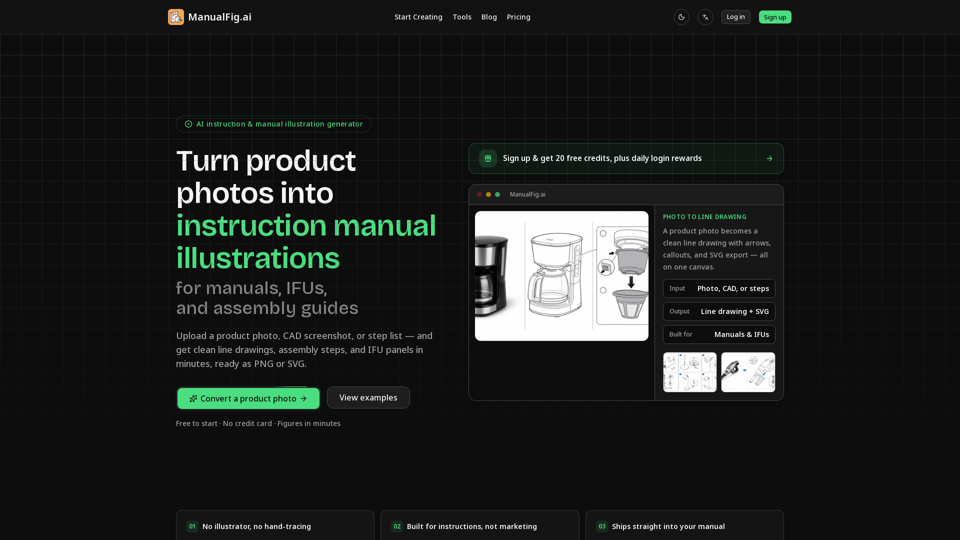
AI-Powered Conversion
Automatically converts raw product photos or CAD files into clean, technical line drawings, eliminating the need for manual tracing. -
Instruction-Specific Elements
Generates essential manual components including numbered steps, directional arrows, part callouts, zoom details, and warning symbols. -
Compliance-Ready Panels
Creates "correct/incorrect" comparison panels, hazard warnings, and safety-focused illustrations required for medical and industrial documentation. -
Interactive Editing
Allows users to refine figures using simple text prompts, ensuring the final output matches specific product requirements. -
Version Control
Keeps all project references, prompts, and generated figures in one workspace, allowing for side-by-side comparison to ensure stylistic consistency. -
Flexible Exporting
Supports high-quality exports in PNG and SVG formats, ensuring images remain crisp and scalable for print or digital documentation. -
Compatibility and Integration
Generated SVG files are stroke-based and compatible with professional layout tools like Adobe Illustrator. The platform supports a wide range of input formats, including photos, CAD screenshots, supplier images, and written procedures.