Overview
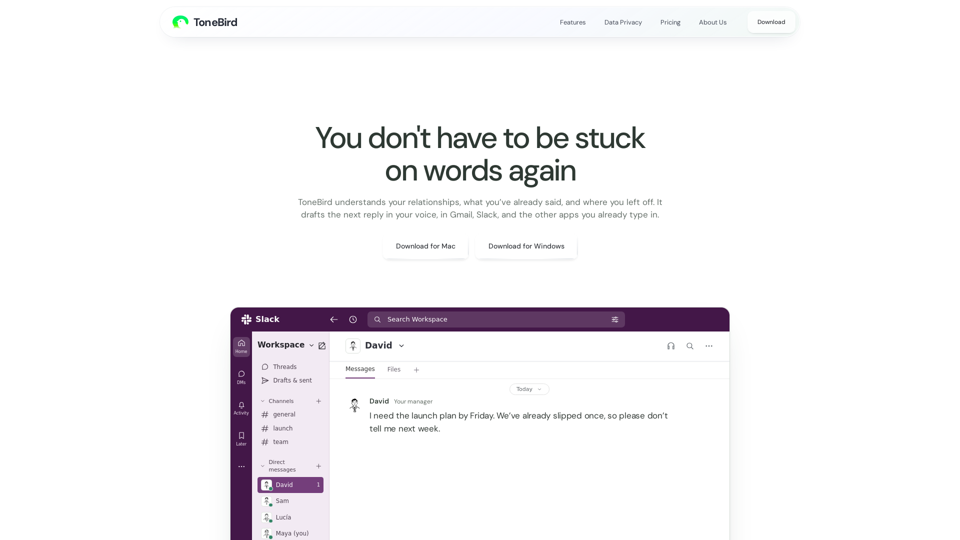
ToneBird AI is a socially fluent AI reply assistant designed to streamline professional and personal communication. By integrating directly into the applications you already use, ToneBird eliminates the need to switch contexts or manually draft responses. It leverages advanced relationship memory to understand your unique voice, past interactions, and specific project facts, ensuring every reply is accurate, context-aware, and personalized.
-
Function Details and Operations
- Context-Aware Drafting: ToneBird analyzes previous conversations, shared files, and specific commitments (like deadlines or pricing) to suggest replies that are factually accurate.
- Tone Customization: Users can adjust the "vibe" of their replies using intuitive controls, such as making a message more precise, warmer, or adding humor.
- Seamless Integration: Operates as an overlay within your existing apps. Simply trigger the interface with a keyboard shortcut (Option twice on Mac, Ctrl twice on Windows) to view and insert suggestions.
- Smart Scheduling: Automatically detects meeting requests within chats and helps you add events directly to your Apple or Google Calendar.
- Task Management: Aggregates follow-up items, promised quotes, and unanswered questions into a centralized "To-Do" list, ensuring no commitment is forgotten.
-
User Benefits
- Efficiency: Drastically reduces the time spent drafting replies by providing high-quality, ready-to-use text.
- Relationship Continuity: By remembering past interactions and specific relationship dynamics, ToneBird ensures your replies feel human and consistent.
- Reduced Cognitive Load: Eliminates the need to manually search through old emails or files to find facts; the AI recalls them for you.
- Privacy-First Design: Your tone profile, learned corrections, and conversation data live on your device, giving you full control to export or delete your information at any time.
-
Compatibility and Integration
- Email: Gmail.
- Messaging/Collaboration: Slack, WhatsApp, iMessage, Google Chat, Discord, WeChat, Lark, and X.
- Operating Systems: Fully supported on both macOS and Windows.
-
Access and Activation Method
- Download: Visit the official ToneBird website to download the installer for your specific OS (Mac or Windows).
- Installation: Follow the on-screen prompts to install the application.
- Activation: Once installed, open your preferred communication app (e.g., Slack or Gmail).
- Usage: Click the ToneBird orb or use the designated keyboard shortcut (Option/Ctrl twice) while in a reply field to generate, tweak, and insert your AI-drafted response.