

What's AI UGC Video Generator?
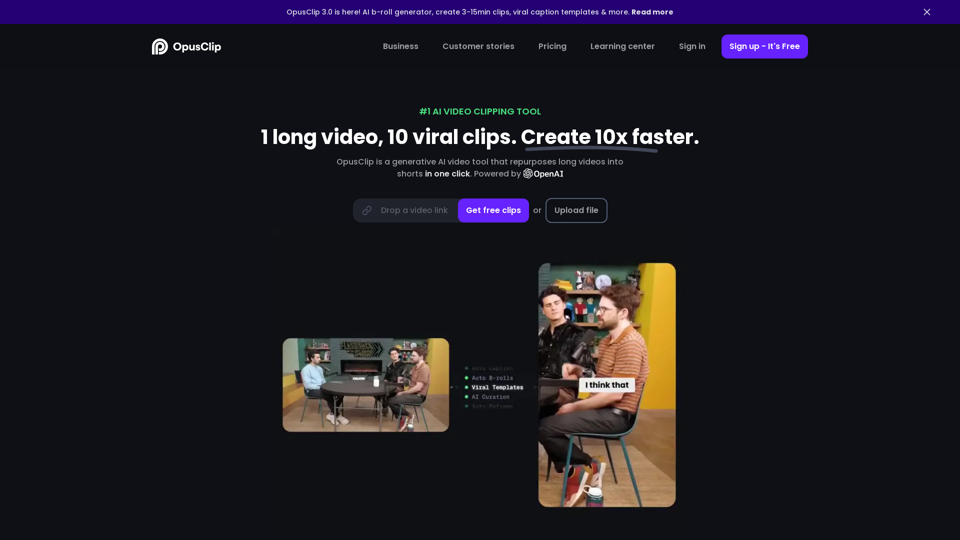
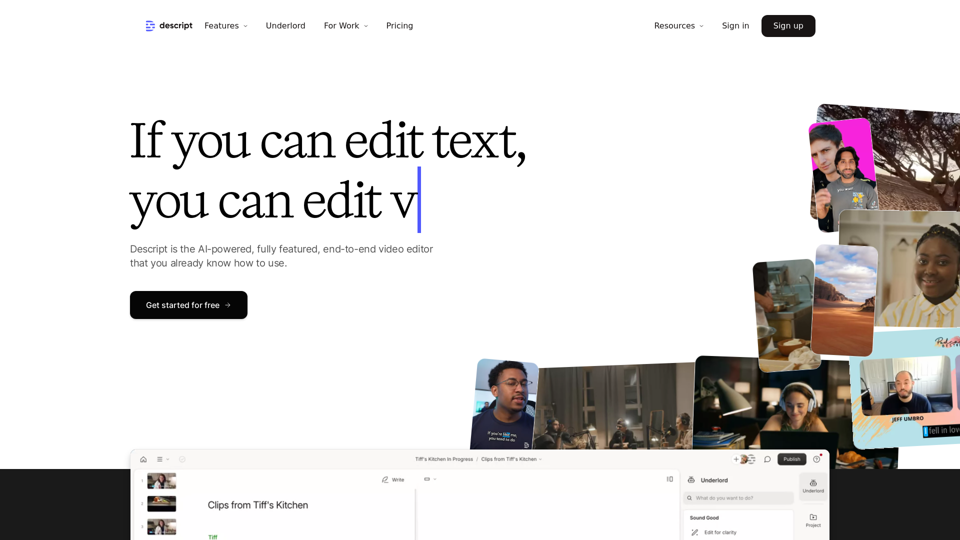
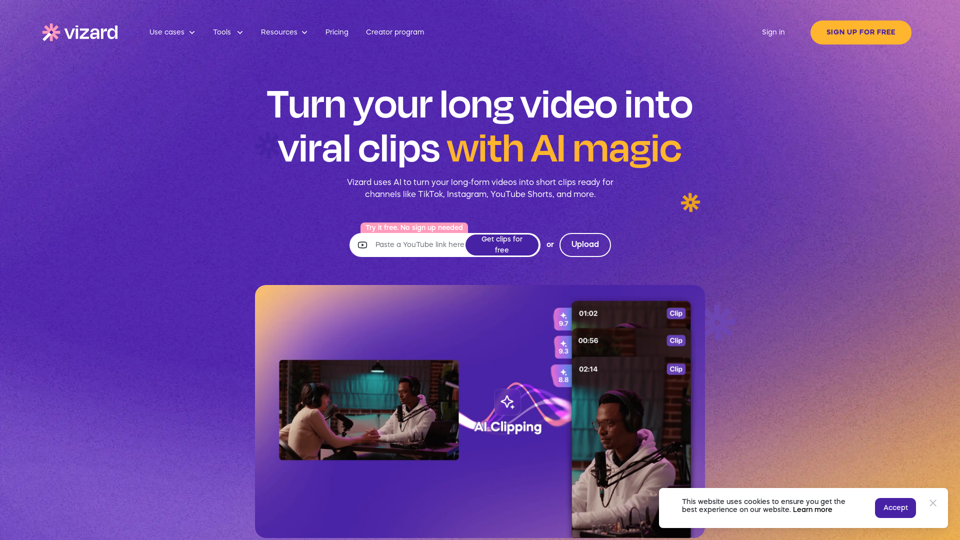
AI UGC (User-Generated Content) Video Generator is a cutting-edge technology tool that leverages artificial intelligence to create user-defined video content. This tool automates the video creation process, making it more efficient and less labor-intensive. It allows individuals or businesses to produce videos quickly by utilizing AI capabilities.
Benefits of AI UGC Video Generator
Efficiency and Cost-Effectiveness
- Time-saving: Automates video creation, reducing the time required compared to traditional methods.
- Cost-effective: Eliminates the need for expensive equipment or hiring actors, making video production more affordable.
Versatility
- Adaptable: Works with various video formats and resolutions, catering to different needs.
- Customizable: Provides user-friendly interfaces with intuitive controls for personalization.
High-Level Automation
- Machine Learning: Learns from previous content entries to generate tailor-made videos.
- Ease of Use: Suitable for anyone, from individuals to businesses, without requiring technical expertise.
How to Use AI UGC Video Generator
- Input Content: Provide text, images, or audio clips as input for the video generator.
- Customization: Use intuitive controls to customize the video style and format.
- Generation: The AI processes the input and generates videos based on the user's preferences.
- Output: Obtain a fully edited video ready for distribution across platforms.
Suitable Users
- Marketing Professionals: Ideal for creating engaging marketing content quickly.
- Content Creators: Useful for generating diverse video content without extensive resources.
- Educational Institutions: Can produce educational videos efficiently.
Advantages
- High Automation Level: Streamlines video production, saving time and resources.
- Flexibility: Adapts to various content types and formats.
- Learning Capability: Enhances video quality by learning from past content.
By utilizing AI UGC Video Generators, users can create high-quality videos that cater to diverse needs, making it a valuable tool for marketers, educators, and content creators alike.