


Video-AI Video Editor

AI Writing: AI Essay Writer with Academic Citations | Samwell AI And 219 other AI Tools For AI Video Editor

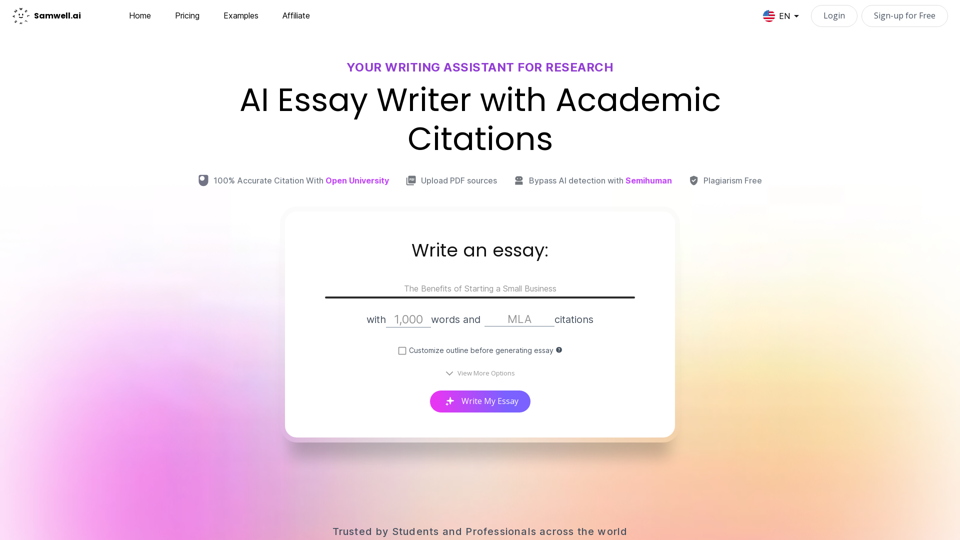
AI Writing: AI Essay Writer with Academic Citations | Samwell AI

AI Essay Writer by SamWell is a free essay generator that helps you write all types of academic essays in seconds without any plagiarism issues.

--
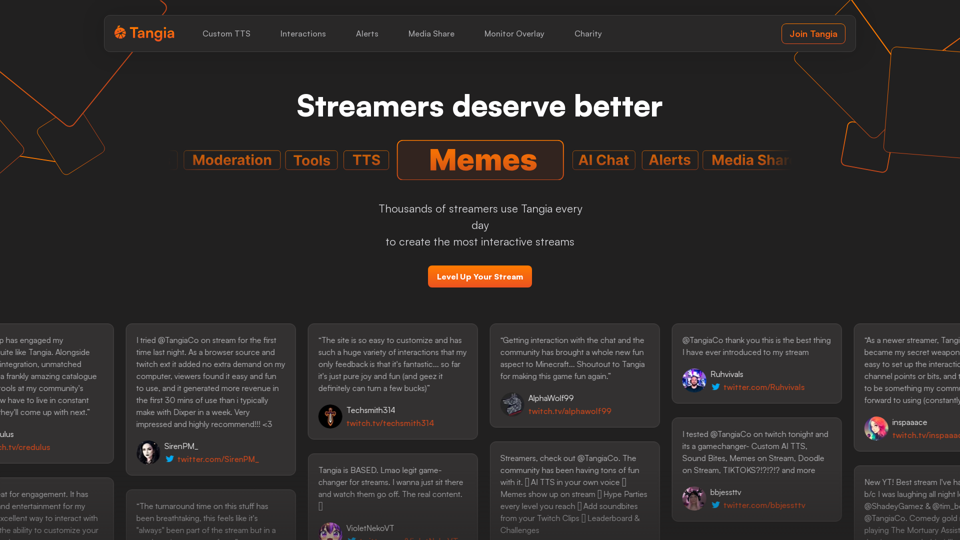
Tangia - Interactive Streaming

Supercharge chat engagement on your stream with Tangia

--
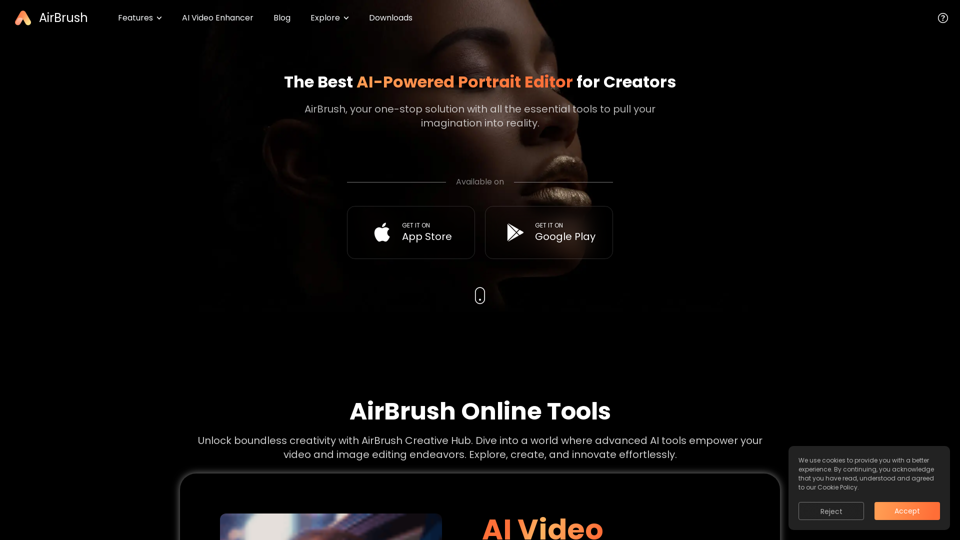
The Ultimate Portrait Editor for Creators to AirBrush Photos - AirBrush

With AirBrush photo editing, you can bring your vision to life by using various retouching tools to easily enhance photos.

--
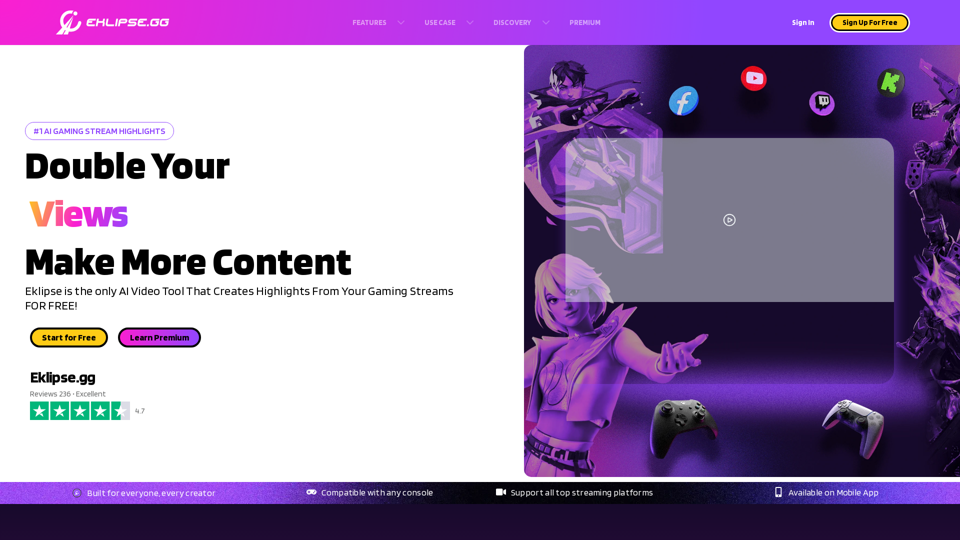
Eklipse - Convert Twitch Clip To TikTok, Reels, & Shorts For Free

Eklipse is an AI gaming highlights clipper. Convert, edit, & share the best of your Twitch stream clip to TikTok, Reels, & YouTube Short with ease & free.

--
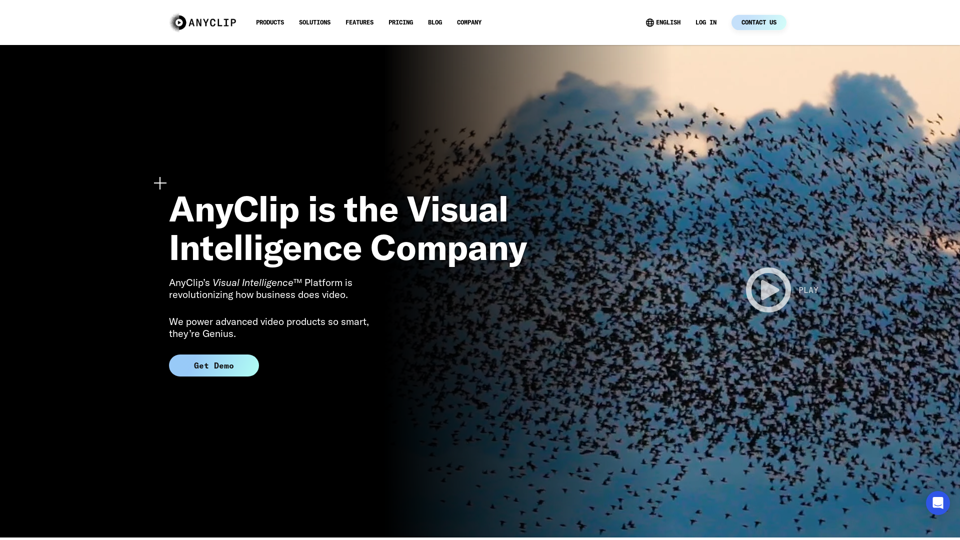
Automated Video AI Platform | AnyClip

AnyClip is redefining the way we use video. We transform traditional video into video that is dynamic and intelligent - learn more here.

--
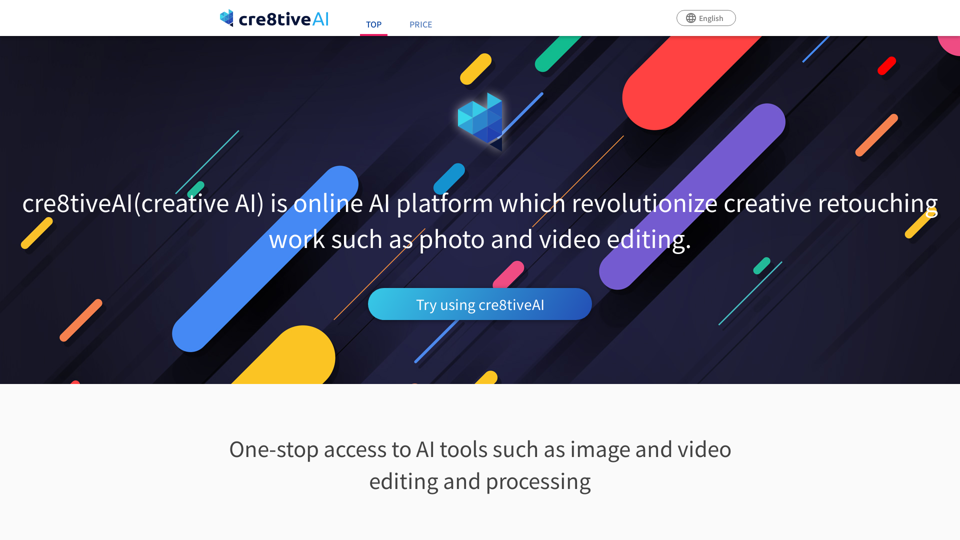
Photo, illustration and video editor AI tool: cre8tiveAI

An AI-based SaaS that solves a variety of photo and illustration editing tasks in under 10 seconds, such as automatic painting and increasing the resolution of images and videos, as well as clipping, layering, and color correction.

--
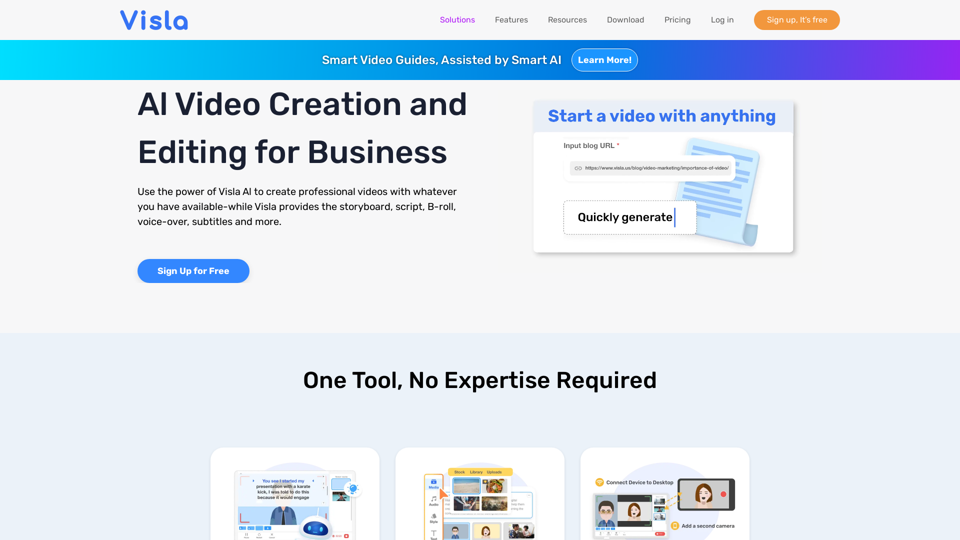
Visla: AI Video Creation and Editing for Business

Visla is an AI powered video creation platform that enables teams and individuals to easily record, edit, and share high-quality videos.

--
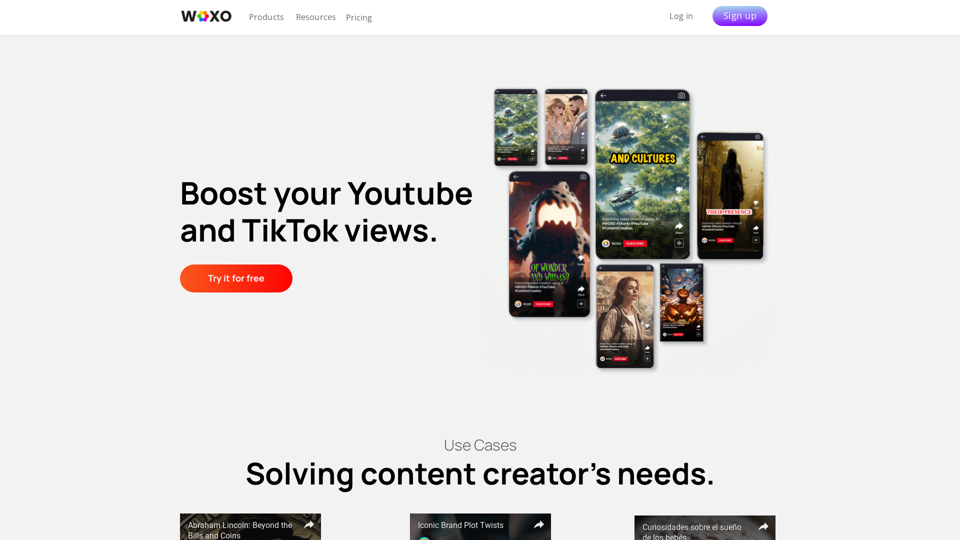
WOXO: AI Video Generator for Social Content

WOXO is the leading AI video generator. Effortlessly create and schedule 21 unique videos for Youtube, TikTok, or Instagram. Try the future of video creation with WOXO now!

--
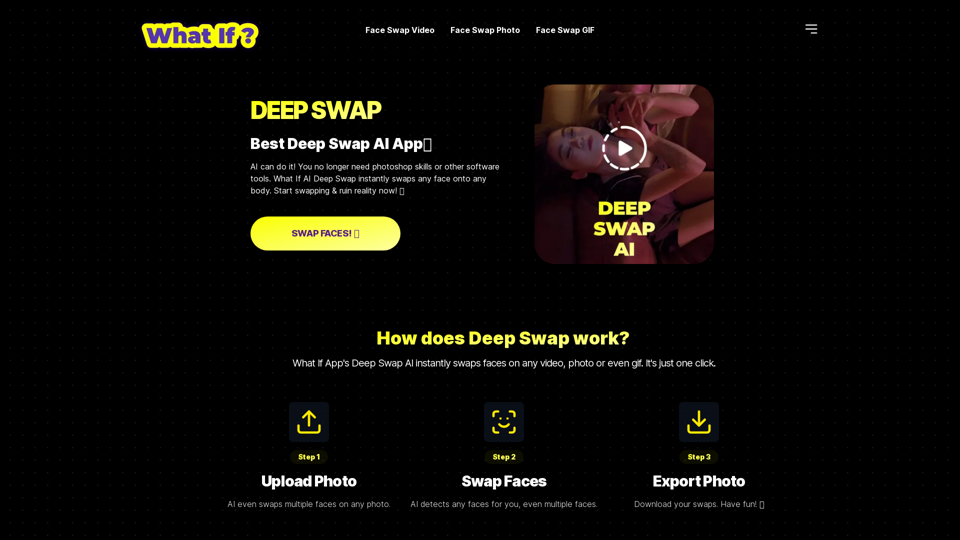
DEEP SWAP

Whatifapp.co: DEEP SWAP AI provides top-notch face swapping technology for videos, gifs, and photos. Easily swap faces using DEEP SWAP AI Face Swapper.

--
Enterprise AI software for teams between 2 and 20,000 | Team-GPT

Team-GPT helps companies adopt ChatGPT for their work. Organize knowledge, collaborate, and master AI in one shared workspace. 100% private and secure.

--
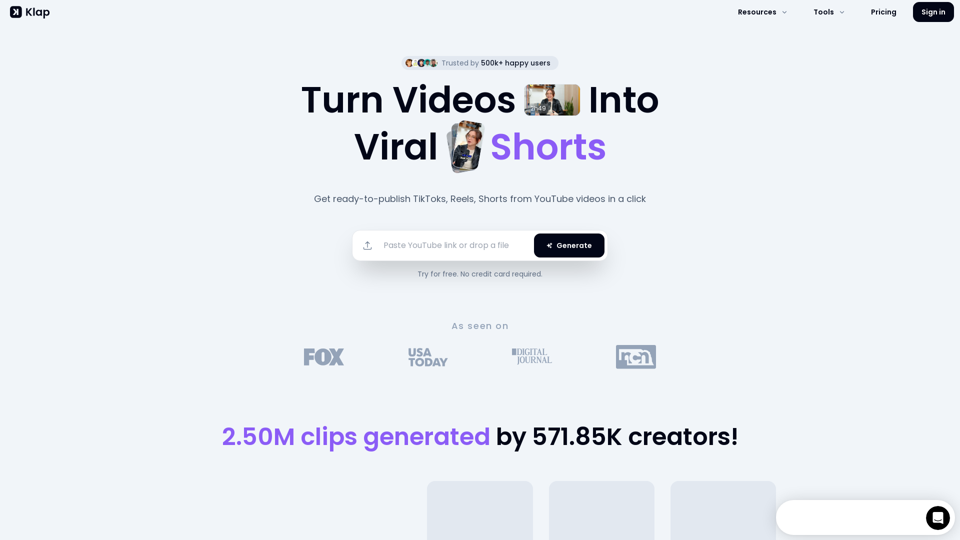
Turn Videos into Viral Shorts with Klap

Klap.app: Create TikToks, Shorts, and Reels effortlessly from your YouTube content with AI-powered tools on Klap.app.

--
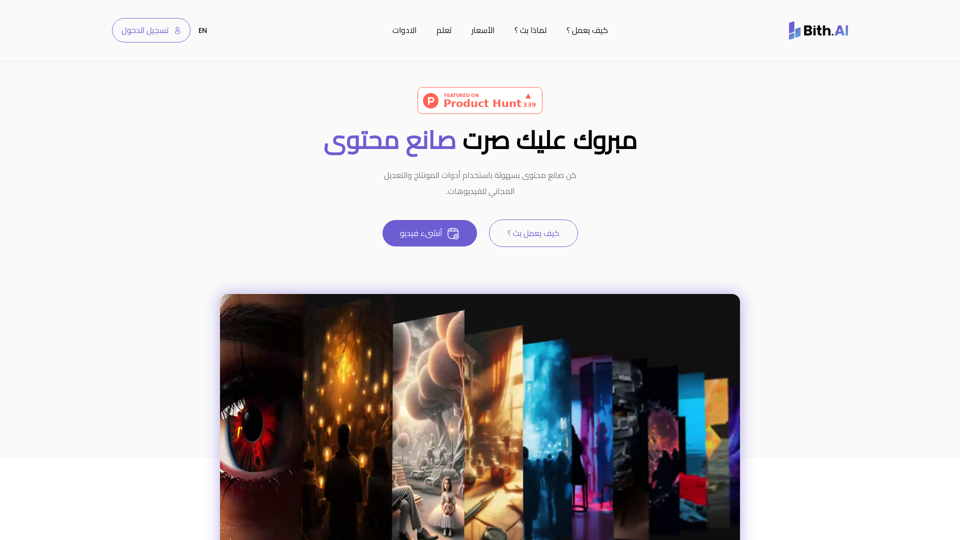
Bith.ai | Content Creation Made Easy

BithAI is an all-in-one free video editor to take your content to the next level. Create, edit, and publish videos in minutes.

--
Meet Munch - The #1 AI Video Repurposing Platform.

Discover Munch, the leading AI video repurposing platform, transforming your content into engaging videos effortlessly. Try now for FREE!

--
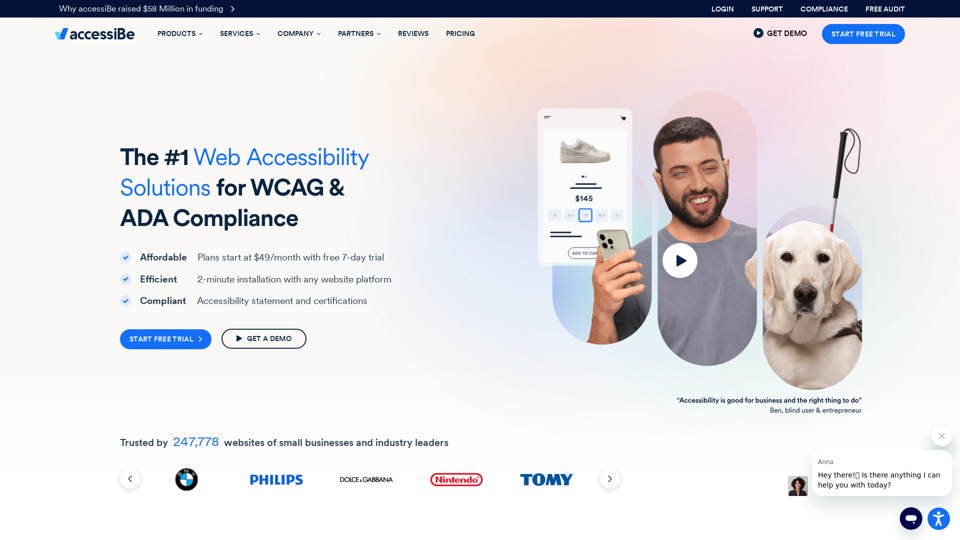
Web Accessibility Solution for ADA Compliance & WCAG - accessiBe

AI-Powered web accessibility solutions. Make your website compliant with WCAG 2.1, ADA, Section 508, AODA, ACA, and more with accessiBe.

--
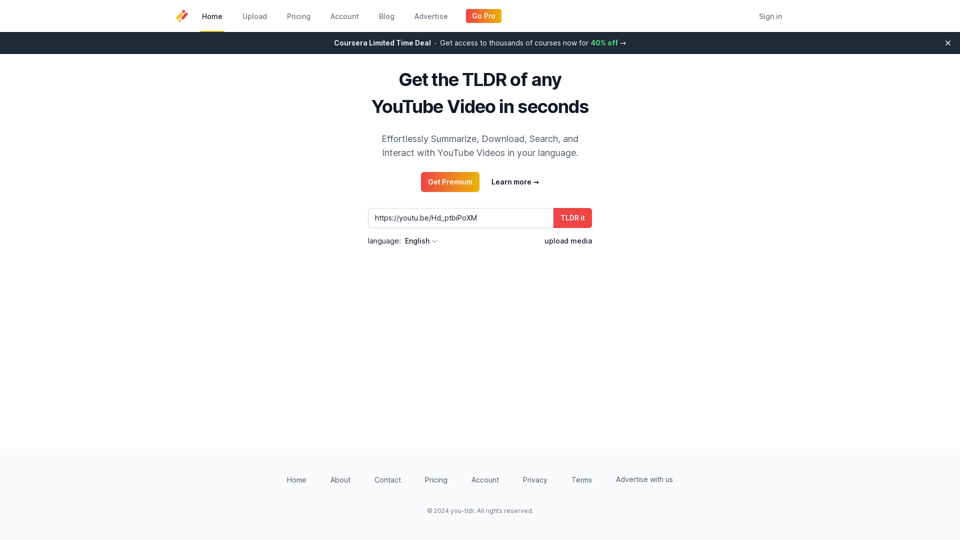
Home

Get the summary of any YouTube video.

--
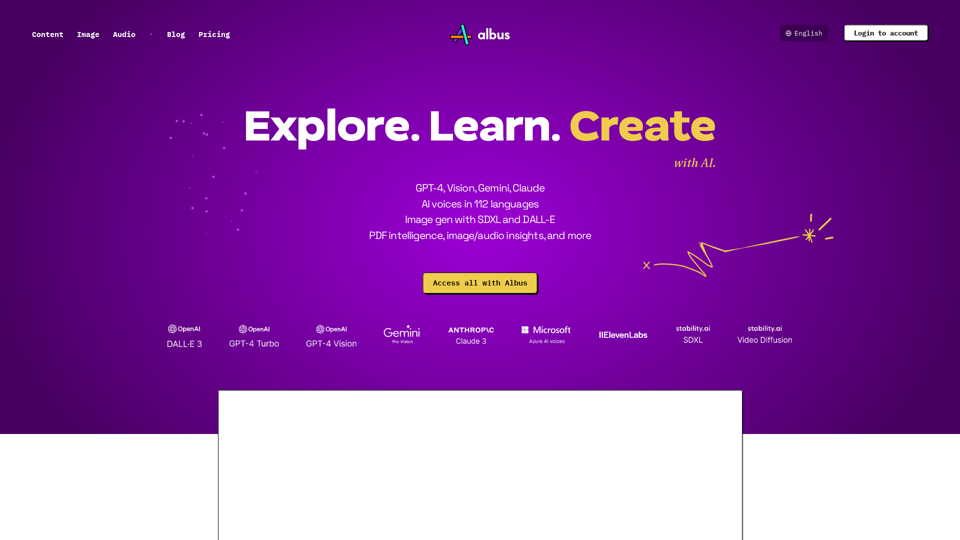
Albus - Explore, Learn, Create with AI

Albus is great for boosting your self-learning, research and creative sessions with AI. Generate AI images & audio. Access all of SDXL, GPT-4o, Vision, DALL-E 3, ElevenLabs Audio, Google’s Gemini Flash, Gemini Pro & Vision, Claude 3 models, and more.

--
GoEnhance AI - Video to video, Image enhancer and upscaler

Video to animation Platform, transform your videos into a variety of animated styles, including pixel and flat anime. Enhance and upscale images to extreme detail by AI.

--
Spikes Studio

Spikes Studio: Spikes Studio provides a solution to convert long-form content into captivating viral videos for YouTube, TikTok, and Reels. With a powerful Ai editor integrated with auto-captions and extra functionalities, elevate your online presence and broaden your impact.

--

Related Tags about Video-AI Video Editor

What's AI Video Editing?

AI video editing involves using artificial intelligence to automate and enhance various aspects of video production. This technology simplifies the video editing process by offering features like automatic subtitle generation, background noise removal, and AI-powered video effects. It allows users to create high-quality videos with minimal manual intervention, making it accessible to both beginners and experienced editors.

Benefits of AI Video Editing

  • Time Efficiency: AI tools can significantly reduce the time spent on editing by automating repetitive tasks.
  • Enhanced Creativity: AI provides creative tools like text-to-video conversion and automatic scene detection, allowing users to focus more on storytelling.
  • Accessibility: With features like auto-captioning and voiceover generation, AI makes videos more accessible to a wider audience.
  • Cost-Effective: AI tools can reduce the need for extensive manual editing, lowering production costs.

How to Use AI Video Editing Tools

Choosing the Right Tool

  • Identify Your Needs: Determine whether you need basic editing, advanced effects, or social media-specific features.
  • Evaluate Features: Look for tools offering the specific AI capabilities you need, such as text-to-speech, auto-subtitles, or noise cancellation.

Getting Started

  1. Upload Your Video: Start by uploading your footage to the AI video editing platform.
  2. Select AI Features: Choose the AI features you want to apply, such as auto-cuts, voiceovers, or background removal.
  3. Customize Settings: Adjust settings for each feature to match your video’s style and tone.
  4. Preview and Edit: Review the AI-generated edits and make any necessary manual adjustments.
  5. Export and Share: Once satisfied, export your video in the desired format and share it across your platforms.

Recommended Tools

  • Runway: Ideal for generative AI video creation and unique visual effects.
  • Descript: Best for editing videos by editing the script, with intuitive controls.
  • Wondershare Filmora: Offers traditional video editing with AI features for enhanced video quality.
  • Clipchamp: Provides a user-friendly interface with AI features like text-to-speech and silence removal.

By leveraging AI video editing tools, creators can streamline their workflow, enhance video quality, and produce engaging content more efficiently.