Free AI Image Editor & Image Changer to Change Photo Objects
Use a powerful free AI image editor to change a photo with simple words. Upload an image and replace objects, remove distractions, switch backgrounds, recolor products, restyle clothing, or turn an ordinary photo into a polished advertisement.
Free AI Image Editor Before and After Examples
See how natural-language photo editing can preserve the subject while changing the object, styling, color, background, and commercial presentation.
Change a Photo Object and Create an Ad
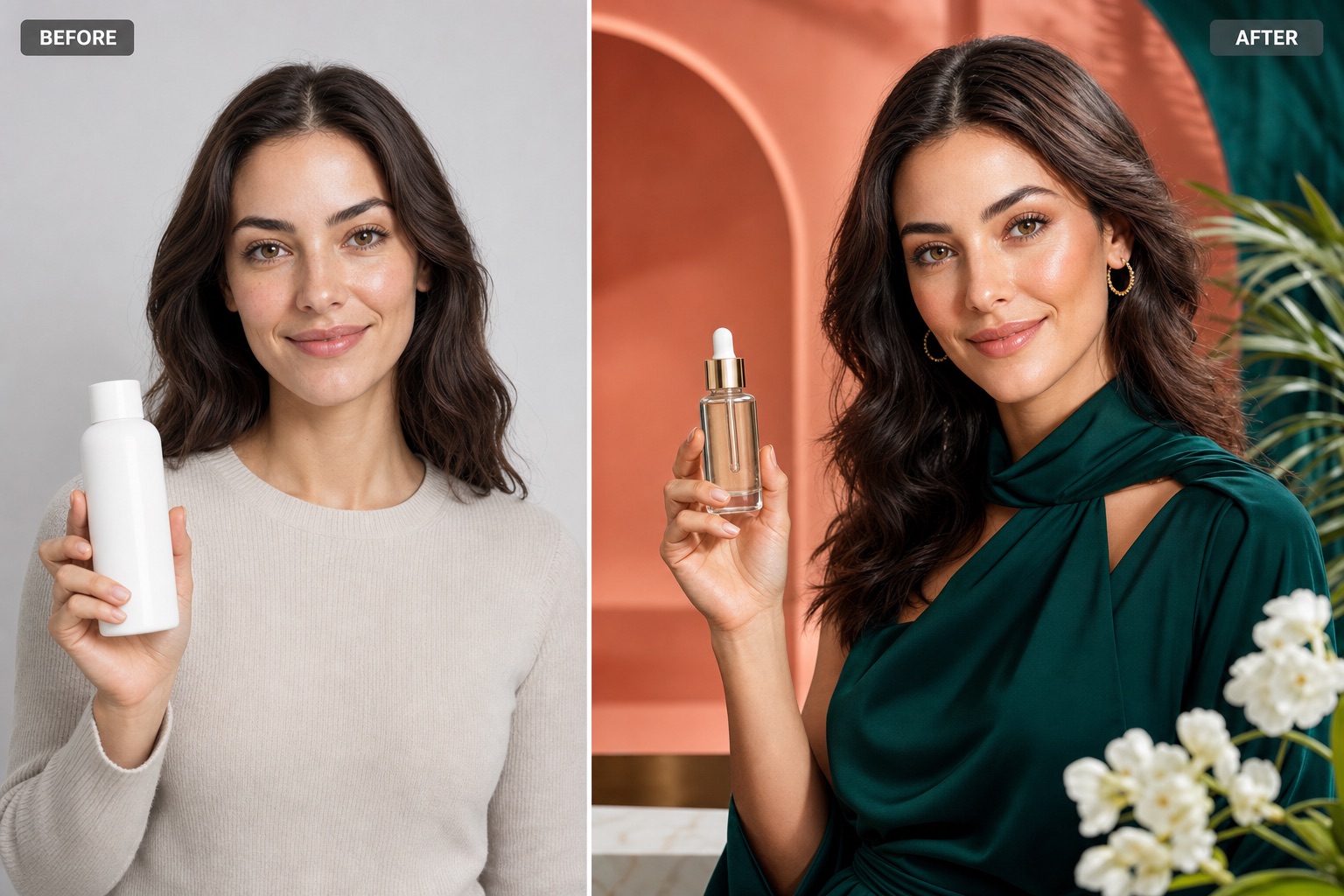
Before and after: replace a plain bottle, update the outfit, and transform a simple portrait into a premium skincare advertising image.
Change Product Color, Background, and Lighting
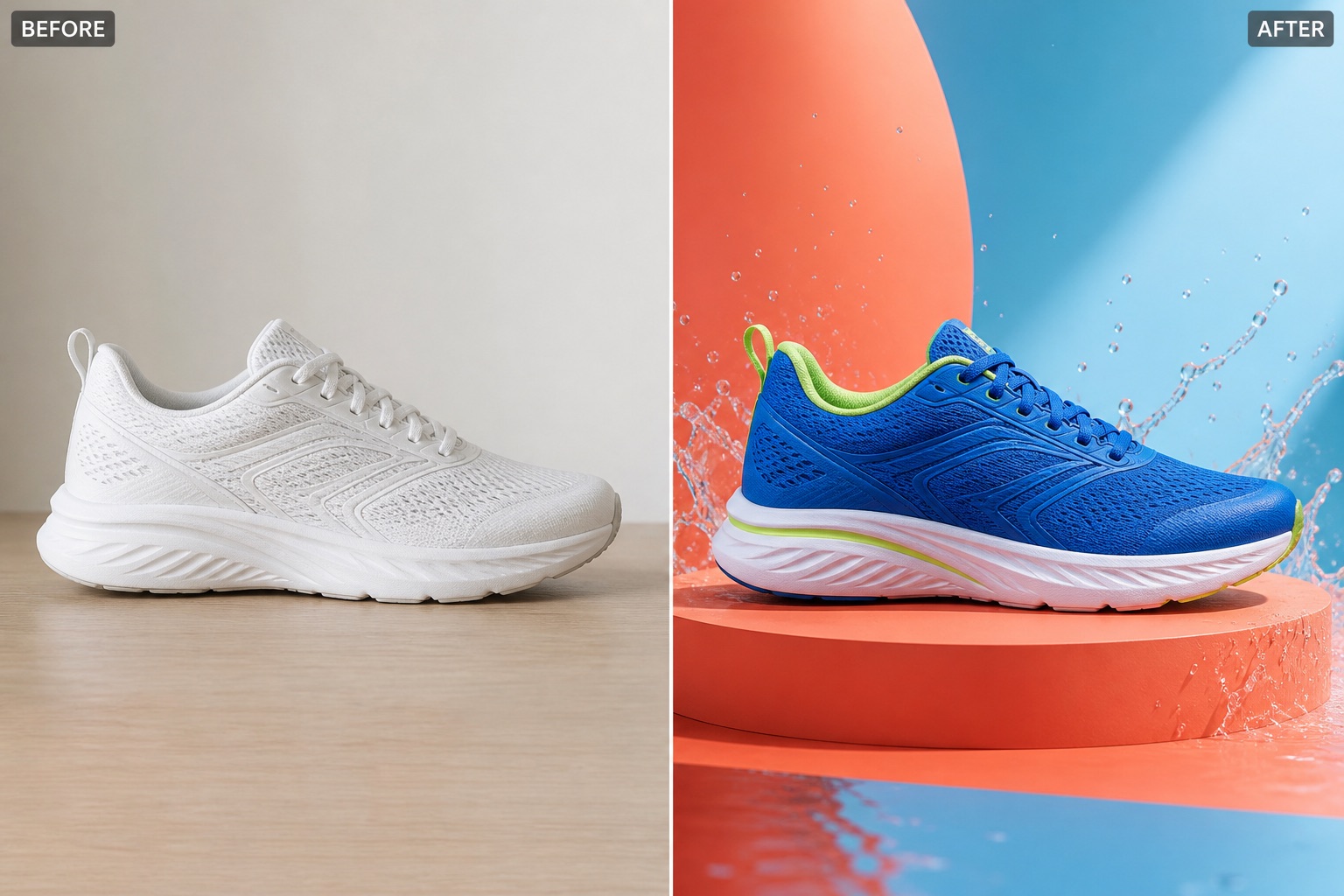
Before and after: recolor a white shoe and rebuild the scene as a bright, professional ecommerce campaign while retaining the product shape.
What Can You Change with the Free AI Image Editor?
This online image changer understands natural-language editing instructions, giving creators and businesses a fast way to improve photos without complex layers, masks, or manual retouching.
Change or Replace Photo Objects
Select the change through your prompt: replace a product, accessory, decoration, sign, or other object while keeping the surrounding composition coherent.
Remove Unwanted Elements
Describe the distraction you want removed, from background clutter and photobombers to small objects that weaken an otherwise useful image.
Swap or Rebuild Backgrounds
Move portraits and products into a studio, office, beach, city, seasonal display, or custom brand environment without starting a new shoot.
Recolor Products and Clothing
Explore new colorways for apparel, packaging, furniture, accessories, and other products while preserving important form and visual context.
Restyle People and Portraits
Change clothing, accessories, lighting, mood, or editorial styling while asking the editor to retain the person's recognizable identity and pose.
Create Advertising-Ready Visuals
Turn basic source photos into polished campaign concepts with improved lighting, product presentation, backgrounds, and a more intentional commercial look.
A Free Online Image Changer for Everyday Creative Work
From one-off photo fixes to rapid campaign concepts, the editor helps you test visual changes before investing in another shoot or a full desktop editing workflow.
Ecommerce Product Images
Create alternate product colors, cleaner backdrops, seasonal settings, and campaign-style compositions for product pages and marketplace listings.
Social Media and Ads
Adapt one source image into fresh promotional concepts for posts, banners, launch announcements, and paid advertising experiments.
Portrait and Profile Photos
Refine a portrait by changing clothing, environment, distractions, or lighting while keeping the result natural and relevant to the person.
Creative Concept Exploration
Test decor, materials, props, visual styles, and unusual object replacements quickly, then refine the prompt when a direction feels promising.
How to Use the Free AI Image Editor Online
The editing workflow is designed to be direct: provide a source image, explain the change clearly, and let the GPT Image 2 editing model create a new version.
1. Upload the Photo You Want to Change
2. Describe the Exact Edit
3. Verify, Generate, and Refine
Free AI Image Editor FAQs
Explore More Free AI Image Tools on Tap4 AI
Continue creating with Free GPT Image 2, Nano Banana AI, Nano Banana Pro, Seedream 4.0, and other free image generation and editing tools.
Create multimodal AI videos with native stereo sound and open-source MiniMax H3.
Change photo objects, backgrounds, colors, and ad scenes with AI for free.
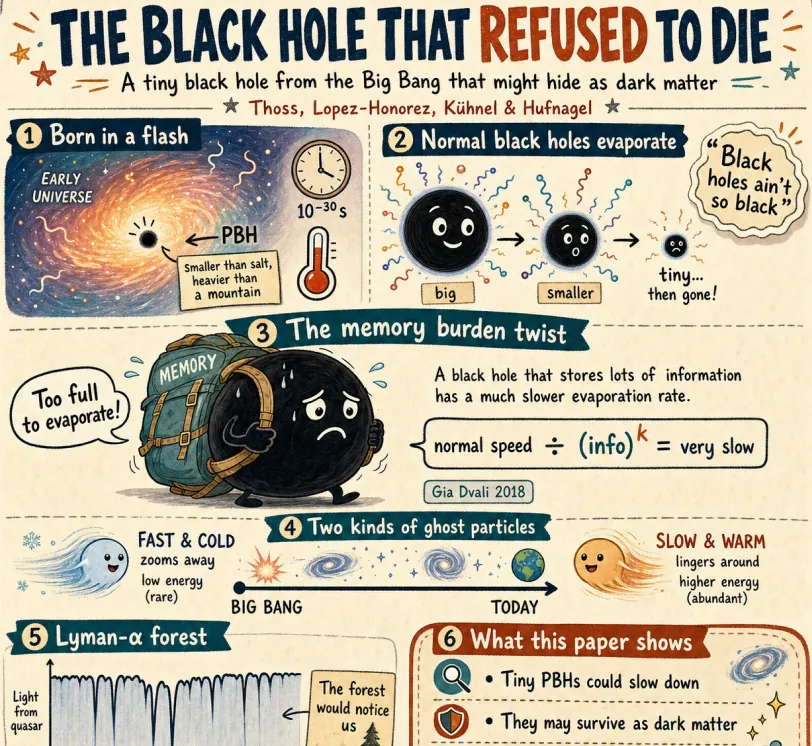
Generate and edit detailed images with GPT Image 2 for free.
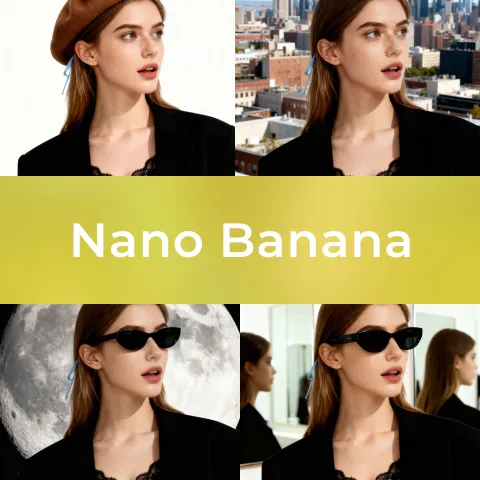
Create/Edit images with Nano Banana AI, a free AI tool.

Create/Edit images with Nano Banana Pro, a paid AI tool.
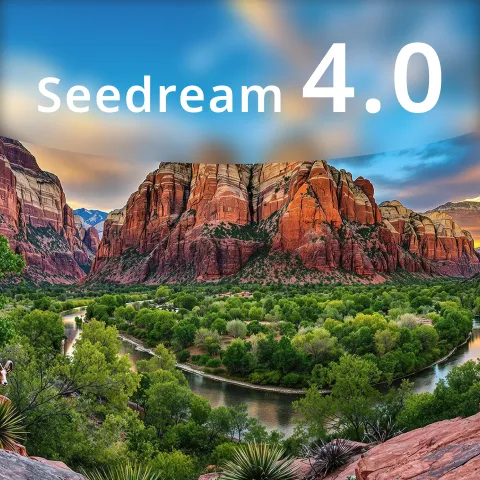
Create/Edit images with Seedream 4.0, a free AI tool.
Discover Newly Added AI Tools on Tap4 AI
Browse recently submitted AI products for image creation, video, productivity, marketing, development, and more emerging workflows.
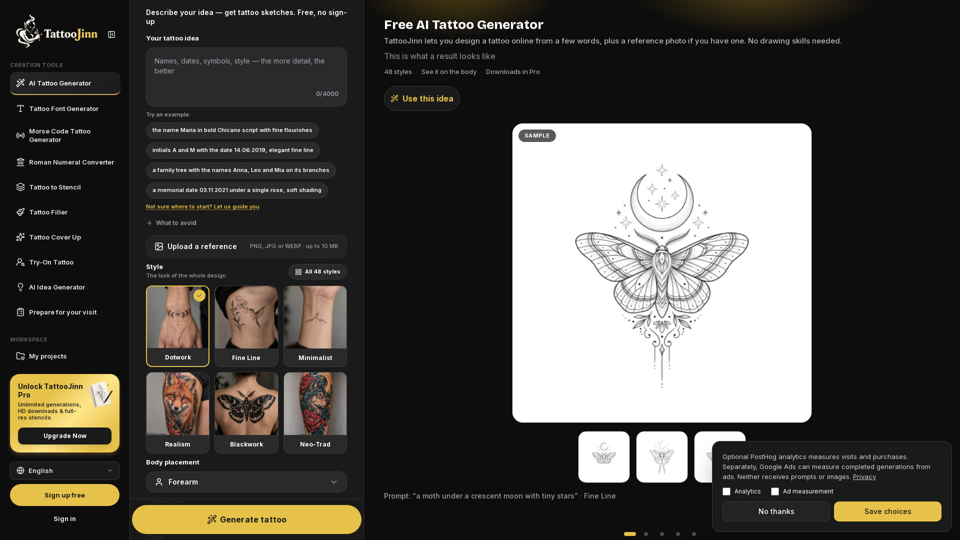
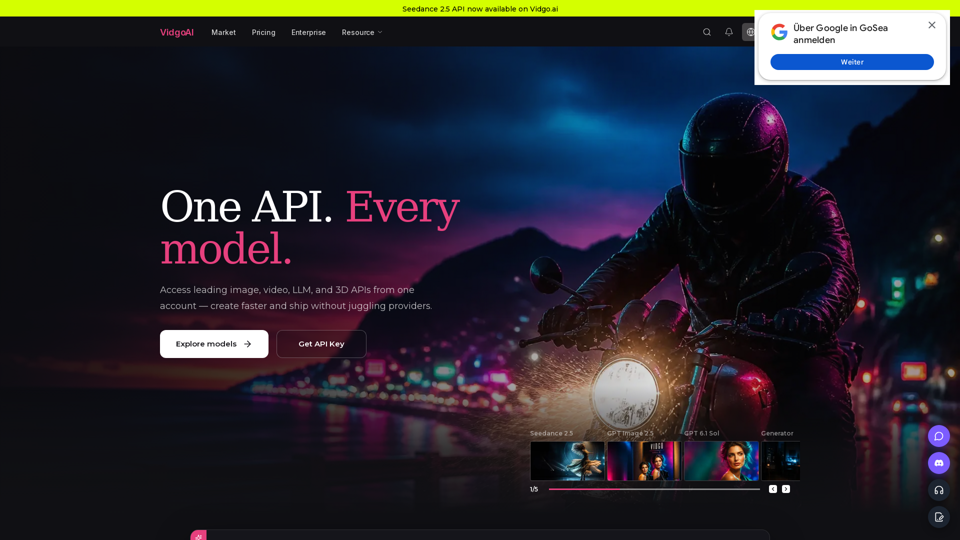
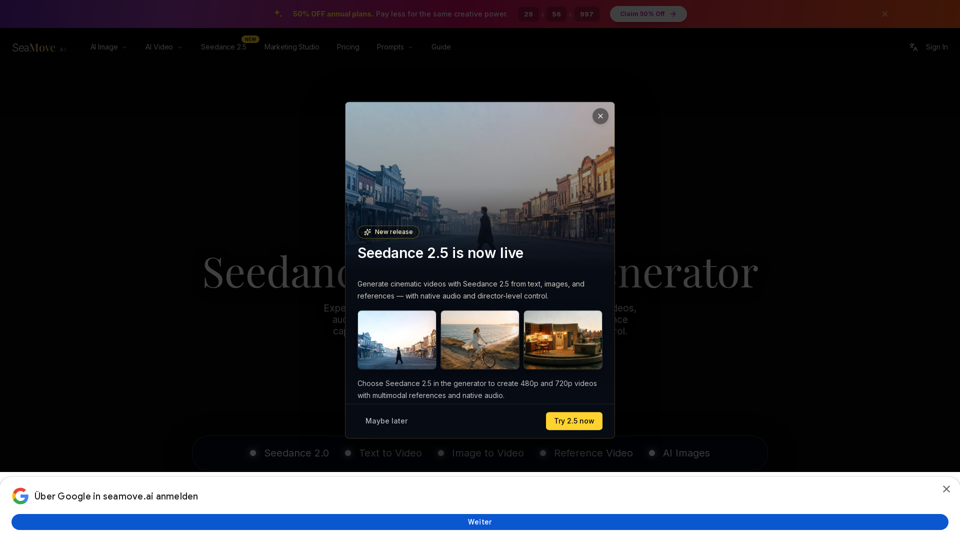
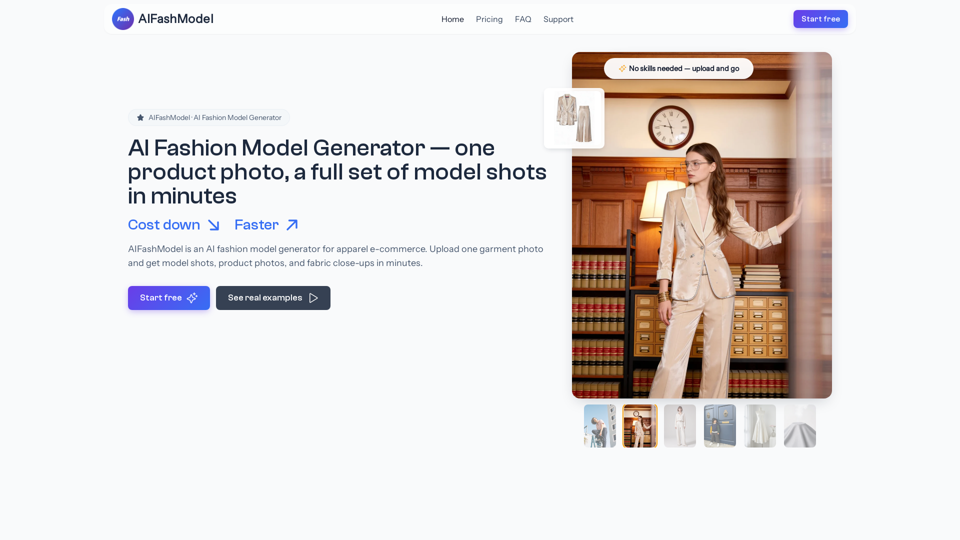
Benefits of submitting your AI tool on Tap4 AI
Tap4 AI helps makers turn a product submission into a durable discovery asset: an indexed AI tool profile, SEO-friendly links, category exposure, and ongoing referral traffic from users looking for AI tools.
Dofollow links that support SEO
Your accepted listing can include dofollow links from tap4.ai, helping search engines discover your AI product and strengthening your backlink profile.
Long-term discovery traffic
Tap4 AI is built around AI tool discovery, category pages, search pages, and detail pages that keep sending relevant users after the launch day.
More product visibility
Paid submissions can be reviewed faster, listed permanently, and positioned with richer product context so makers can turn visitors into users.
Extra distribution channels
Popular submissions can benefit from Tap4 AI social sharing and inclusion in the Tap4 AI GitHub project for additional referral exposure.
AI Image Editing Ideas, Prompts, and Tool Guides
Learn how to write better photo editing prompts, compare creative workflows, and discover useful AI tools for visual content and advertising.